Description
I have requirement to set Parent member in top and child member should come after that in data forms. I can do the same in smart view ad-hoc in Option->General->"Ancestor Position" and selecting the option Top/Bottom as per need. The same option is not available in Data Forms.
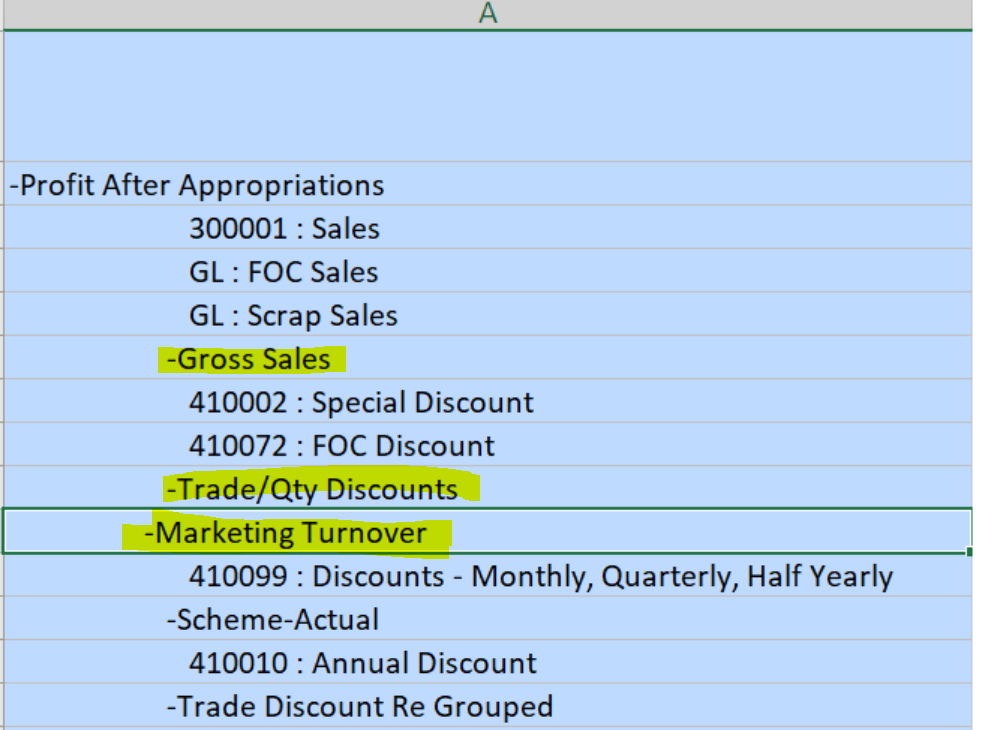
In the form definition, when I give parent name first and then use @DESCENDANTS(Parent) or @CHILDREN(Parent), instead of @IDESCENDANTS(Parent). then also I can not see parent member first and then child. It always show parent in bottom.
I have attached the screen shot for the reference. In that the highlighted member should come first then it's child should appear.
Use Case and Business Need
The business want to see the data form in Top down hierarchy which show parent member should come first then it's child.
Original Idea Number: bcf9adb775