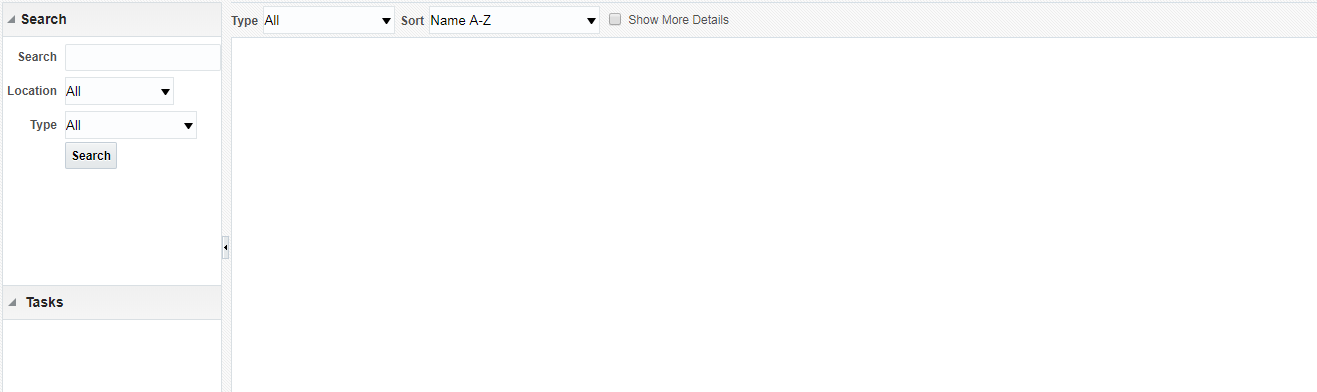
Description
It is hard to search for catalog objects as the search is case sensitive
Use Case and Business Need
Advance Catalog Search window is case-sensitive. This makes it hard for support personnels to search for desired object in case the name provided by busienss users is not accurate. The only option left in such a scenario is to use your intution and go-through all the catalog folders you suspect might be having the object you are looking for.
At minimum, end-user should be given a choice to make search case-sensitive or case-insensitive.
Further, searching objects take a long time even though there are like 1000-2000 objects. It feels like more like scanning an XML document then a database search. It should be improved to help end-user to quickly locate the desired object.
Whitespaces must be trimmed before and after the search string to keep search from failing.
Original Idea Number: fbc16a5978