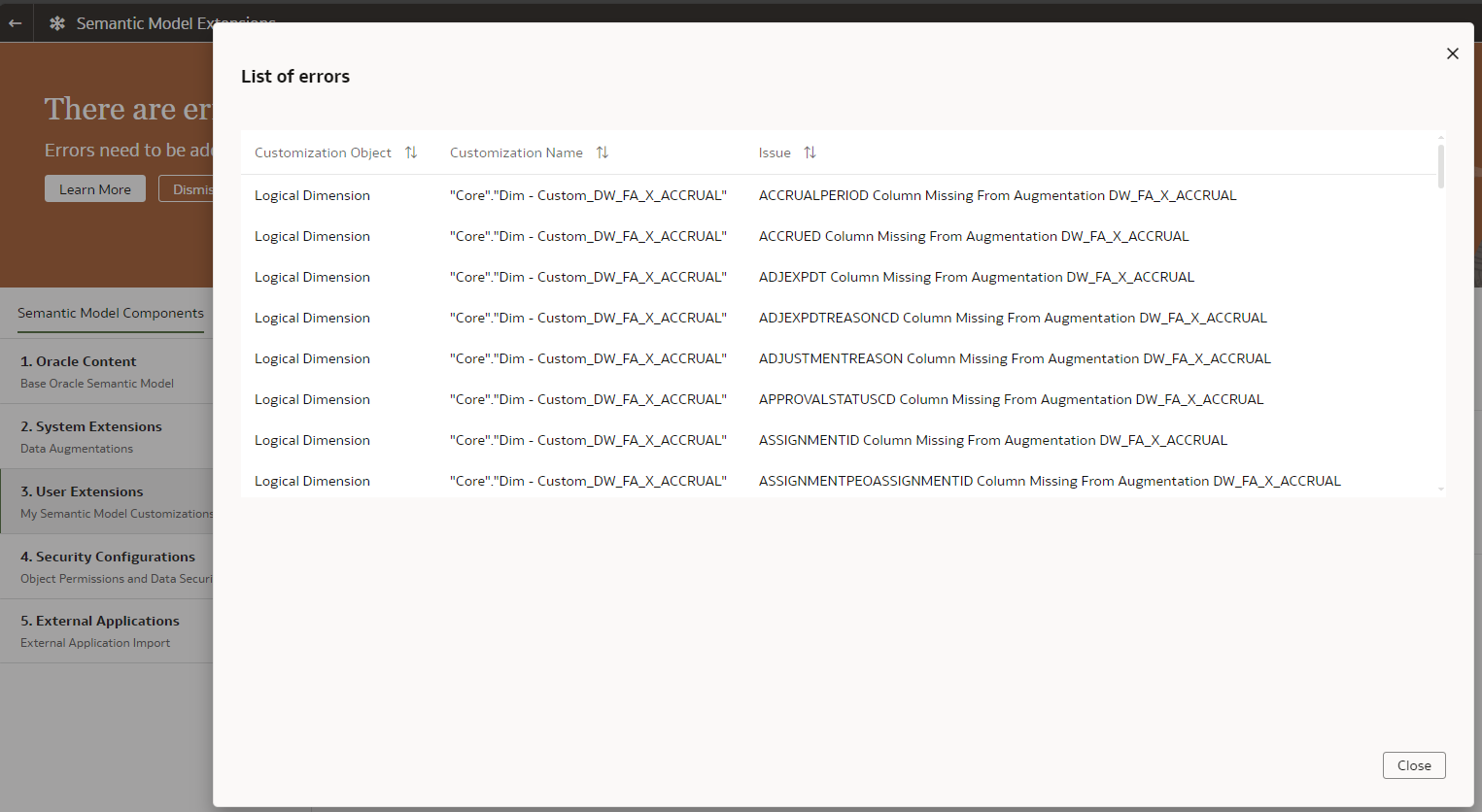
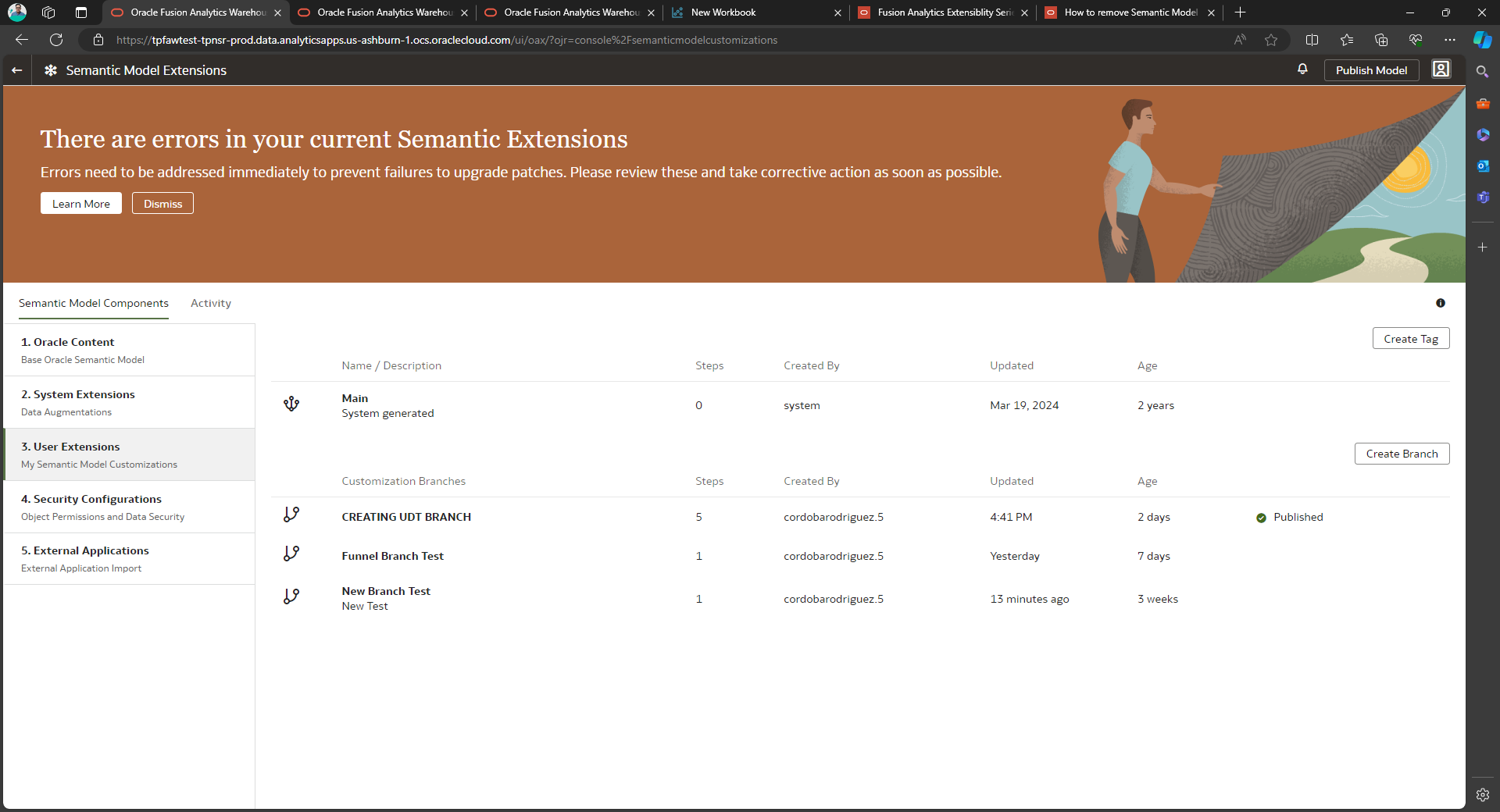
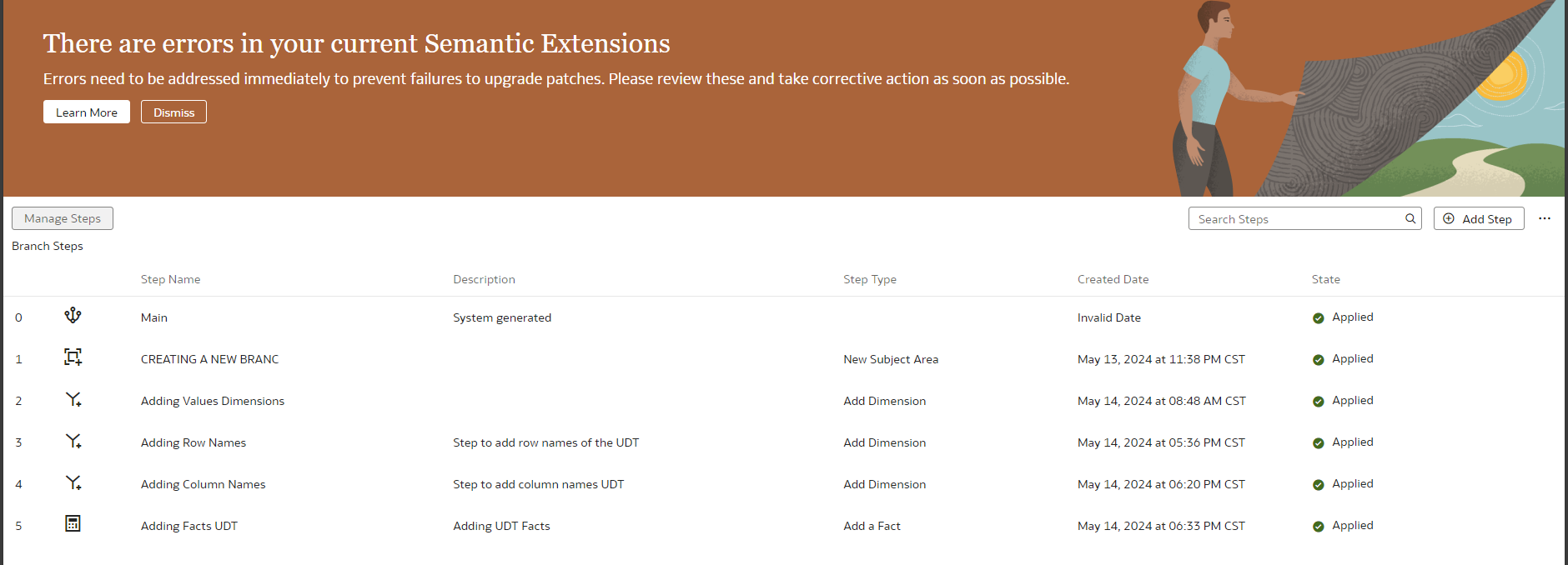
I get these errors in semantic models afer I removed a data augmentation, how can I fix it?
Hi @Jose Cordoba
Looks like you have deleted the DA jobs but not the reference at semantic model extension. Please check the step and re-modify the same and republish the steps to fix the Errors.
Regards,
Arjun
Thank you @Mallikarjuna Kuppauru-Oracle however this Data Augmentation was not use in any of the semantic model extensions that I have, how can I locate where is the issue coming from?
As per Error message, Below is the Logical Dimension is showing the Missing Columns -
DW_FA_X_ACCRUAL
Can you confirm are you getting this Error while clicking on User Extensions? then you have some reference .
That is correct, I'm getting the error on user extensions, but I just have three customizations and none of them involve that Data Augmentation
Can you check do you have any Extended Dimension steps on customization related to above Logical Dim.
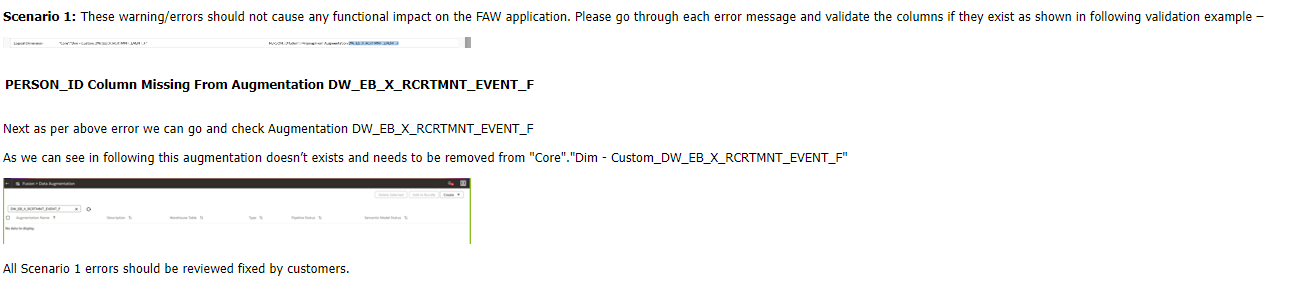
Refer - FAW:FDI:FDIP: SME Warning/Errors Banner Notification - There Are Errors In Your current Semantic Extensions (Doc ID 3020134.1)
I dont have extended dimension steps related to that Logical Dim, these are the only extended dimensions that I have and all of them are working fine because they are related to other logical dims
Hi @Mallikarjuna Kuppauru-Oracle
I already checked that documentation, but I'm stuck in this part
I know that the issue is that the Data Augmentation was removed, however I dont have that Dim in the custom extensions, so how do I suppose to fix the issue if it's not in any of my user extensions?
Hi @Jose Cardoza
One way to debug is to Edit the steps and see are you able to find the reference.
In General as per product,
These messages were add to identify all augmentation objects used in SME and if the augmentation gets deleted.
Hi @Mallikarjuna Kuppauru-Oracle thanks for your response.
I already checked every step and there is not a relation to that logical dim, is it possible that this issue was caused due to the augmentation type was create dimension? I mention this because there was not necessary to do a SME to get the subject area created for that Dimension.
Regards.
If you’re unable to find better to log an SR for the further debugging.
Regards
Hello. We are using the HCM - HR Help Desk Requests Overview subject area in FDI for building workbooks. We need to modify the calculation for ticket Resolution Time to "pause" the counter during non-business hours. We don't want the tickets to age, when the person the ticket is assigned to is not working, and have our…
Hello, I need to grant users access to FDI without giving them the module security groups, such as ERP, HCM, etc. In FDI, I have other external connections, and I don't want them to see any other modules, so my question is: Is there any other FAW security group that grants access to FDI without allowing users to see the…
We are building dashboards in FDI, using HCM data. Can anyone advise on best practice for designing front-end access to FDI for different user groups (e.g., Executive, Line Manager, non-Managers, etc.)? Not from the security configuration side, but from the design planning side. We have granted access to only one group by…
Hi All, Previously, I used Data Actions → Analytics Link to navigate between two canvases in FDI. However, I can no longer find this option in the current FDI interface. Has anyone else experienced this? What is the recommended way to create canvas-to-canvas navigation now? Thanks in advance!
With the release of Fusion Operational Analytics, I understand that OTBI Subject Areas will be made available within FDI, but I'd like to know the following: 1) Can I migrate OTBI reports and/or dashboards over to FDI for use by FDI consumers? Are they brought through the OAC Classic layer of the FDI/OAC platform? If not,…