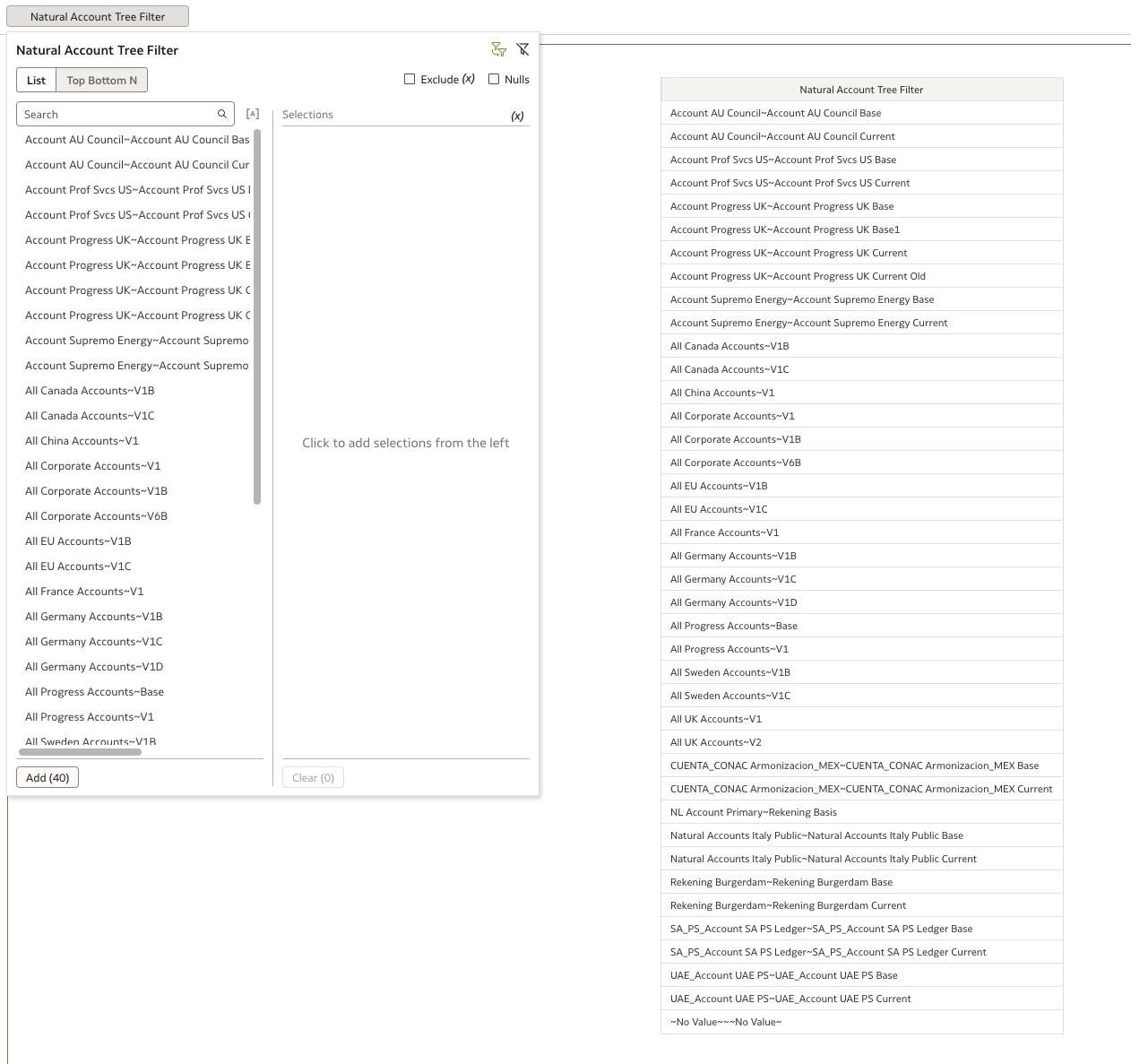
I would like the ability to add alternative hierarchies for Chart of Account segments. My company uses an alternative account hierarchy for management reporting, as the general ledger is configured using a statutory account hierarchy to support statutory account reporting.
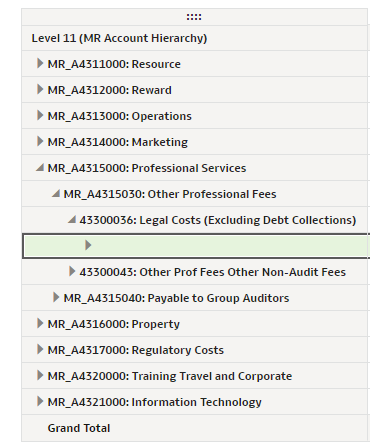
The current method I have used to add an alternative hierarchy to FDI requires 2 steps, the first to extend an entity - to add the additional hierarchy values from the alt hierarchy table. The second step - add hierarchy - is used to define the levels of the hierarchy. However, because the hierarchy I am adding is a ragged hierarchy, I am unable to check the "Ragged" box in the second screen in the wizard. The result of this is that when drilling down on the hierarchy, it exposes blank levels which if you continue to drill down causes the report to fall over and "no data" is displayed - resulting in poor user experience.
Please can you enable "Ragged" and "Skipped" level check boxes for custom hierarchies - as per the screen in the "Add Dimension" step.
n.b. I cannot use "Add Dimension" step as there is no fact to join to in the OOTB subject areas.