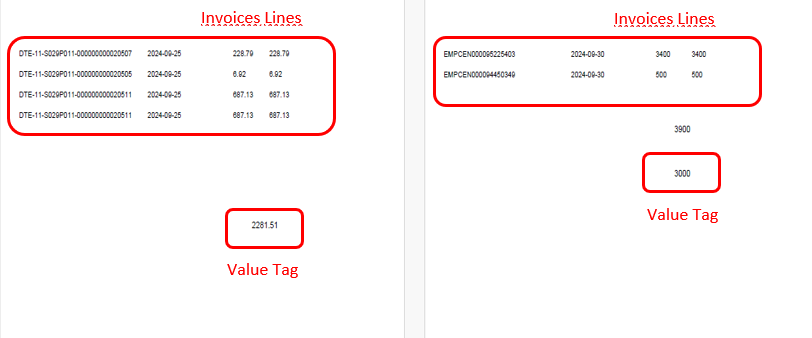
When printing checks, we try to leave a fixed value at the end of the sheet, although at the bottom you can increase or decrease the invoice lines.
To do this, an RTF template was generated in which the fields required in the check printing output were added, a word plugin for BI Publisher is being used.
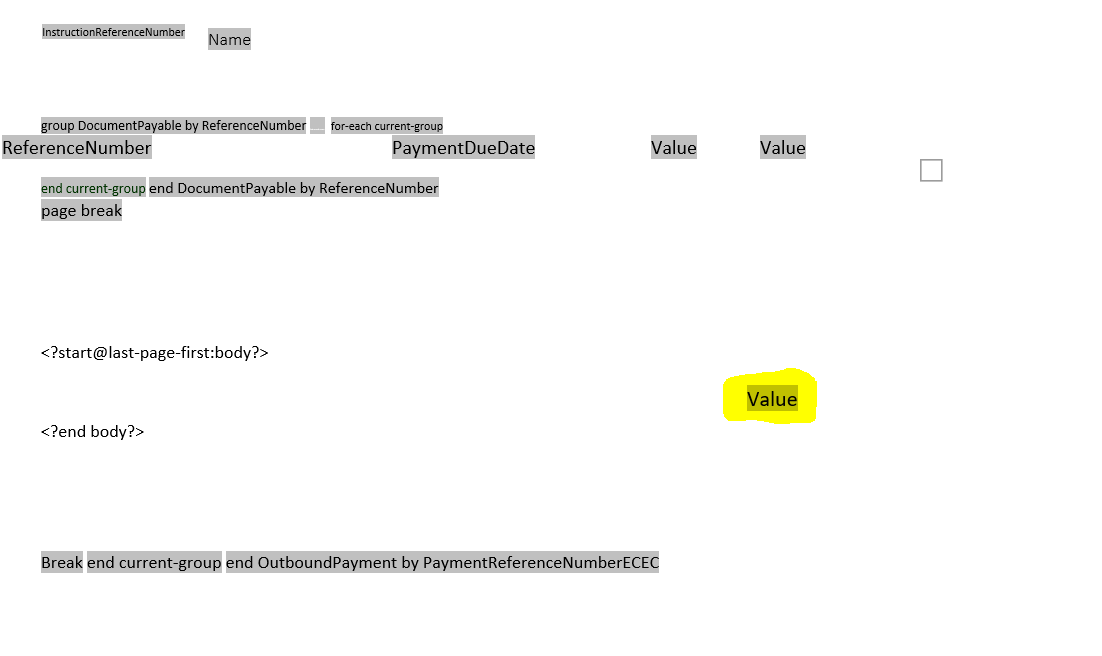
I am working with an RTF template generator which I configure in Word, what I need is for a table to remain fixed, regardless of whether the data at the top of the template increases or decreases.
I upload this template to Oracle BI.
The Value label that is in yellow is located within a table which must remain fixed
although the tags were added:
<?start@last-page-first:body?> <?end body?>
The table keeps moving around as shown below: