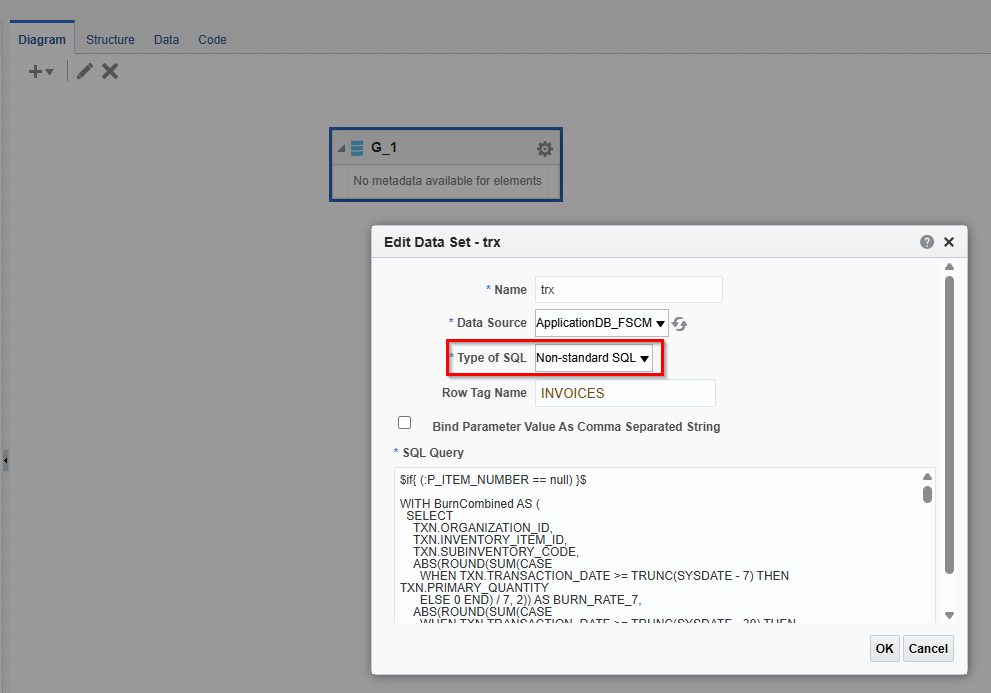
I have created a new Data Model in Fusion BI Publisher that uses Non-standard SQL and I have that functioning at intended.
However when I try to create the report template layout I am having an issue. After saving the Data Model and also saving Sample Data, If I select "Generate RTF layout based on selected Data Model." option I give it a name and then I receive this session expired error:
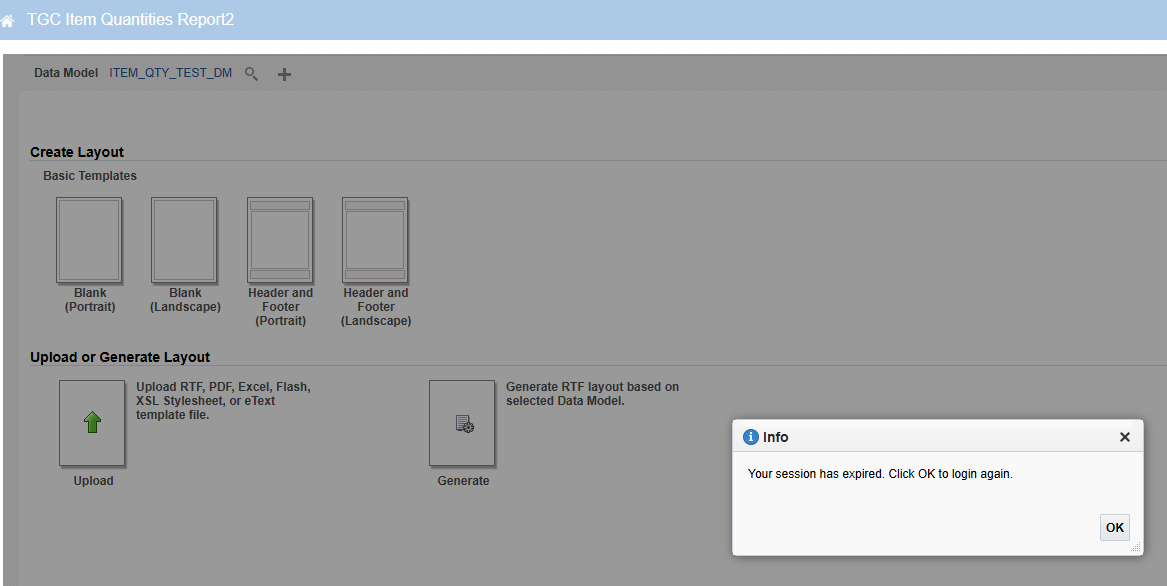
I've tried this in multiple browsers and the behavior is the same. When this happens the other navigation buttons become disabled and the only way to come out of here is by using the browser's back button.
The only way I can get a report template generated is from the Data Model itself by clicking 'Create Report' and then build a report from the template guide/wizard.

Is this some bug or how else am I able to generate an RTF template? I know using the Non-standard SQL type in the Data Model changes some of the XML structure of the output. If anyone can help me understand this I would appreciate it.
Alternatively if anyone has a sample data model and RTF template they are willing to share I may be able to gleam from that.


