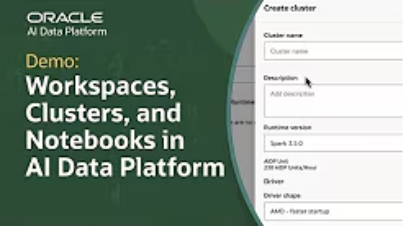
This tutorial demonstrates how to set up a workspace, configure a compute cluster, and create a notebook in Oracle AI Data Platform Workbench.
In this guide, you'll learn how to:
- Create a workspace to organize notebooks, files, and workflows
- Configure a compute cluster to run Python and SQL workloads
- Install necessary libraries using a requirements.txt file
- Attach the compute cluster to a notebook for collaborative development
- Utilize notebook features for code execution and data visualization
With these steps, you can streamline your data analysis processes and enhance team collaboration within a secure, scalable environment.
Watch the full tutorial to see these processes in action. For further assistance, explore additional resources and join the Oracle AI Data Platform community.