Clear, informative descriptions can make visualizations more accessible and meaningful for everyone who uses your workbooks in Oracle Fusion AI Data Platform (FAIDP). This tutorial explores how you can automatically generate dynamic text descriptions for your visualizations—saving time and adding valuable context for your audience.
Please note: Oracle Fusion Data Intelligence (FDI) is now called Oracle Fusion AI Data Platform (FAIDP). All content remains the same, only the product name has changed.
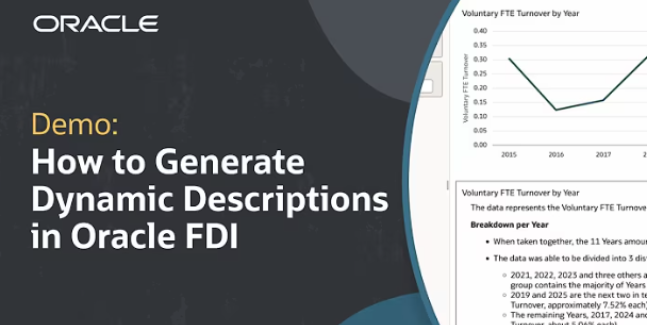
In this tutorial, you’ll learn how to:
- Use the Language Narrative visualization to automatically describe charts and data trends
- Configure your visualization for different combinations of attributes and measures
- Adjust settings for language, level of detail, and analysis type (Trend or Breakdown)
- Customize how text descriptions appear, providing anything from a brief caption to a detailed summary
With these steps, you can help workbook consumers quickly grasp the significance of your data—while letting FAIDP handle the heavy lifting of producing clear narratives.
If you’re interested in making your workbooks more engaging and easier to interpret, check out the full tutorial. The Service Excellence Team is always here to assist as you build your skills in FAIDP.