Categories
- All Categories
- Oracle Analytics and AI Learning Hub
- 43 Oracle Analytics and AI Sharing Center
- 19 Oracle Analytics and AI Lounge
- 281 Oracle Analytics and AI News
- 57 Oracle Analytics and AI Videos
- 16.2K Oracle Analytics and AI Forums
- 6.4K Oracle Analytics and AI Labs
- Oracle Analytics and AI User Groups
- 106 Oracle Analytics and AI Trainings
- 20 Oracle Analytics and AI Challenge
- Find Partners
- For Partners
New Tutorial: Harnessing the AI Assistant in Oracle Analytics Cloud and Fusion AI Data Platform
With Oracle’s AI Assistant, you can use natural language to quickly create visualizations, without manual chart creation. In this tutorial, you’ll learn how to derive meaningful insights rapidly, enhancing decision-making and productivity.
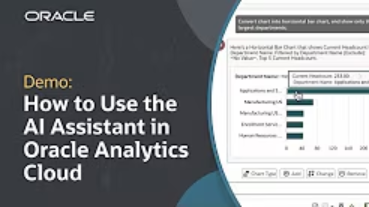
In this guide, you’ll learn how to:
- Access the AI Assistant within Oracle Analytics Cloud and Fusion AI Data Platform.
- Use natural language queries to generate visualizations.
- Refine visualizations by filtering data and adjusting chart types with follow-up natural language prompts.
- Incorporate AI-generated insights directly into your workbooks.
- Leverage the Assistant for both subject areas and datasets.
Watch the full tutorial to see these features in action. For further learning, explore additional resources linked below.

Comments
-
The AI Assistant’s natural language capabilities make creating visualizations much more efficient and intuitive. This is a great resource for anyone looking to enhance productivity and derive insights faster with Oracle Analytics.
Thank you very much for sharing this helpful tutorial, @Dalton Lobo Dias-Oracle!
2 -
@Dalton Lobo Dias-Oracle , thx for sharing the tutorial, appreciate all the hard work.
0


