Categories
- All Categories
- Oracle Analytics and AI Learning Hub
- 43 Oracle Analytics and AI Sharing Center
- 19 Oracle Analytics and AI Lounge
- 281 Oracle Analytics and AI News
- 57 Oracle Analytics and AI Videos
- 16.2K Oracle Analytics and AI Forums
- 6.4K Oracle Analytics and AI Labs
- Oracle Analytics and AI User Groups
- 106 Oracle Analytics and AI Trainings
- 20 Oracle Analytics and AI Challenge
- Find Partners
- For Partners
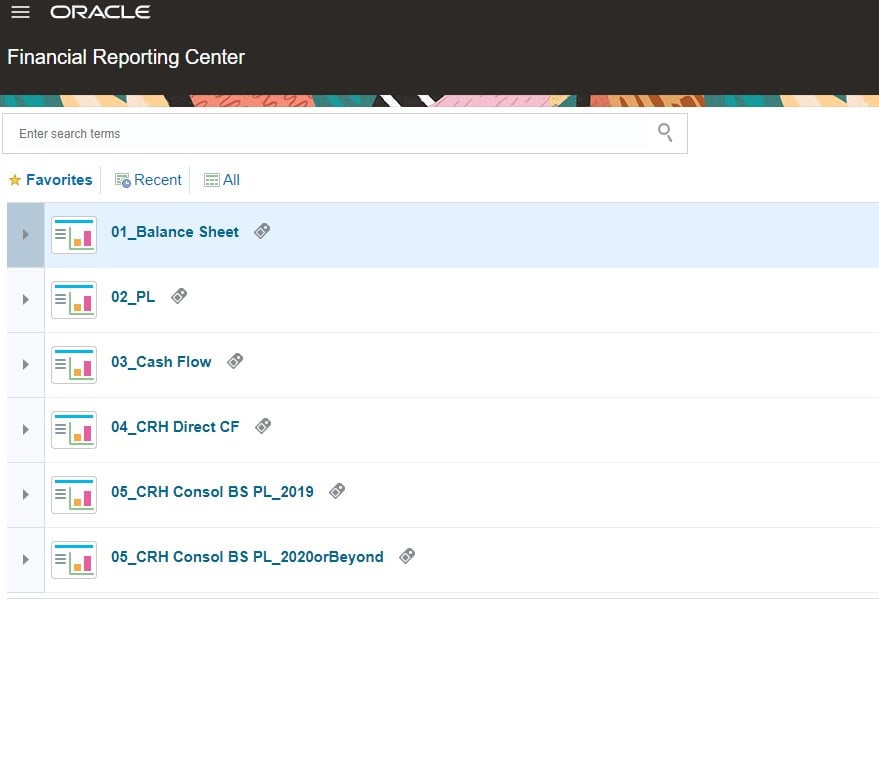
How can I create a scheduler to run reports automatically in Financial Reporting Center in Fusion?
Summary
How can I create a scheduler to run reports automatically in Financial Reporting Center in Fusion?
Content
Dear All,
We need to constantly run some reports in Financial Reporting Center, we would like to make this process automatic, is it possible to make such scheduler?
Many thanks!
Jason

Answers
-
Hello,
You can schedule the FRS reports but to schedule these reports we have a different process to follow.
FR reports can be scheduled but they are not executed from the fusion page->Tools->schedule processes.
FR reports can be scheduled periodically or they can be run from the workspace (BI catalog).
To schedule or execute an FR report in schedule
1. create a batch (BI catalog)
File->New->Batch
Add the report to the batch and save the batch
2. Navigate->schedule-> batch scheduler
Create a new schedule and select the batch you created in step 1, pick the frequency for the batch execution or select now to run it immediately.
(Doc ID 2423914.1)
0

