AppShell users in Oracle Fusion Analytics Warehouse and NetSuite Analytics Warehouse, please read the below. Also see this posting.
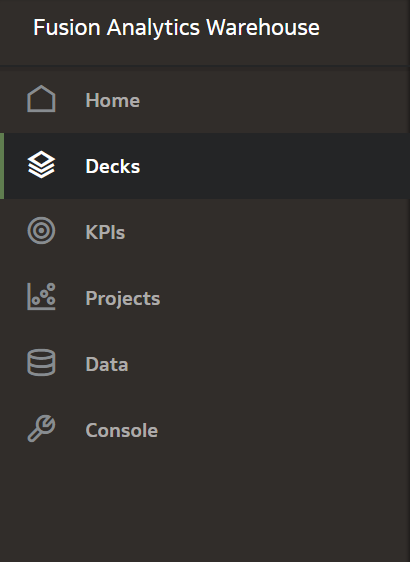
There are Application Experience change(s) coming up in 24.R1 (planned for late February 2024). In your instance of Oracle Fusion Analytics Warehouse or NetSuite Analytics Warehouse some users may still be using the “AppShell” experience. AppShell features include KPIs, cards and decks, specifically.
What’s changing?
If you want to use these AppShell-based workflows post-24.R1, you must migrate them to Oracle Analytics Cloud (OAC)-based experiences. KPIs, Decks and Cards will be gone in 24.R1.
- KPIs transition to Key Metrics
- Card Visualizations become Composite Viz on Workbook canvases
- Decks migrate to Workbooks
All Oracle-created content has already been migrated, and you can find it in your catalog. You can use a utility for migrating your custom decks and KPIs while you manually review your custom detail dashboards.
What are the benefits?
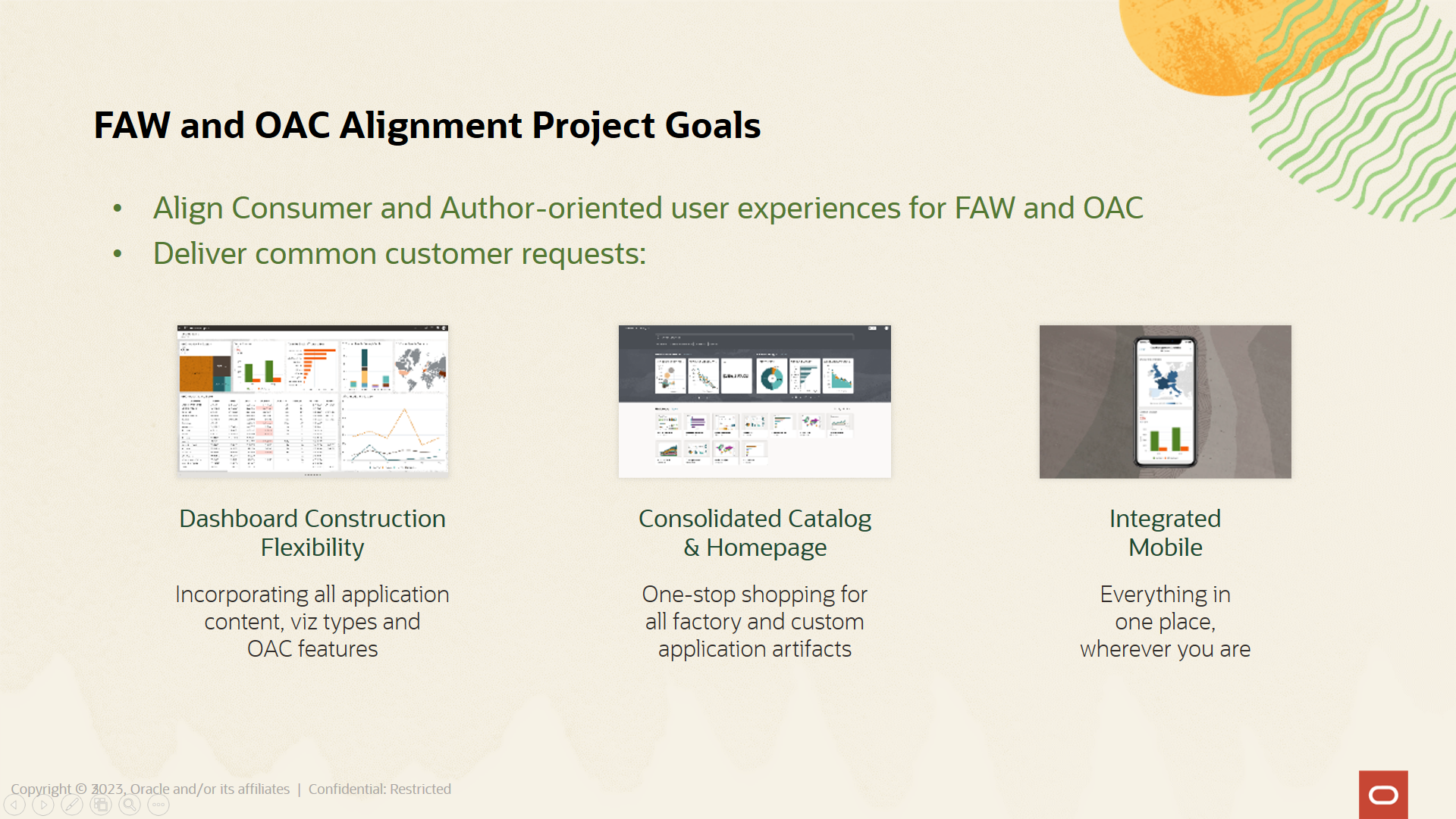
This alignment of consumer- and author-oriented experiences provides additional flexibility for building dashboards; a consolidated home page and catalog experience, and an integrated mobile experience using Oracle’s native mobile applications.
All Oracle-created content has already been migrated, and you can find it in your catalog. You can use a utility for migrating your custom decks and KPIs while you manually review your custom detail dashboards.
What’s the timeline?
- Recent releases have delivered all Oracle-created application content as OAC-based artifacts.In the current release (23.R3), you can use a utility found in the console to migrate content.
- Following a short period for content migration and validation, the AppShell experience will be deprecated in 24.R1 (planned for late February, 2024).
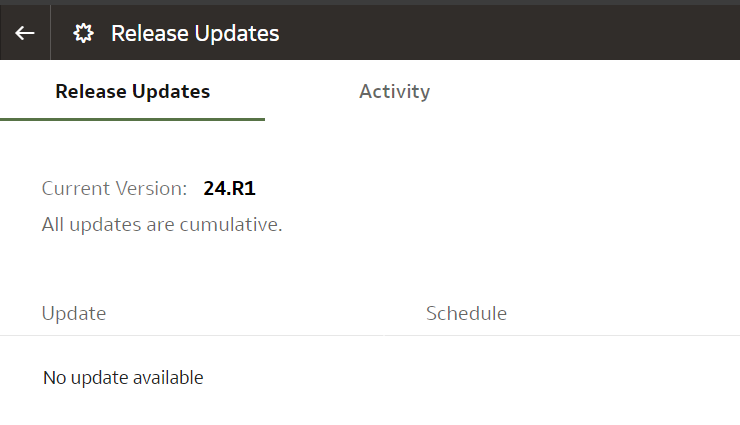
- This means migration should happen prior to February. The process will take minutes, but there may be rework based on the complexity of your deployment. The documentation has extensive content around troubleshooting, and even building out new content based on the new OAC-based features.
What actions must I take to migrate my content?
- Address hidden columns (If applicable) - If you have KPIs based on deprecated or hidden columns, you must replace the current column referenced with the proper productized version for the KPIs to migrate properly. See the hidden columns table for mappings. Once you correct the columns, the migration utility should then output a working Key Metric
- Run the migration utility as many times as you like.
- Assess and validate migrated content against legacy AppShell content.
- Retire AppShell content, then promote and use OAC-based content exclusively.
Links
For any questions or challenges in working through the migration, please log a service request or post questions to this forum that we will be monitoring. Thank you.