I have a very strange and in the same time big problem when I tried to integrate images (link of images) in my RTF template in BI Publisher.
So this is the started situation, I have one Dataset with a field with the link of the image in internet, something like that:
"https://link/pippo.png" in the field named FLAG_URL.
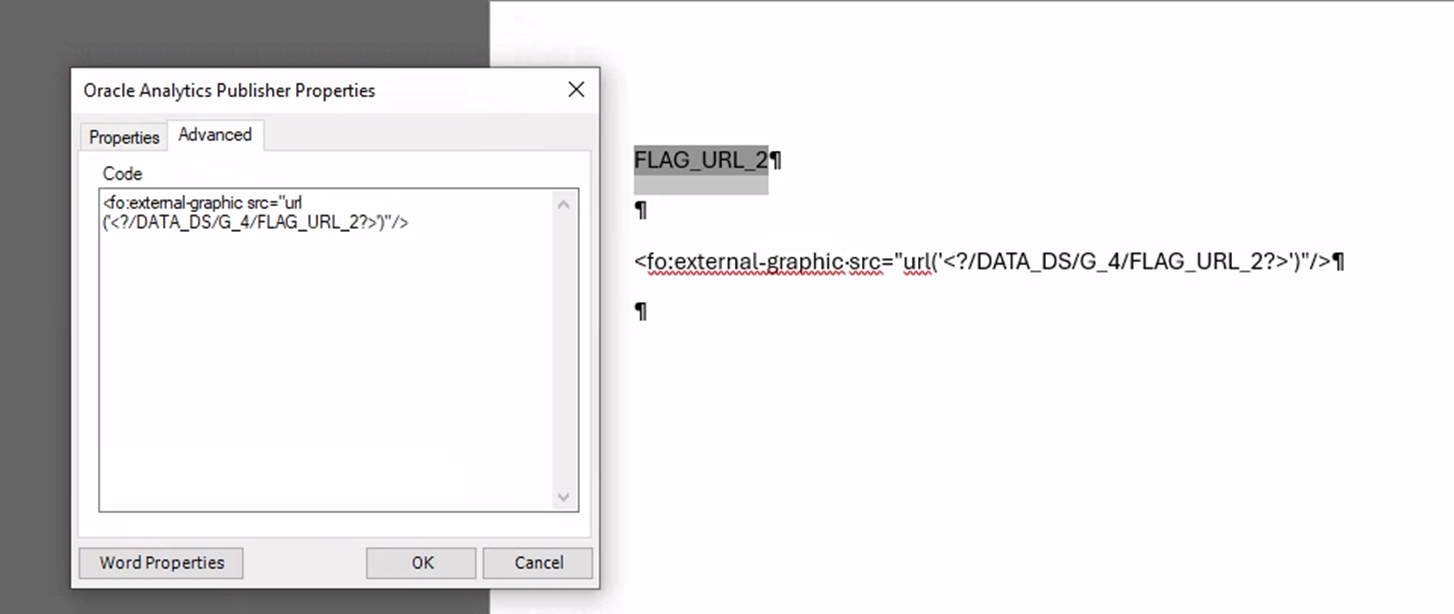
To add this image in the RTF I have followed two different ways. The first way was use the BI Publisher Add-In, click on add Field, adding the field FLAG_URL, and after that in Advanced TAB changed from <?FLAG_URL?> to <fo:external-graphic src="url(<?FLAG_URL?>)"/>.
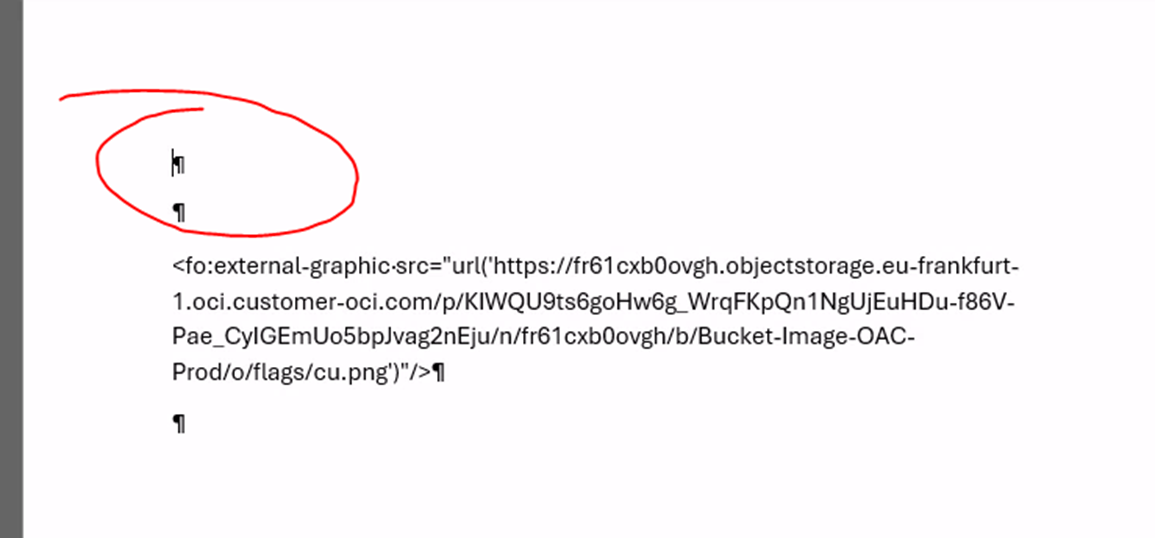
In this case the image did not showed at all, no errors but the image was not showed. To see if the syntax was correct I tried to use a link without the variable from the dataset, and it worked! So the problem seemed to be the use of the FLAG_URL, but if in the RTF I try to show this value, the value is showed. I tried to use this code instead of : <fo:external-graphic src="url(<?FLAG_URL?>)"/>.
<fo:external-graphic src="url(<?FLAG_URL?>)"/>
And it was showed the image in the static url, this means that internally to the Field container FLAG_URL is empty, but it is not empty for sure, the XML is really good formed.
The second way was added one Image from "Insert Image" of the RTF, and changing the Alternate Text of the image, inserting inside this text
url:{'<?FLAG_URL?>'}
it did not work and as before it worked for:
url:{'https://link/pippo.png'}
So at the end the problem seems to be related to the FLAG_URL that seems to be empty, but it is filled for sure. Probably it did not recognize the value for some reasons ?
Please help me, I do not know what I can do now…..
Thanks
Fabio