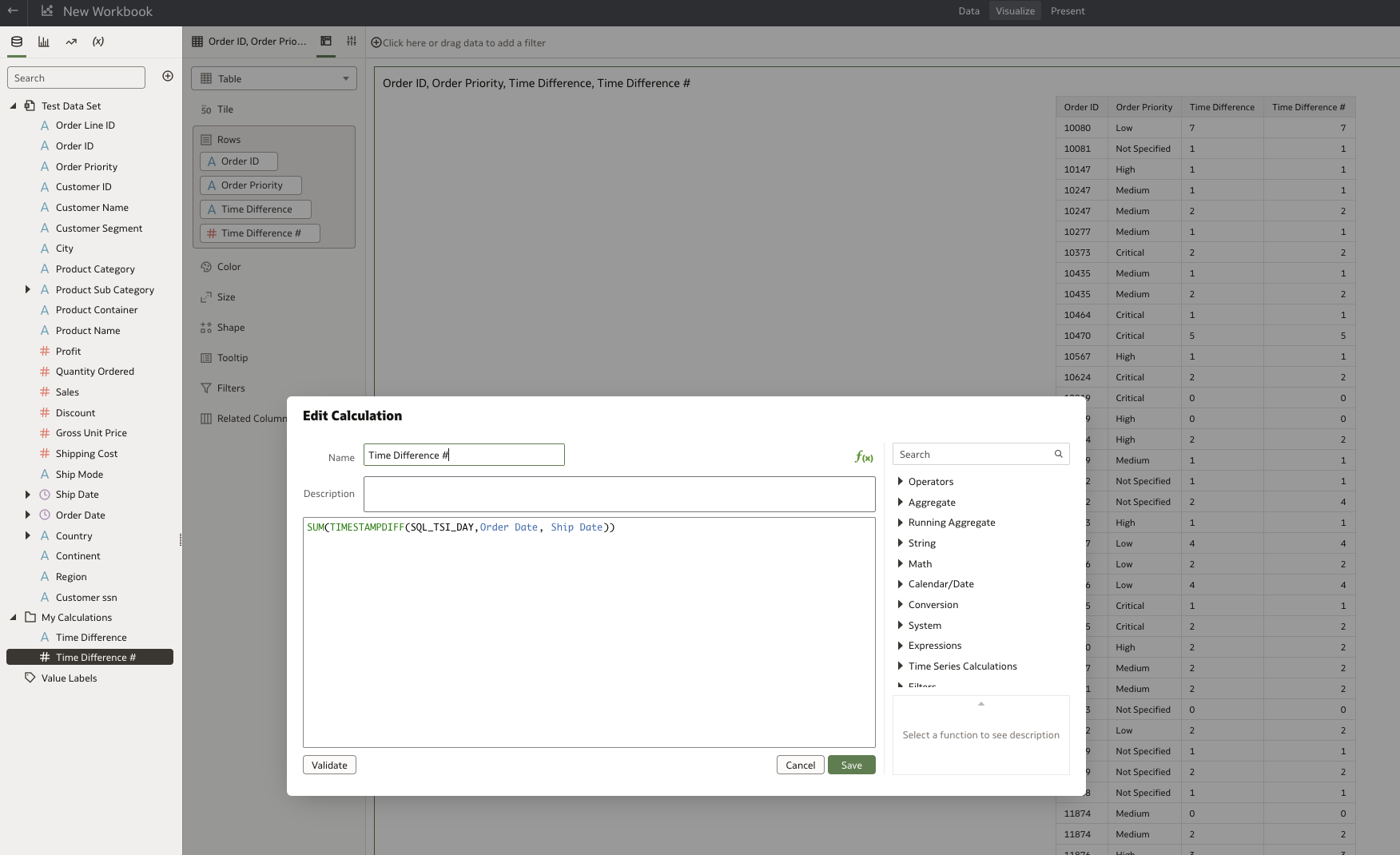
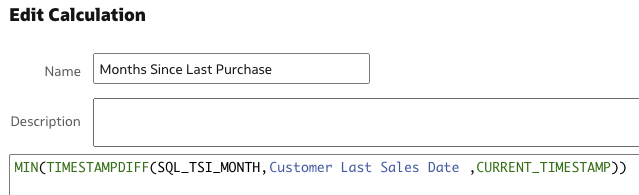
When subtracting 2 dates, the result is a number; however, it creates an attribute. Here is the formula:
TIMESTAMPDIFF(SQL_TSI_DAY, {date 1},{date2})
How can I change it to a fact?
I'm using NetSuite Analytics Warehouse.
You can add SUM() before your calculation:
SUM(TIMESTAMPDIFF(SQL_TSI_DAY, {date 1},{date2}))
SUM didn't work, but MIN and MAX do. I assume because the result of the formula is just one result.
Hi @User_F2RD3,
you have to add an aggregate function to change the column from attribute to metric
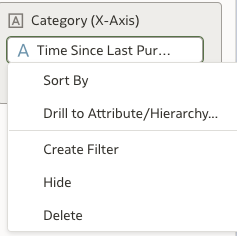
When I add it to a column, I don't get the Aggregate function.
Also, I don't want to aggregate the result.
SUM didn't work. However, MAX and MIN, did. I assume that since the formula produces one result, MIN and MAX produce the same result and change it to a Fact.
Mathematically what you are saying makes sense - but check for the compatiblity of the two functions TIMESTAMPDIFF and SQL_TSI_DAY. I think the first one expects a full timestamp, whereas the second only seems to provide the DAY without the rest of the hours, minutes, seconds?
Explore how to build agents using code in AI Data Platform. We'll create an agent that examines and analyzes the contents of a Github repository and reports its findings. The session demonstrates how to use different developer tools to create agents including the AIDP extension for VS Code and Codex. Using these tools we…
Hello Team, In the fusion source, we have the records maintained in multiple language say in english as well as in arabic.. ex: dept name is stored in both english and arabic in oracle fusion source with 2 records with different language code like EN and AR. But the same data in FDI is getting extracted only with the…
Hi Team, can oracle provide a standard decks to have a demo and presentation with new customer? Please share any links or attachments if available. Thanks, Manoj
hello, Is there a way to hide the "back" button in the FDI menu bar? Thank you in advance for your help!
HI, I am trying to get data from the Enterprise Contracts - Contracts subject area in FDI. However, it is not returning any records when I use this subject area. Are there additional configurations or setup tasks needed to pull enterprise contracts data in FDI? I have checked the following: In Oracle fusion, I have access…