Categories
- All Categories
- Oracle Analytics and AI Learning Hub
- 53 Oracle Analytics and AI Sharing Center
- 25 Oracle Analytics and AI Lounge
- 307 Oracle Analytics and AI News
- 57 Oracle Analytics and AI Videos
- 16.4K Oracle Analytics and AI Forums
- 6.6K Oracle Analytics and AI Labs
- Oracle Analytics and AI User Groups
- 118 Oracle Analytics and AI Trainings
- 22 Oracle Analytics and AI Challenge
- Find Partners
- For Partners
Welcome to the Oracle Analytics Community: Please complete your User Profile and upload your Profile Picture
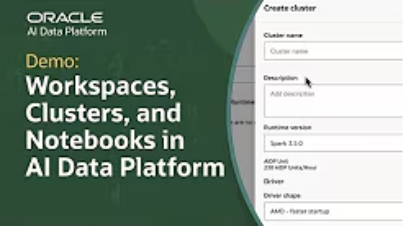
New Tutorial: Set Up Workspaces, Clusters, and Notebooks in Oracle AI Data Platform Workbench
Dalton Lobo Dias-Oracle
Rank 3 - Community Apprentice
This tutorial demonstrates how to set up a workspace, configure a compute cluster, and create a notebook in Oracle AI Data Platform Workbench.
In this guide, you'll learn how to:
- Create a workspace to organize notebooks, files, and workflows
- Configure a compute cluster to run Python and SQL workloads
- Install necessary libraries using a requirements.txt file
- Attach the compute cluster to a notebook for collaborative development
- Utilize notebook features for code execution and data visualization
With these steps, you can streamline your data analysis processes and enhance team collaboration within a secure, scalable environment.
Watch the full tutorial to see these processes in action. For further assistance, explore additional resources and join the Oracle AI Data Platform community.

Tagged:
6
Comments
-
This is a clear and practical guide to setting up workspaces, compute clusters, and notebooks in Oracle AI Data Platform Workbench.
Thanks for sharing this tutorial - very helpful walkthrough 👍
1

