Managing user access effectively is crucial for maintaining data security and collaboration. Our latest tutorial guides you through setting up Role-Based Access Control (RBAC) in Oracle AI Data Platform Workbench, enabling you to assign precise permissions tailored to your team's needs.
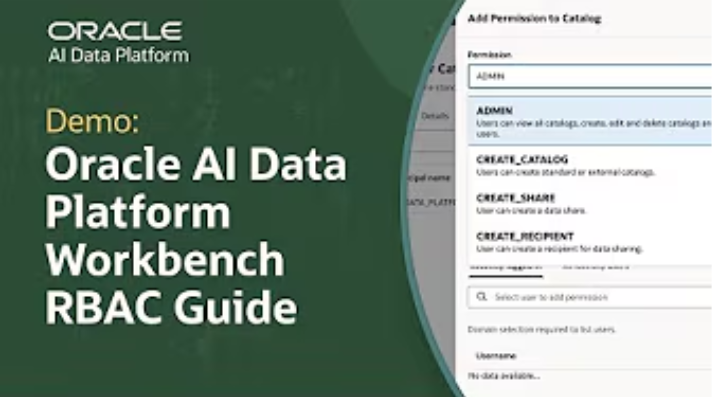
In this guide, you’ll learn how to:
- Manage user roles.
- Identify default system roles: AI_DATA_PLATFORM_ADMIN and AUDITOR.
- Create custom roles with specific permissions.
- Assign users to these roles using usernames or OCIDs.
- Set permissions at different object levels to control data access.
RBAC permissions secures collaboration among team members to access and manage data resources according to their responsibilities, while maintaining administrative oversight and audit capabilities.
Watch the full tutorial to see these processes in action and explore additional resources linked below. As always, our support team is here to assist you as you implement RBAC in your Oracle AI Data Platform Workbench.