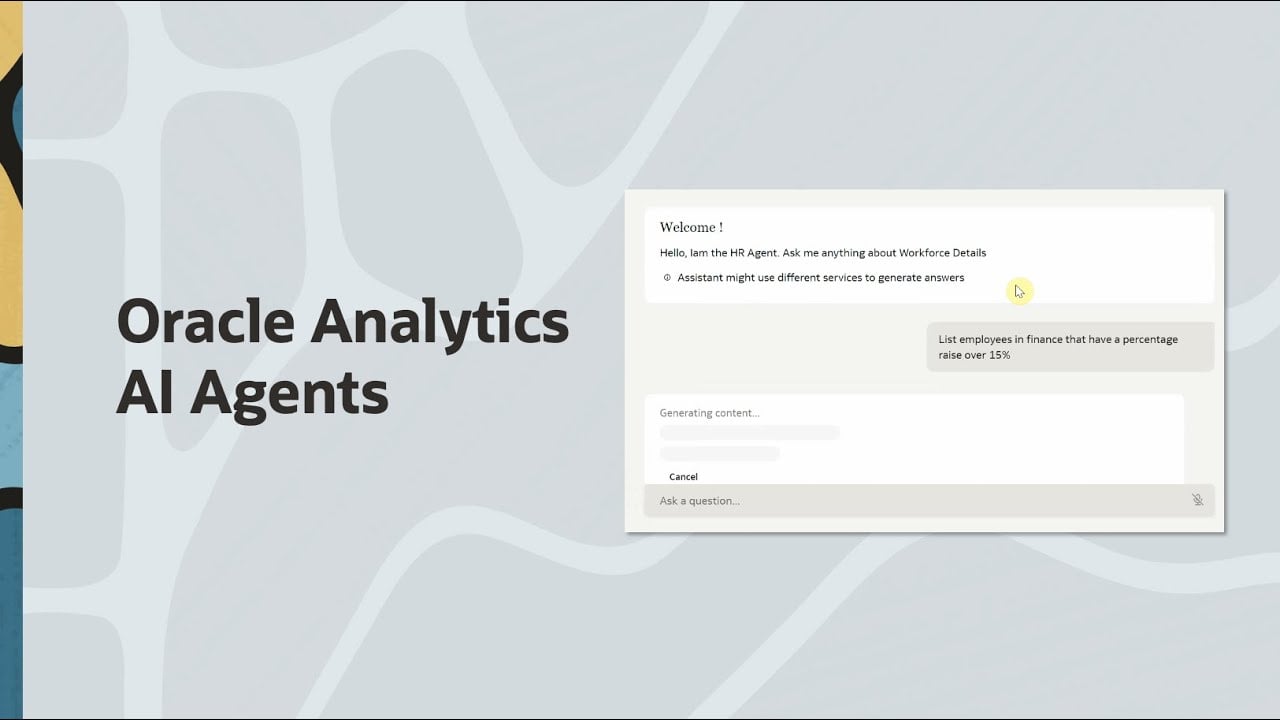
Oracle Analytics AI Agents enable your organization to deliver precise, context-rich insights by integrating advanced AI with your enterprise data and documentation. These agents are meant for your consumer users and enhance the Oracle Analytics AI Assistant’s ability to interpret natural-language questions and deliver responses that truly understand your business context.
How Oracle Analytics AI Agents Work:
- Oracle Analytics AI Agents incorporate Retrieval-Augmented Generation (RAG), which allows large language models (LLMs) to “look up” relevant business information from your enterprise data and documents before responding to user queries.
- When a question is submitted, each AI Agent applies:
- Custom Prompt Instructions: Tailored guidance entered by the agent’s author. These might include definitions of business terms, special response formatting logic, or domain-specific rules. Instructions teach the Assistant to reason and communicate in your organization’s unique language.
- Knowledge Documents (RAG): Selected supporting files - such as policies, FAQs, or guides in PDF or TXT format are scanned to retrieve factual, context-relevant information, which is then incorporated just for the given question. Only the most pertinent excerpts are included, so your responses are accurate and secure.
- The Oracle Analytics AI Assistant combines these elements with the foundational dataset to provide answers that reflect business realities, not just training data.
AI Agent Configuration Components:
- Dataset: The core source of business data powering analytical queries.
- Supplemental Instructions: Custom, unprocessed instructions passed directly to the AI for context such as definitions, naming conventions, or business rules.
- Welcome Message: The first message users see, introducing the Agent’s focus and guiding users with sample questions or instructions.
- Knowledge Documents: Uploaded .pdf or .txt files containing organization-specific content to provide trustworthy and referenceable answers through RAG.
When you enable an AI agent in a workbook, consumer users with access to the workbook can access and interact with the AI agent. For example, users might use an AI agent within the context of a workbook to obtain quick clarifications, follow-up answers, and drill-down insights within the context of the analytics content they're exploring.
How to Attach an AI Agent to a Workbook:
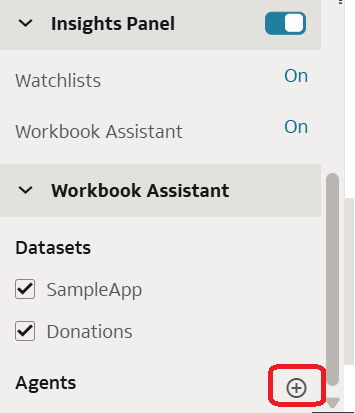
- On your Oracle Analytics home page, hover over the workbook where you want to enable the agent, select Actions, then click Open.
- Go to the Visualize tab and click Auto Insights.
- Under the Assistant tab, select AI Agents.
- Choose the agent you wish to use, click OK, then Save.
This integration moves your teams beyond static dashboards - enabling interactive, conversational analytics that accelerate discovery and enhance decision-making with enterprise-aware, governed AI.
Note: This is available from January 2026 Release of OAC.
Want to see this feature in action? Watch the video below to learn how Oracle Analytics AI Agents can transform the way your organization discovers insights.