
NetSuite QuickStart Edition allows you to easily manage and update item prices within a sales price rule. Here's a simplified guide to help you navigate this process:
- Access the Menu: Start by opening the Ask Oracle menu > Products & Services > Pricing.

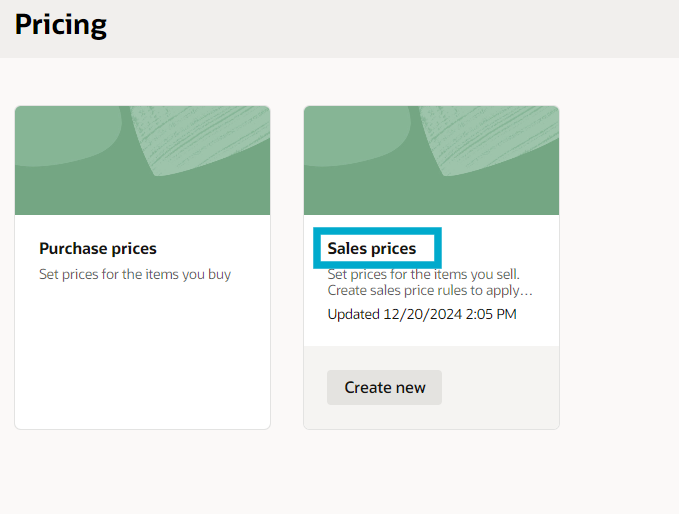
2. Sales Price Rules: From the Pricing menu, click Sales Prices to manage specific rules for sales pricing.
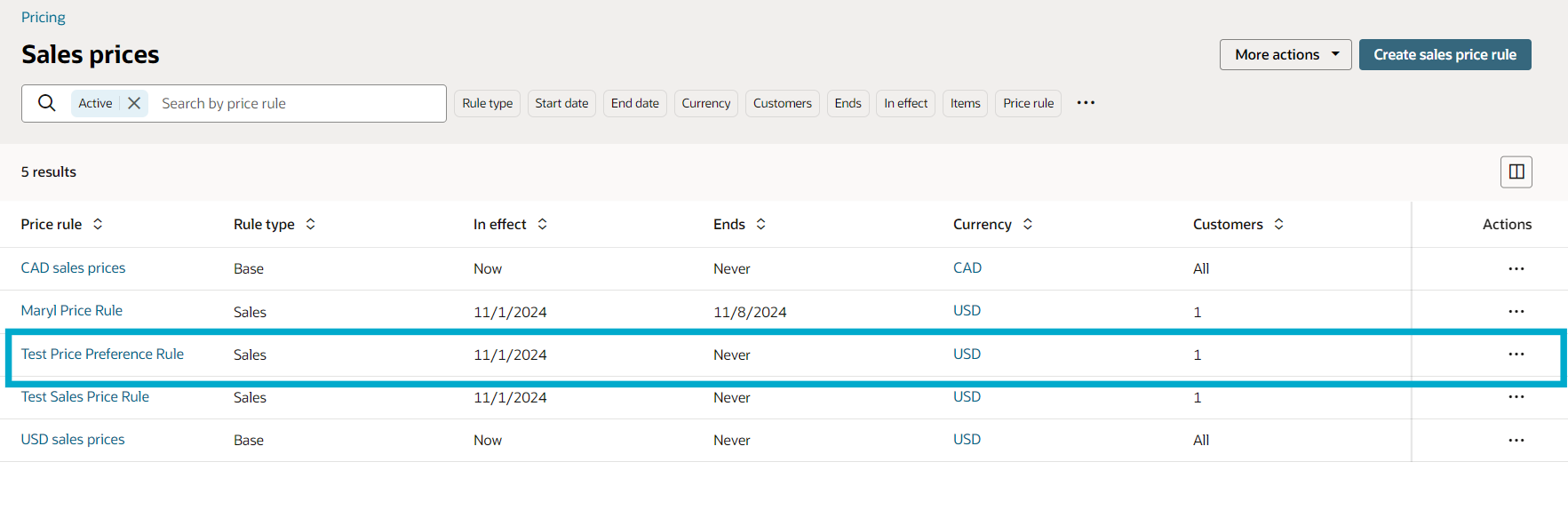
3. Open the Rule: Locate and click on the sales price rule you want to edit by selecting its name.
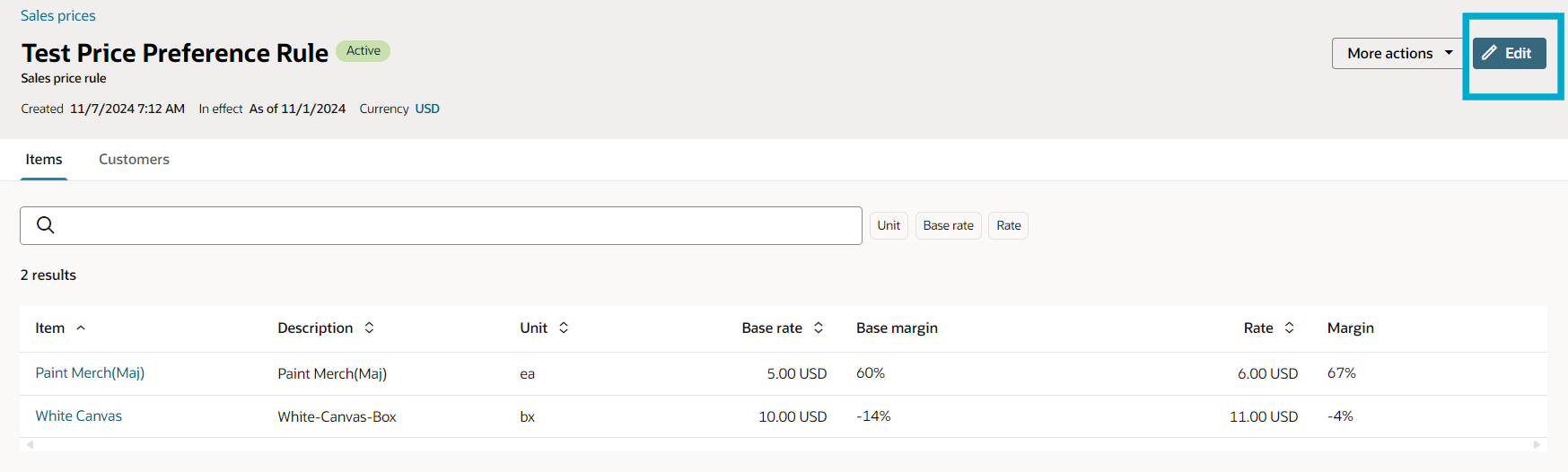
4. Edit Mode: Once the rule is open, click Edit to start making adjustments.
5. Select Items: Choose the items you wish to adjust by checking individual boxes or selecting the top box to modify all items in the rule.

6. Adjustment Method: Decide whether to increase or decrease prices by a percentage or a fixed amount, then choose Adjust by % or Adjust by amount accordingly.


7. Apply Adjustment: After selecting the adjustment type, complete the required fields and click Adjust to implement the changes.
8. Save Changes: Finally, click Update to ensure your adjustments are saved within the sales price rule.

By following these steps, you can efficiently customize and update item prices within the sales price rules, catering to your business needs and pricing strategies.
