
Processing inventory counts in NetSuite QuickStart Edition involves entering the count results. To enter the Inventory Count results, follow these steps:
1. Access the Ask Oracle > Inventory > Manage inventory > Inventory counts.

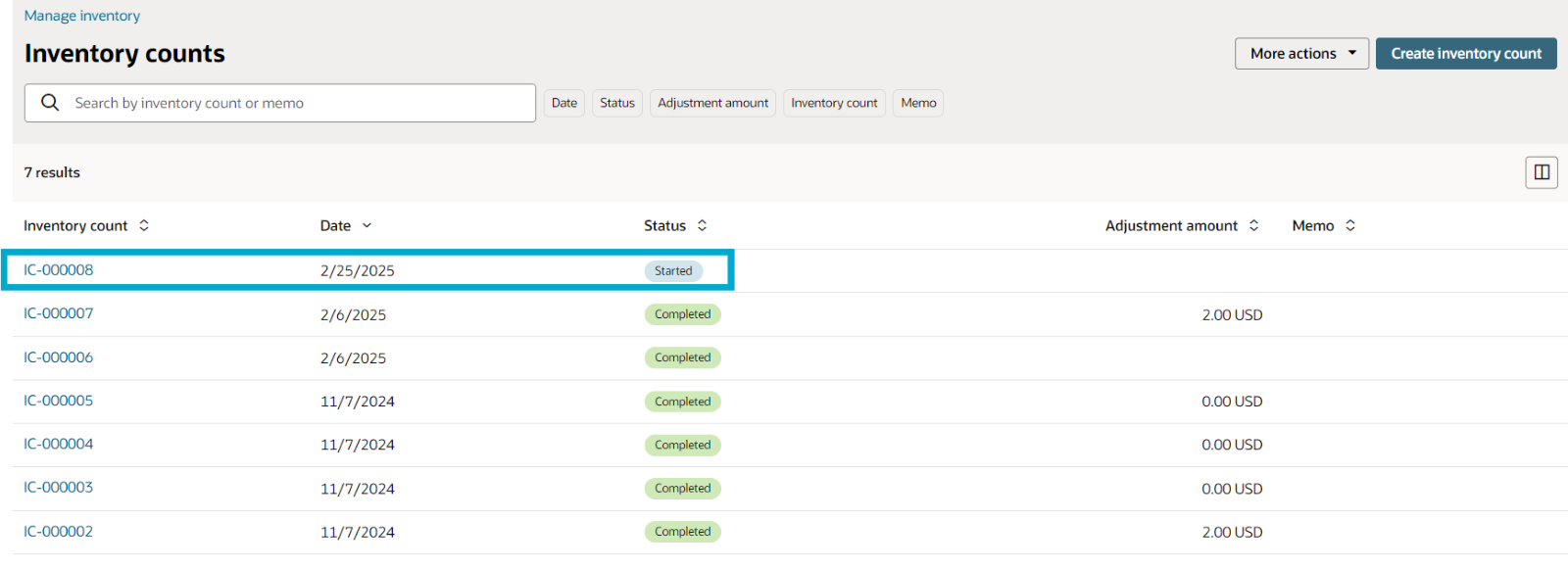
2. Choose the specific inventory count with a Started status that you want to edit.
3. On the Inventory count page, click Edit.
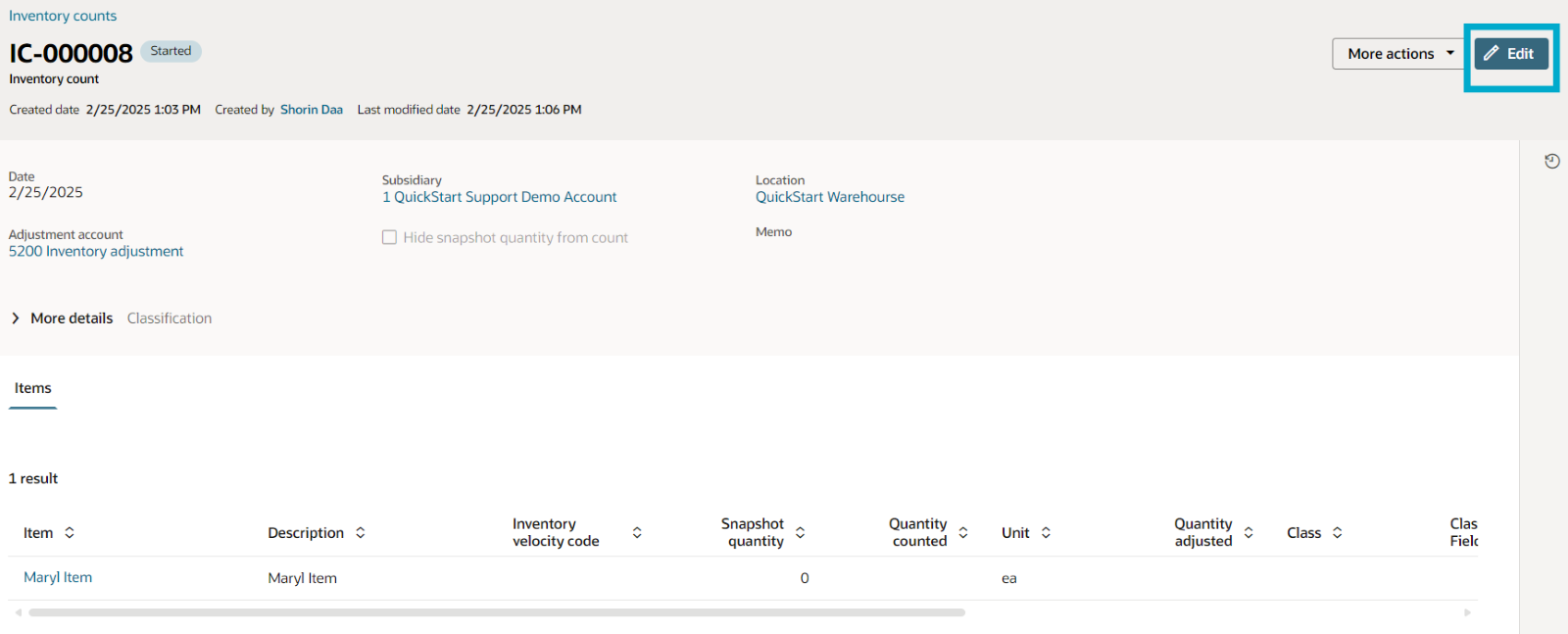
4. In the Items section, update the count results:
- Double-click the row of the item you wish to modify.
- In the Quantity counted column, input the number of items counted (0 or a higher value).
- Save your changes by selecting the check icon in the Actions column.
- Repeat steps for each additional item for which you need to enter count results.


5. Once you've updated the results for one or all items, click Update to save your changes.

This process ensures that inventory counts are accurately recorded and updated in NetSuite QuickStart Edition, contributing to effective inventory management.
