
Processing inventory counts in NetSuite QuickStart Edition involves starting the count. Start an inventory count to make it available to those who perform the physical count. They can edit the count to enter the results and then submit it for approval. Here's how to start:
1. Access the Ask Oracle > Inventory > Manage inventory > Inventory counts.

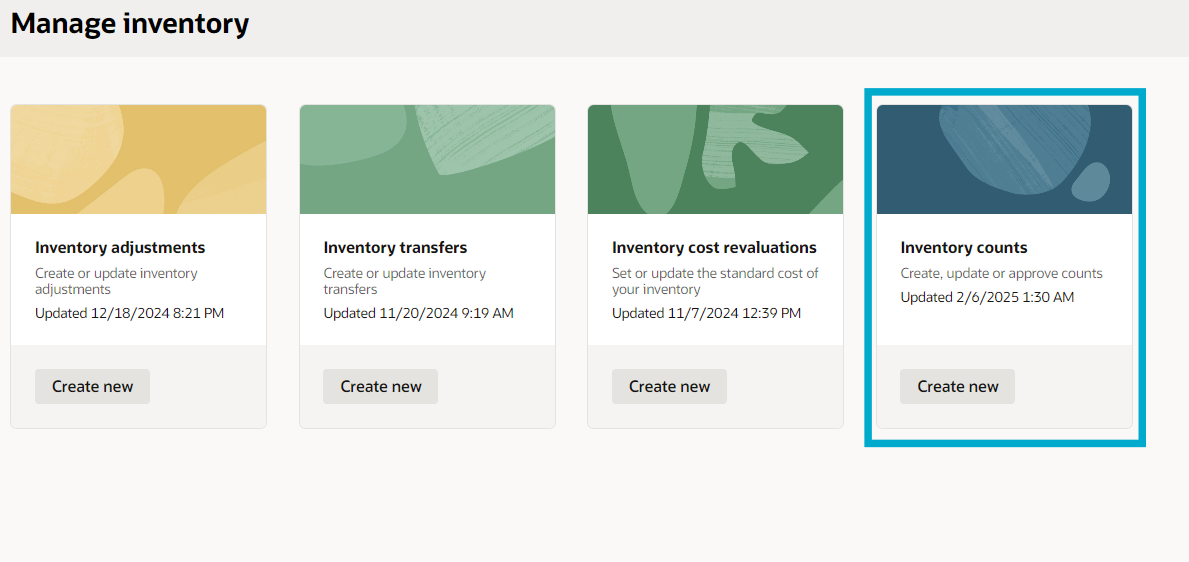
2. From the list, choose the specific inventory count you want to start.
- Prior to starting, you can review or update the items included in the count.
Note: Once an inventory count is in Started or Pending approval status, you cannot add or remove items, nor can you edit certain details.


3. Select More actions to reveal the actions list, then click Start count.


After starting the count, NetSuite QuickStart Edition captures a snapshot of the on-hand quantity for each item.
