
Keeping your NetSuite database clean and organized is crucial for efficiency and accuracy. Duplicate records can lead to inconsistencies in reporting, communication errors, and unnecessary complications in workflows. To prevent this, NetSuite provides a Merge feature that allows users to combine duplicate entities (such as customers, vendors, or contacts) into a single, consolidated record.
However, if you're logged in with a custom role and notice that the Duplicate Warning Message and Merge Action are missing, it's likely due to missing permissions. Without the Duplicate Entity Management permission, users will not be able to identify or merge duplicate records.

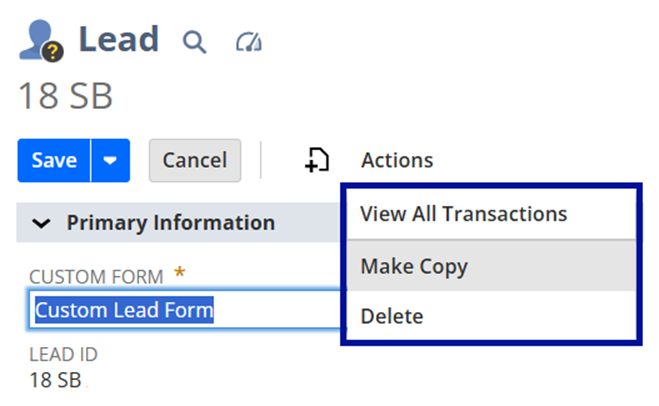
Solution: Enable Duplicate Entity Management Permission
Follow these steps to grant the required permission:
- Navigate to Setup > Users/Roles > Manage Roles.
- Locate the custom role and click Edit.
- Click Permissions > Lists.
- Select Duplicate Entity Management
- Level: Select Full

5. Click Add
6. Click Save.
Expected result:

Have any tips to share with the community? Share them in the NetSuite Admin Corner.
