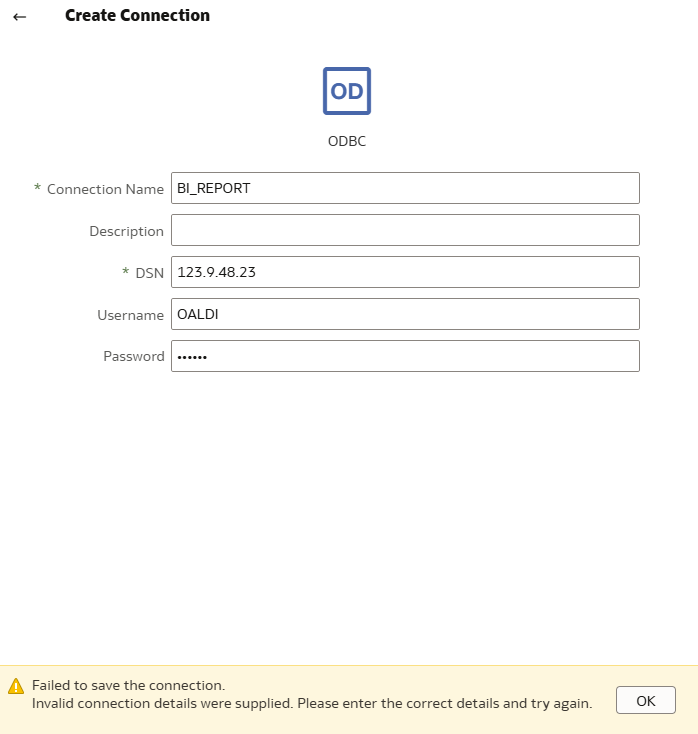
I am trying to create ODBC on DV data connection.
for DSN should I put a entry from TNSNAMES.ora? let me know.
@Tony_OAS_Apex_User ,
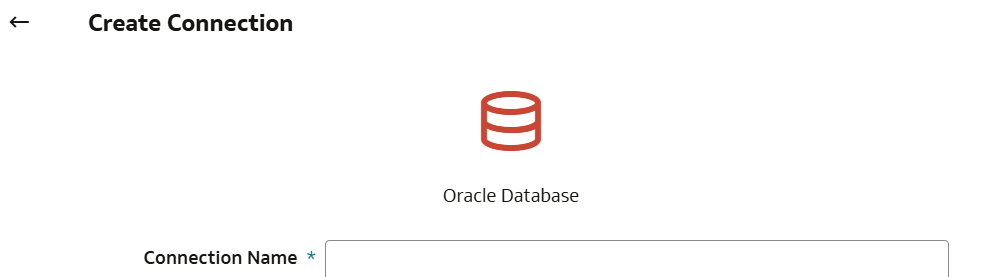
If you want to define a connection to an Oracle Database in DV, use the "Oracle Database" connection type, that's the easiest way to connect to an Oracle database (compared to ODBC).
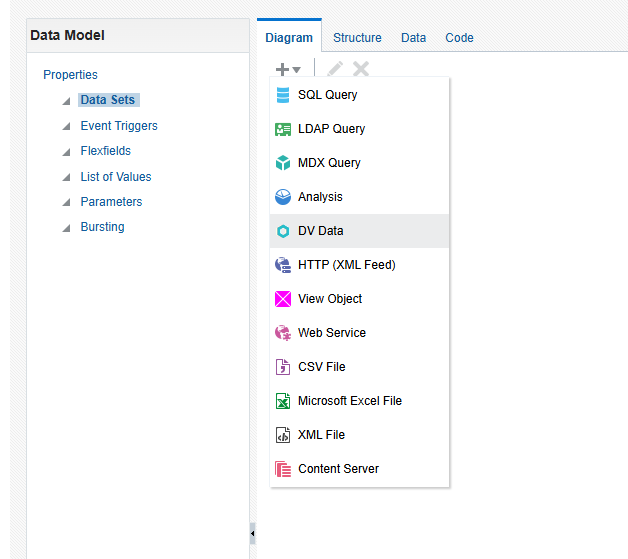
If your Publisher data model should be a query on an Oracle database, the best solution is to define the connection to your database as a data source in Publisher itself (so not DV), and then build your Publisher data model as a SQL Query.
Doing this, you are bypassing any intermediate layer that you don't need: Publisher will directly connect to your database when doing its job. Using anything else (DV database, LSQL queries on BI Server etc.) means adding extra steps, extra pieces passing data left and right. If you have a corporate semantic model deployed then using a LSQL query make sense because it avoid you having to re-define all the business rules in your SQL query. But if this isn't the case and you just want to use a SQL query on your Oracle database, create this database as source in Publisher and then use it with a SQL Query directly. The direct approach also simplify security as you aren't touching DV pieces and their permissions do not matter.
the DSN field or Connection String field requests the full connection descriptor from the tnsnames.ora file
An ODBC connection is usually not an Oracle Database connection (you have dedicated connection types for that), therefore the tnsnames.ora isn't involved.
What are you trying to connect to?
Thanks for your answers.. i just want to create odbc connection to oracle database to create dataset. so I can use it on BI publisher.
I am having some issue that data columns dosn't come up in BI Publisher as regular user.
It doesn't have to be odbc connection within DV, but i already have connection to Oracle database.
As a BI admin group user I could see all the columns and data but as a regular user can't. What permission control that? We don't want to give a admin role to the regular user. Which permission let you see and work with it?
In Oracle BI Publisher, access to:
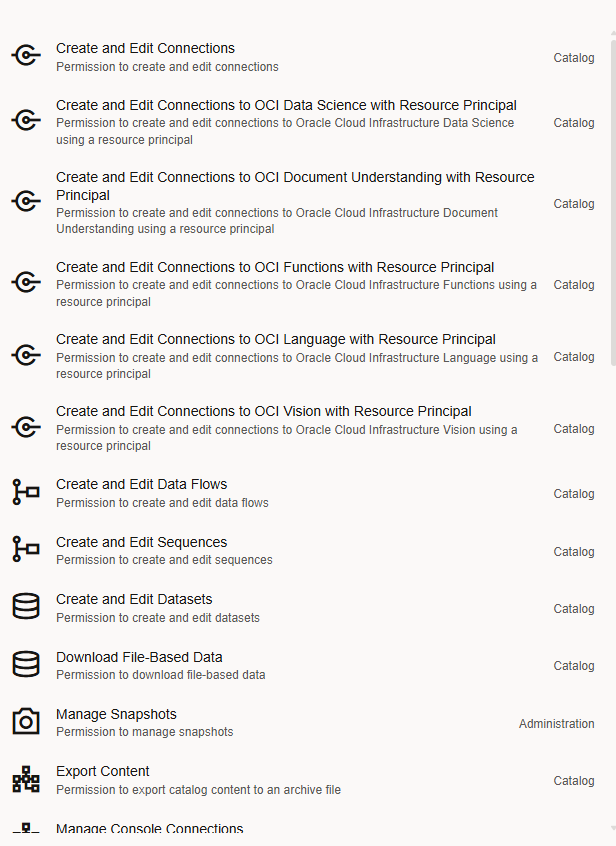
is controlled by catalog permissions, if regular user cannot see columns, they likely don’t have required permissions.
We give catalog item access permissions to application roles.
The permissions that we can assign to others vary depending on the type of content. To change permissions, the application role that we are assigned to must have the Change Permission privilege.
Hope it helps!
Explore how to build agents using code in AI Data Platform. We'll create an agent that examines and analyzes the contents of a Github repository and reports its findings. The session demonstrates how to use different developer tools to create agents including the AIDP extension for VS Code and Codex. Using these tools we…
What is wrong with this code
Am I missing something or is there no way to search through previous posts to make sure I don't duplicate a question? All I see on the filter options are tags or status… a general search for a word or phrase would be helpful.
We were under the impression that when exporting a visualization in DV to CSV format hidden columns would be include from the grammar panel. This is not happening. See below for a screenshot showing 3 hidden columns that do not appear when exporting the pivot table to CSV. This seems to have worked a month or so back but…
Migrated RPD from obiee12c to OAS 2024. post migration when we try to access dashboards on OAS we are getting below error: State: HY000. Code: 10058. [NQODBC] [SQL_STATE: HY000] [nQSError: 10058] A general error has occurred. (HY000) State: HY000. Code: 43275. [nQSError: 43275] Message returned from OBIS…
There is no option for legend title in many visualization types.