In a notebook in OAC, is there a way to add spacing between filters?
Hi @User_Q1Z83 ,
Are you talking about the filter bar at the top of a workbook?
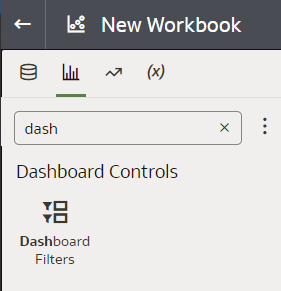
If so, you can't add spacing between filters. As an alternative you can use dashboard filters visualisations instead, and add spacing with spacer visualisations.
Otherwise, it would be great if you can share a screenshot of your page, highlighting where you need to add spacing.
Is the dashboard filters visualisations still within OAC?
Dashboard Filters visualisation is available in OAC and OAS when creating Data Visualization workbooks.
Welcome to the forum. Because this is a public forum (not Oracle internal), I believe there are Oracle rules requiring employees to identify as such in their profile by setting a display name.
Please do consider being a bit more explicit in your questions (5 words or 2 paragraphs are the same price: free). It's a forum, nobody can see your screen or know what you are thinking about. Describe your context, post screenshots, be explicit in what you ask about. Mostly with products like Oracle Analytics that are 2 or 3 different tools in one, with DV vs "classic" analyses vs Publisher.
While we are all here to volunteer our help, doing some basic self-service research can go a long way. We do understand about being new to a product or feature, but the abstract and the description were not posted in a way that added much contextual details that would allow a better understanding and potential resolution replies vs. questions back. I would also add, it is advantageous to read/search the documentation. There is a search mechanism within the documentation itself + they are indexed in internet search engines.
https://docs.oracle.com/search/?q=dashboard+filters&lang=en&category=cloud&product=en%2Fcloud%2Fpaas%2Fanalytics-cloud To Gianni's point, you are to identify yourself as an Oracle employee in public forums, please update your Display Name.
@User_Q1Z83
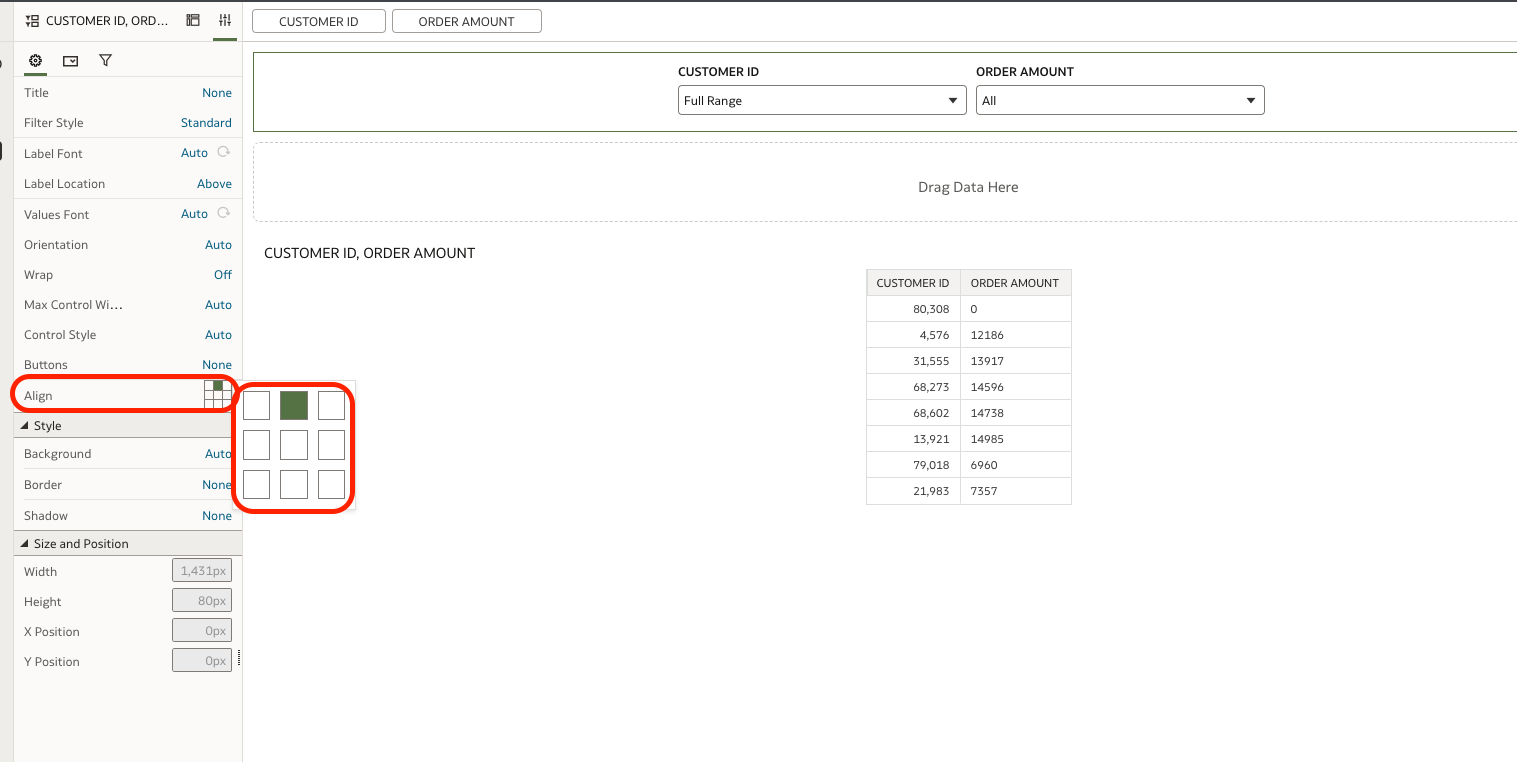
Spaces between Dashboard Filters can not modified but can change the Alignment for it please check the following
Description: The Oracle Fusion Data Intelligence (FDI) Product Roadmap Update provides an overview of the latest developments and future plans for FDI. Oracle Product Management experts will share upcoming capabilities, key enhancements, and product direction, helping attendees understand what is changing and how these…
I'm trying to index a Local Subject Area so I can use it in my AI Agent, however, I keep receiving the generic error below. Request status(500) : error = {"prefix":"DSS","code":50000,"message":"There was an unexpected error while processing this request. Please try again."}
it is observed that in OAC while using case statements the output is not expected.For example if we have a case statment like case when table1.column1=table2.column1 then 'yes' else 'No' end as Attribute1 Now if i use this attribute with a fact-amount column attribute 1|| Amount on a report then we dont get the aggregation…
Once I select that value from the list box Region I created, I want to filter the table by my selection. See the images
Hi, While using OAS or OAC latest version can we generate a report to view complete defition of semantic model/subject area. It helps to document and troubleshoot. thanks