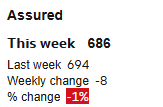
Is it possible to conditional format the text on a tile rahter than the background.
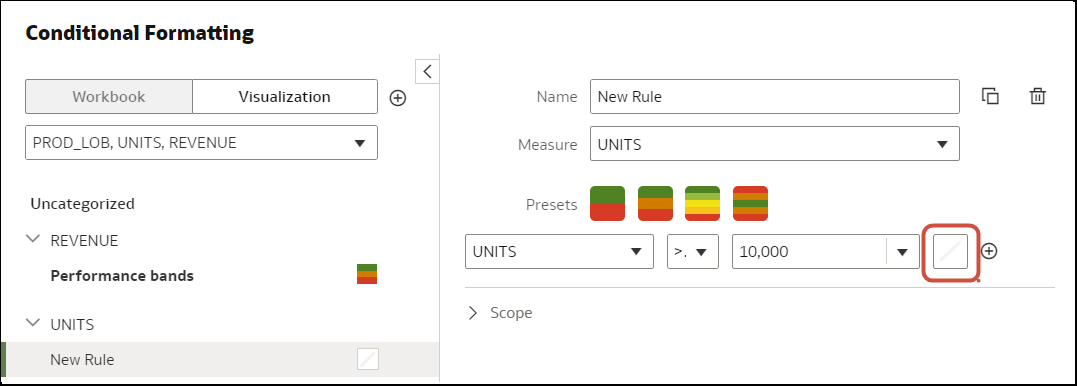
On the conditional formatting panel, when you click on the color icon as below. Then you will a screen with “Color” and “Font”.
“Color” is not for the text color but for the background color. Select a transparent color. Then click on “Font” and select the color you want for your text.
Additional tip, as you are looking at % of change, put a small “Icon” trend up or down from the icon menu. It will look way better with a little green or red trend icon.
Thats great, thanks.