Oracle Transactional Business Intelligence

Welcome to the Oracle Analytics Community: Please complete your User Profile and upload your Profile Picture

Redwood Purchasing Landing Page - Seeded KPIs and OTBI Analyses Availability

Received Response
26
Views
4
Comments

Hello,

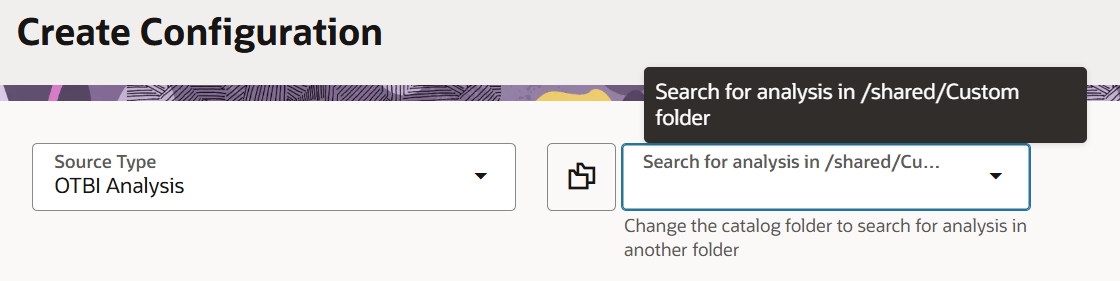
I'm implementing the new Redwood Purchasing Landing Page feature and trying to add KPIs to the Visualization Configurations page. When I access the configuration page (/fscmUI/redwood/cx-analytics/application/container/dvconfig), I can see the "Create Configuration" screen, but the analysis search dropdown is empty.
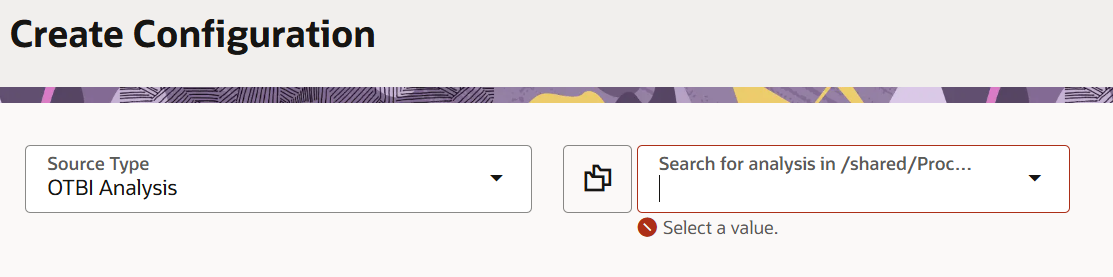
image.png

I want to check if Oracle provides seeded/ pre-configured OTBI analyses for Purchasing KPIs out-of-box, or we must create custom analyses. If seeded analyses exist, in which catalog folder path should I look for?


Tagged:

Answers

  • Hi @kubrail, As per oracle documentation, you must add your KPIs and visualizations to the library using the Visualization Configurations page before they can be used on the Redwood Purchasing Landing Page.

    Here is the primary Oracle Help Center note that explains how the Visualization Configurations page works for Purchasing KPIs and visualizations.
    https://docs.oracle.com/en/cloud/saas/readiness/scm/25d/proc25d/25D-procurement-wn-f39897.htm

    Hope it helps!

  • kubrail
    kubrail Rank 2 - Community Beginner

    Hi RVohra

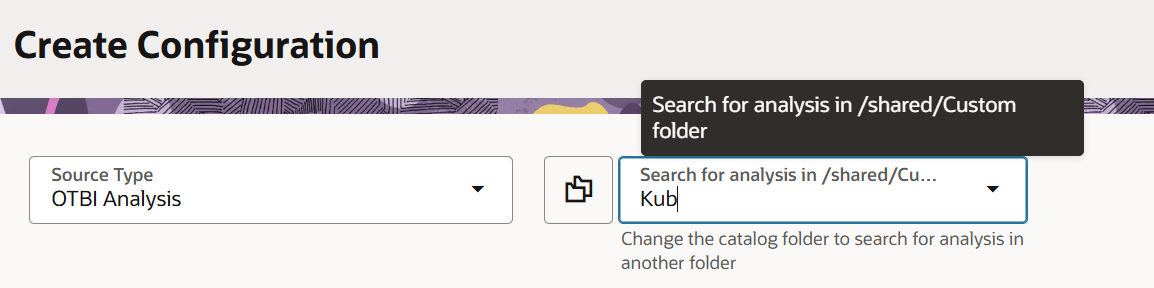
    Thank you for your response. However, the steps were already followed in the shared documentation, and we encountered an issue to select a value as shown.

  • I believe Oracle does NOT deliver seeded OTBI KPI analyses for Purchasing KPIs out-of-the-box.

    Can you try building a custom OTBI analyses that return a single KPI value (metric card style) using Procurement subject areas (e.g., Procurement – Purchasing Real Time).

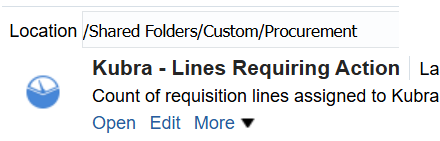
    • Save them in Shared Folders e.g. /Shared Folders/Custom/… or /Shared Folders/Procurement/ and then it should become available in the Visualization Configurations dropdown.
  • kubrail
    kubrail Rank 2 - Community Beginner

    Hi RVohra

    Thank you for your suggestion. I created a custom OTBI analyses, but still not able to view any analyses on the Visualization Page.

    In 25C, the Oracle mentioned about the Flexible Reporting in Redwood Dashboards (Redwood: Use Additional Capabilities When Processing Requisition Lines as a Buyer), but this link doesn't open.

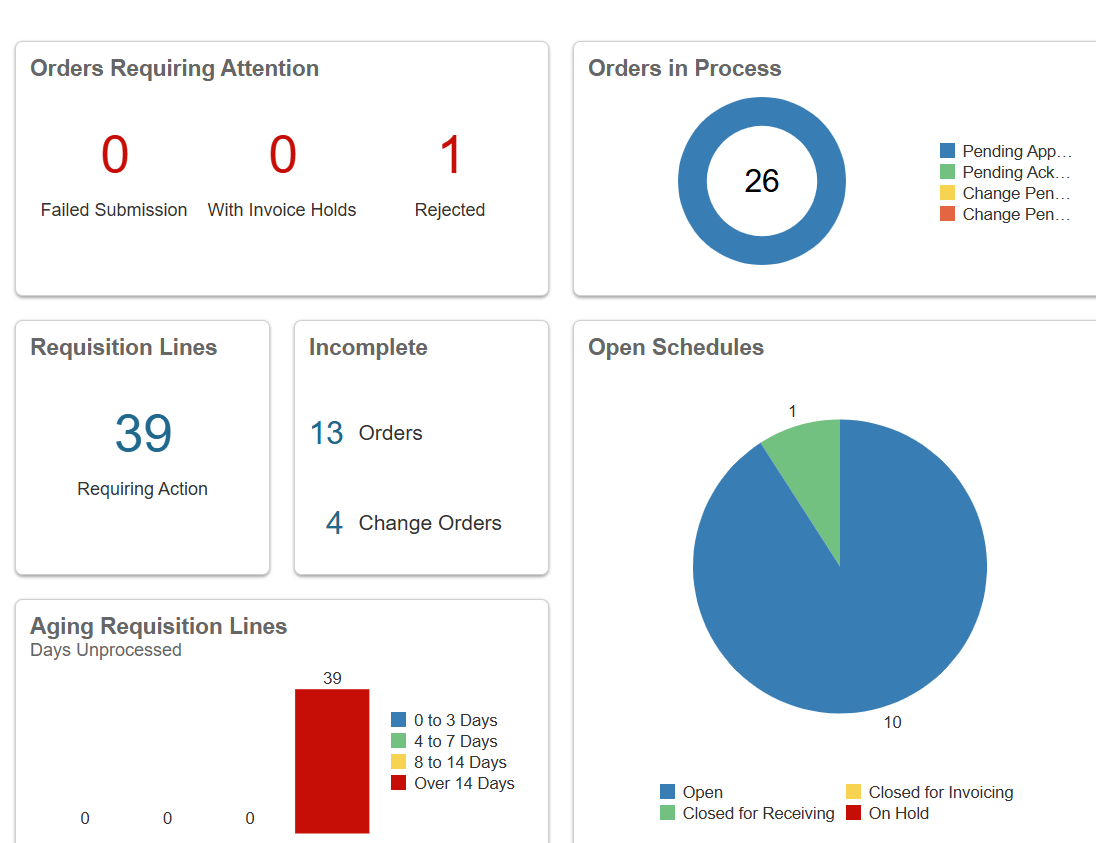
    In the classic page for Purchase Orders, the KPIs are readily available and serves to majority of the customers need. It would be better to have seeded analysis.

    image.png image.png image.png