Oracle Transactional Business Intelligence Forum

Welcome to the Oracle Analytics Community: Please complete your User Profile and upload your Profile Picture

Drill down from OTBI adhoc report to Expense Report

Received Response
16
Views
6
Comments

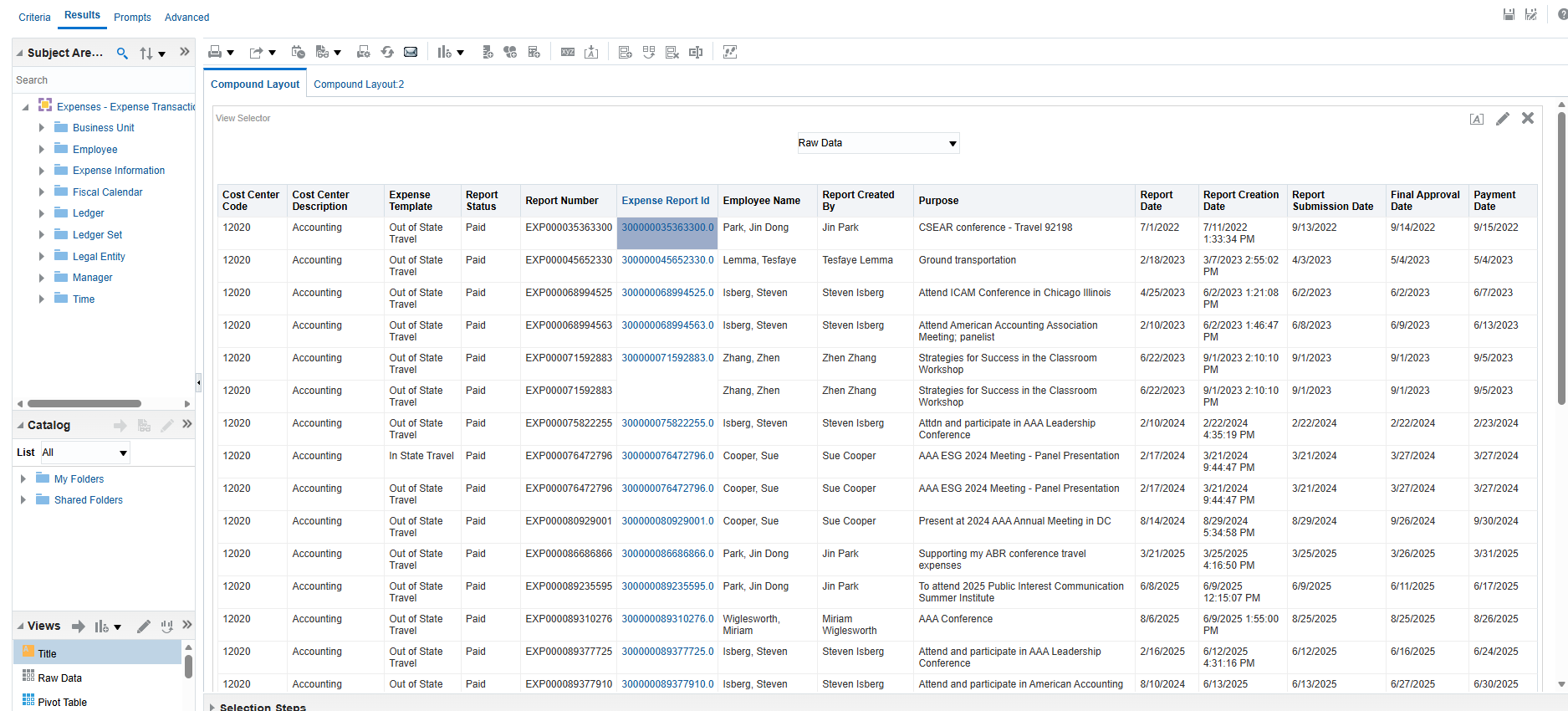
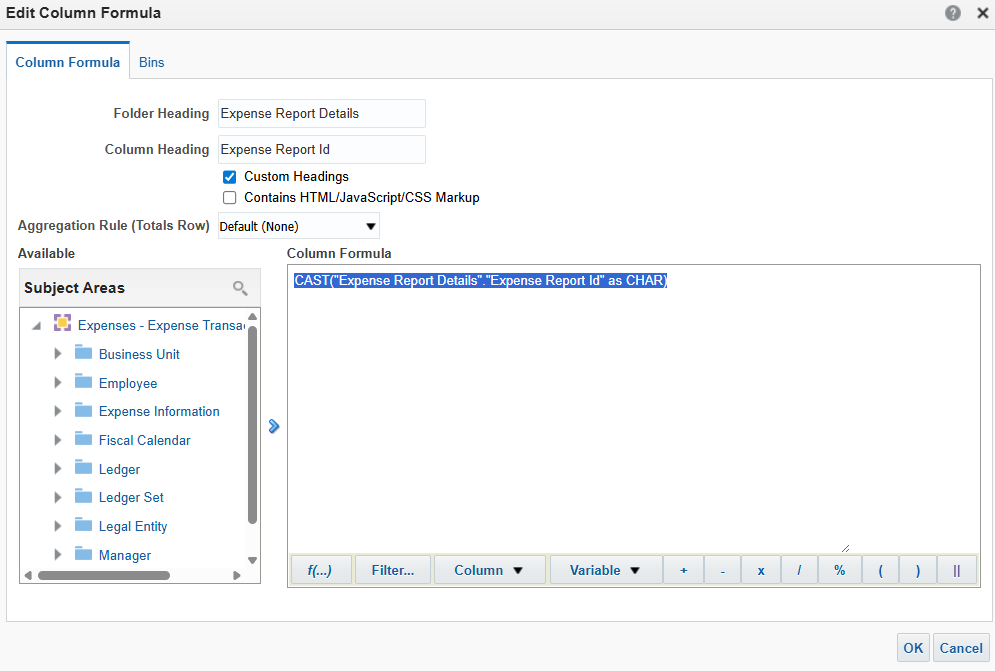
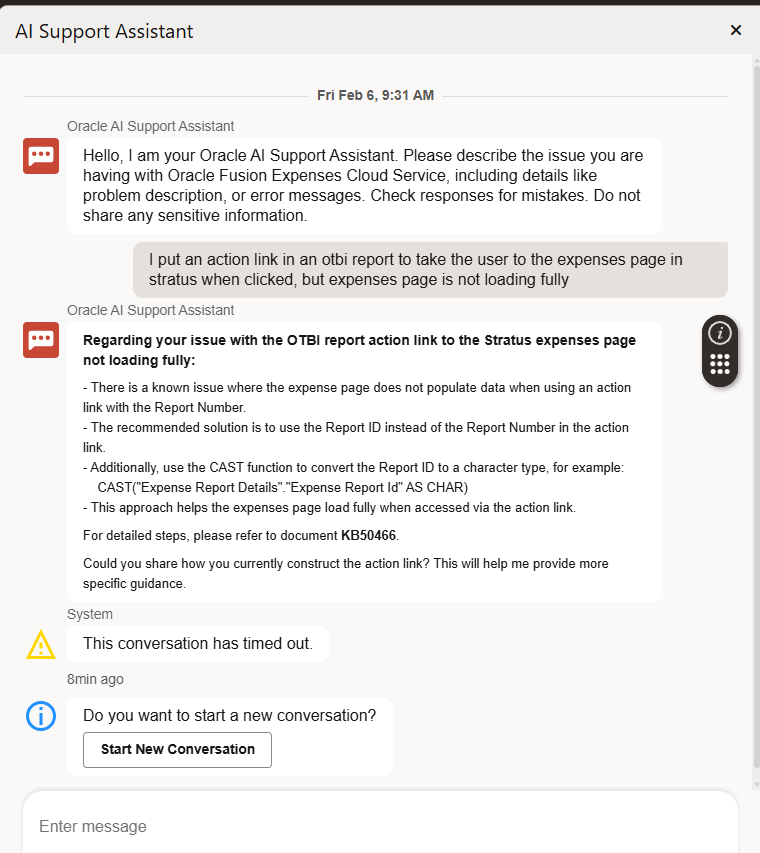
I am trying to create an action link in an otbi report related to expense report info. Currently the action link is attached to the report number field- but apparently there's a known problem with doing that and I've been advised to use expense report id instead of report number. I'm also following directions from oracle white pages on doing a drill down from OTBI adhoc reports to Expense Reports. I'm successful in getting another window open to stratus but the page is white and blank. Nothing loads- or sometimes like 1/4 of the page loads and the rest stays white. This is happening when I used both report number and expense report id. Anyone actually have success doing this?

Answers

  • Alexandra Pickett
    Alexandra Pickett Rank 2 - Community Beginner
  • Alexandra Pickett
    Alexandra Pickett Rank 2 - Community Beginner
  • Alexandra Pickett
    Alexandra Pickett Rank 2 - Community Beginner

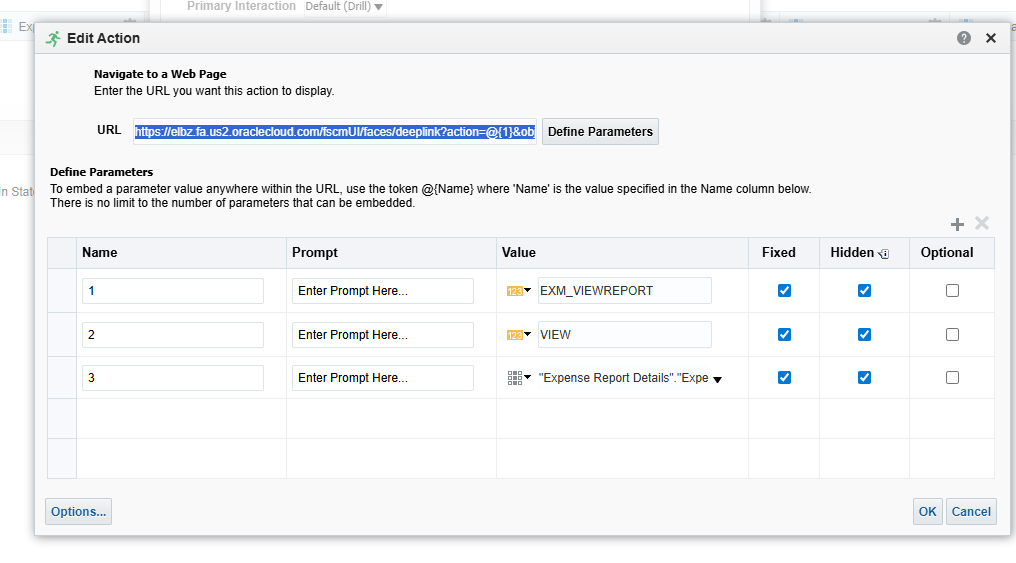
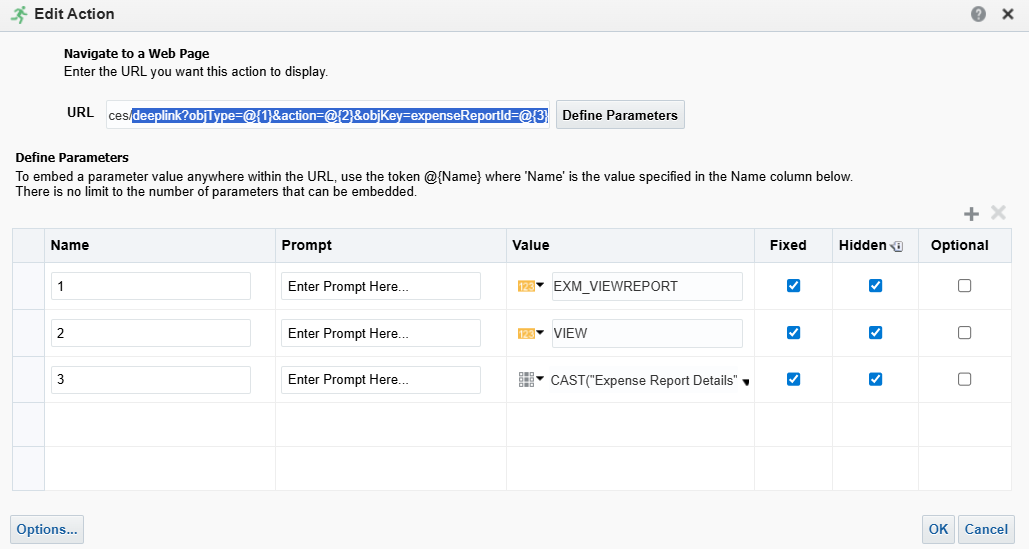
    Here's my action link and parameters: There was an error displaying this embed.

    image.png
  • Alexandra Pickett
    Alexandra Pickett Rank 2 - Community Beginner

    https://elbz.fa.us2.oraclecloud.com/fscmUI/faces/deeplink?action=@{1}&objKey=expenseReportId=@{2}&objKey=expenseReportId=@{3}

  • @Alexandra Pickett , Welcome to the Oracle Analytics Community!

    Looking at the above comments, you are on the correct path. It seems somehow the deeplink URL is not being constructed properly.

    Here is the example of a deep link URL

    https://<host name>/faces/deeplink?objType=EXM_VIEWREPORT&action=VIEW&objKey=expenseReportId=3001001431
    

    Hope it helps!

  • Here is the format for a deep link URL:

    Copyhttps://<host name>/faces/deeplink?objType=<objecttype>&action=<action>&objKey=<name1=value1;name2=value2...>
    

    The URL contains several parameters and their values. These are some parameters you can use in a deep link URL:

    Parameter

    Description

    object type

    The identifier of the application page to be accessed by deep link. You must enter its value in upper case. For example, to create a deep link to access the View Expense Report page, use EXM_VIEWREPORT.

    action

    The action performed on the page. You must enter its value in upper case. Possible values are NONE, CREATE, EDIT, and VIEW.

    name and value

    This combination is used to fetch a specific record. For example, to access an expense report with report number 3001001431, set name as expenseReportId and value as 3001001431.