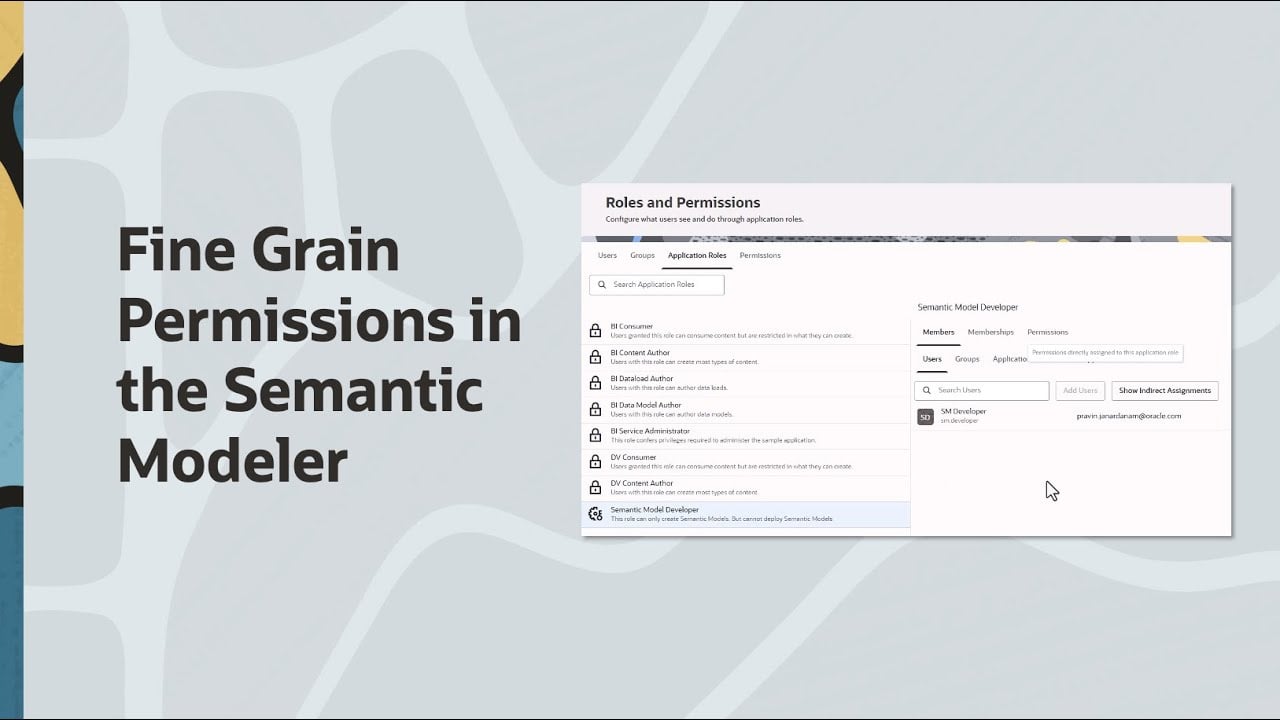
With the January 2026 release, Oracle Analytics Semantic Modeler introduces a new fine‑grained permission that lets administrators separate semantic model development from deployment. This addresses a common request to allow certain users to create and edit semantic models while preventing them from deploying models.
To ensure backward compatibility, the predefined BI Data Model Author application role continues to behave exactly as in prior releases (users can still create/edit and deploy semantic models). In addition, customers can now create a custom “developer-only” role using the new fine‑grained permission.
How the fine‑grained permission works
A new permission is available in Navigator → Console → Roles and Permissions:
- Create and Edit Semantic Models
This permission grants access to create and edit semantic models, but it does not grant deployment privileges and does not provide access to deployed semantic models.
Backward compatibility: BI Data Model Author role remains unchanged
Users assigned the predefined BI Data Model Author role will continue to:
- create and edit semantic models
- access deployed semantic models (for example, Import deployed model)
- deploy semantic models
How to configure a custom “Semantic Model Developer” role (no deploy)
- Go to Navigator → Console → Roles and Permissions
- Create a custom application role (for example, Semantic Model Developer)
- In Permissions, search for semantic model and assign:
- Create and Edit Semantic Models
- Assign the custom role to your developer users
What users will see (Developer-only vs. Developer+Deploy)
BI Data Model Author (Dev + Deploy):
- Can create and edit semantic models (including options such as Clone a Git repo)
- Sees Import deployed model in the create flow
- Sees the Deploy option in the model page menu
Custom Semantic Model Developer (Dev only):
- Can create and edit semantic models (including options such as Clone a Git repo)
- Does not see Import deployed model
- Does not see the Deploy option
Learn from this video how to configure finer permission control for Oracle Analytics Semantic Modeler.




