
When adding the fields from Applying Transactions, there is no direct freemarker to use. In this example below, a user wants to add the Payment Date and Payment Amount of customer's invoice to a custom Email Template. This information is sourced from the Invoice record > Related Records tab > Payments subtab.
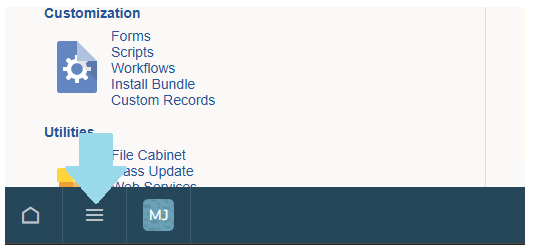
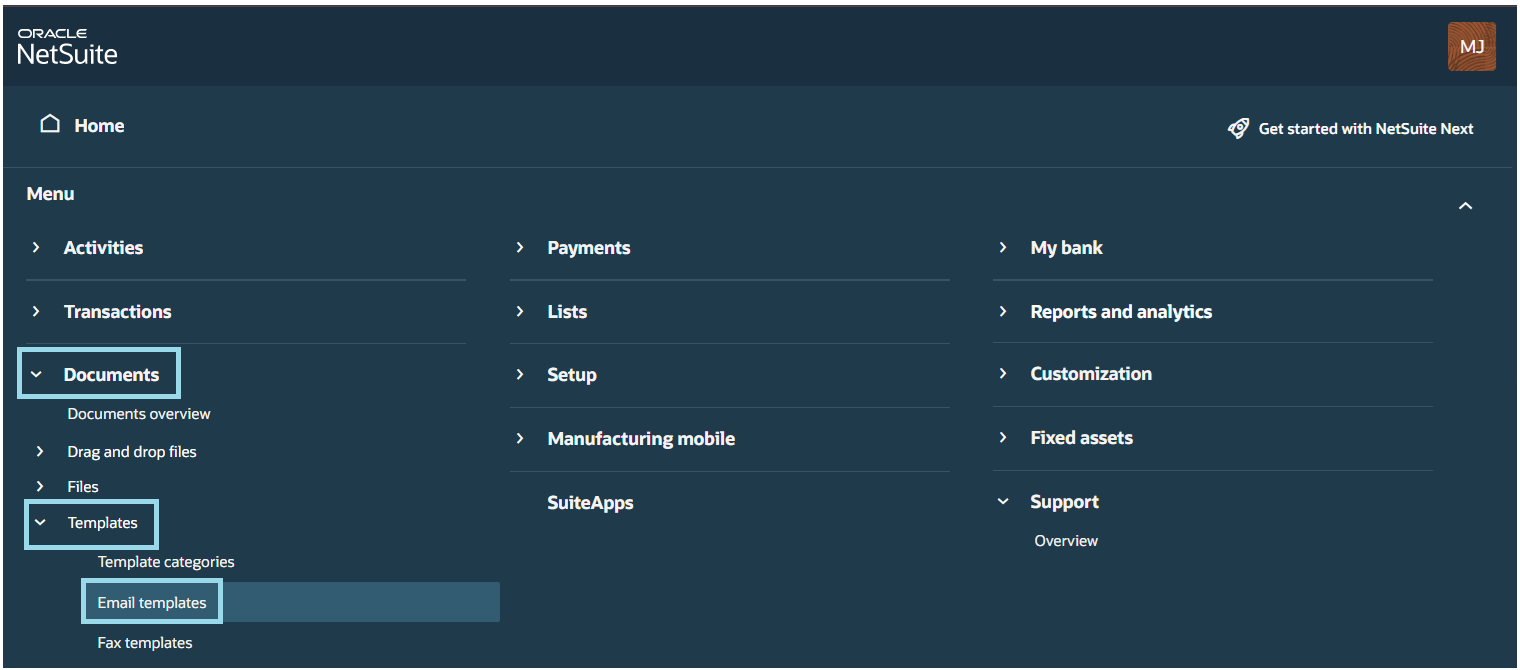
1. Navigate to Documents > Template > Email Templates
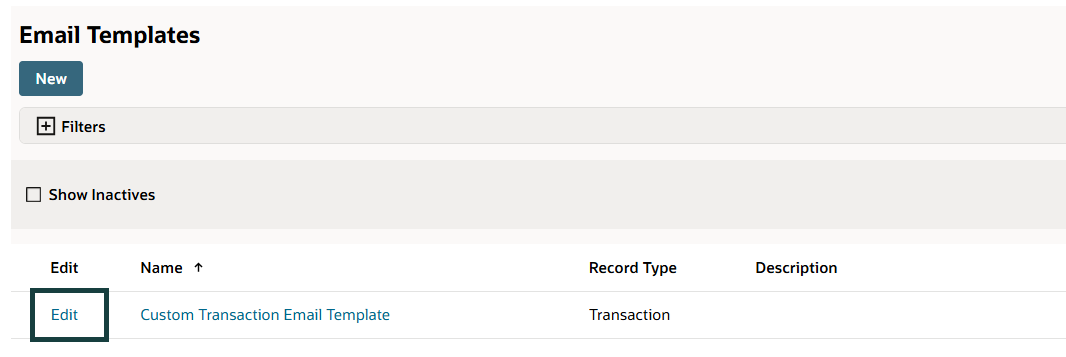
2. Click Edit beside your custom Email Template
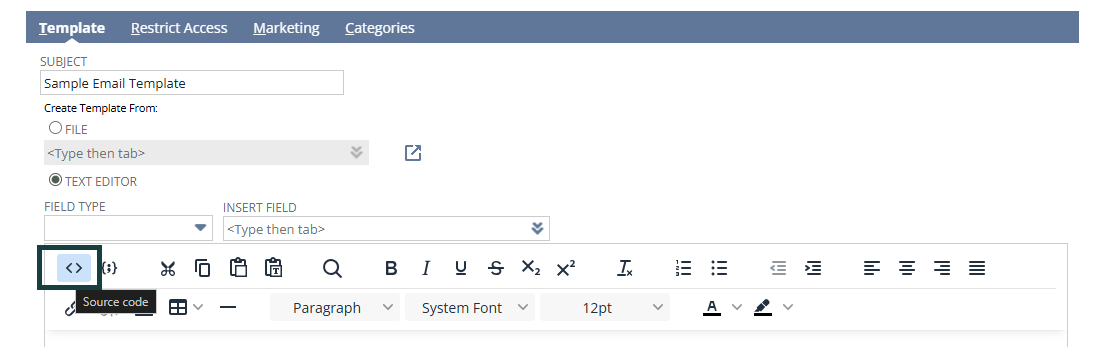
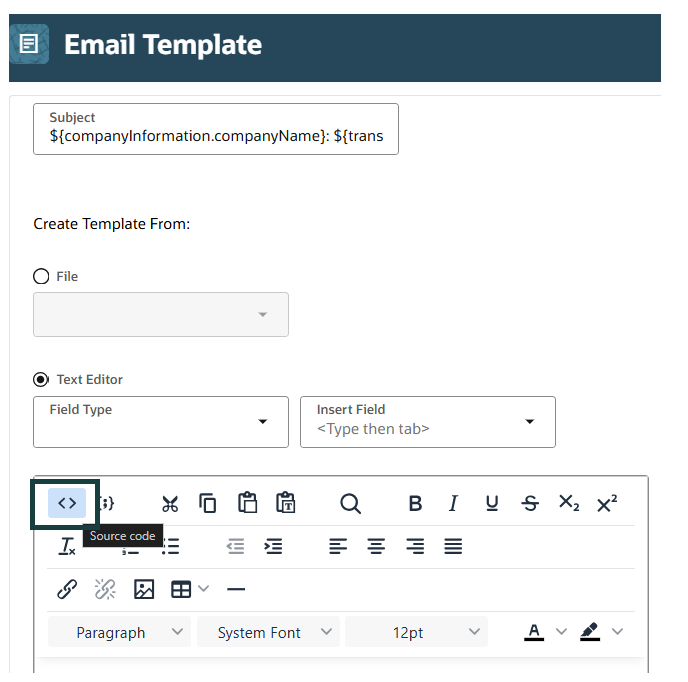
3. Click the Source icon
NetSuite:

NetSuite NEXT:
4. Add the statement below
<#list transaction.links as listItem><#if listItem.type?contains("Payment")><p>Payment Date: ${listItem.trandate}</p><p>Payment Amount: ${listItem.total}</p></#if></#list>
Do you have an alternative way of adding fields from Applying Transactions to your custom email template? Let us know by commenting below.
