Hi,
In OAC, we often index specific columns and define synonyms within a Dataset or Subject Area to help the AI Assistant interpret natural language queries accurately. However, when workbook authors are building reports, they currently have no easy way to see:
- Which columns are indexed
- What synonyms have been configured for those columns.
This lack of visibility makes it difficult for them to ask precise questions or fully leverage the AI Assistant’s capabilities.
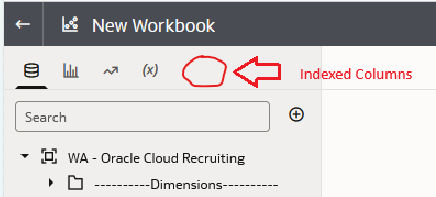
Introduce a way to display indexed columns and their synonyms directly in the workbook would be really helpful. Below screenshot just for an example,
Thanks,
Subhakara