Hi everyone,
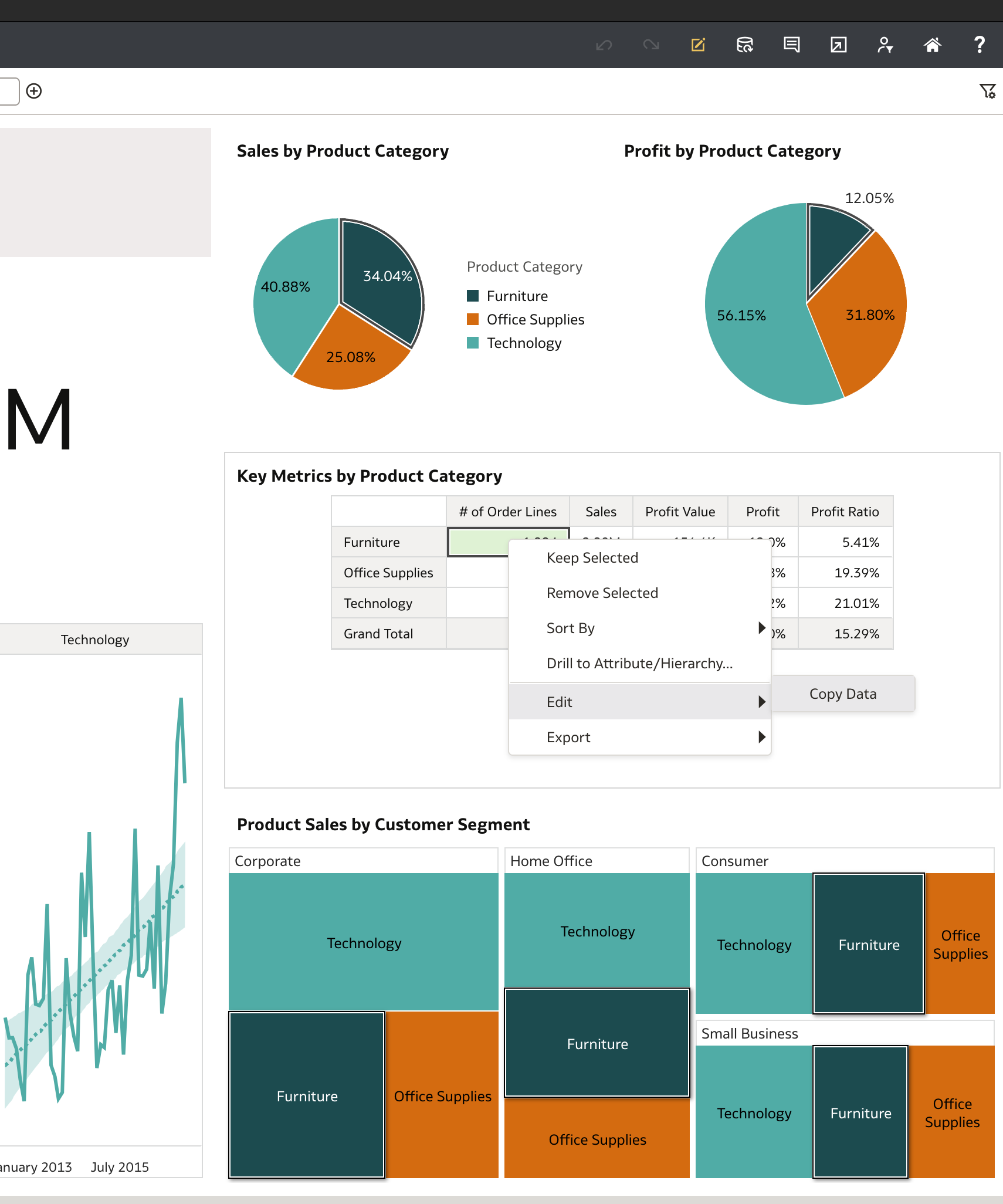
I’m using Oracle Analytics Cloud Desktop on macOS, and I’ve noticed that the Copy/Paste option is not available (both right-click and keyboard shortcuts). I’ve tried restarting the app and my Mac, but the issue persists.
Is this a known limitation of the OAC Desktop client on Mac?
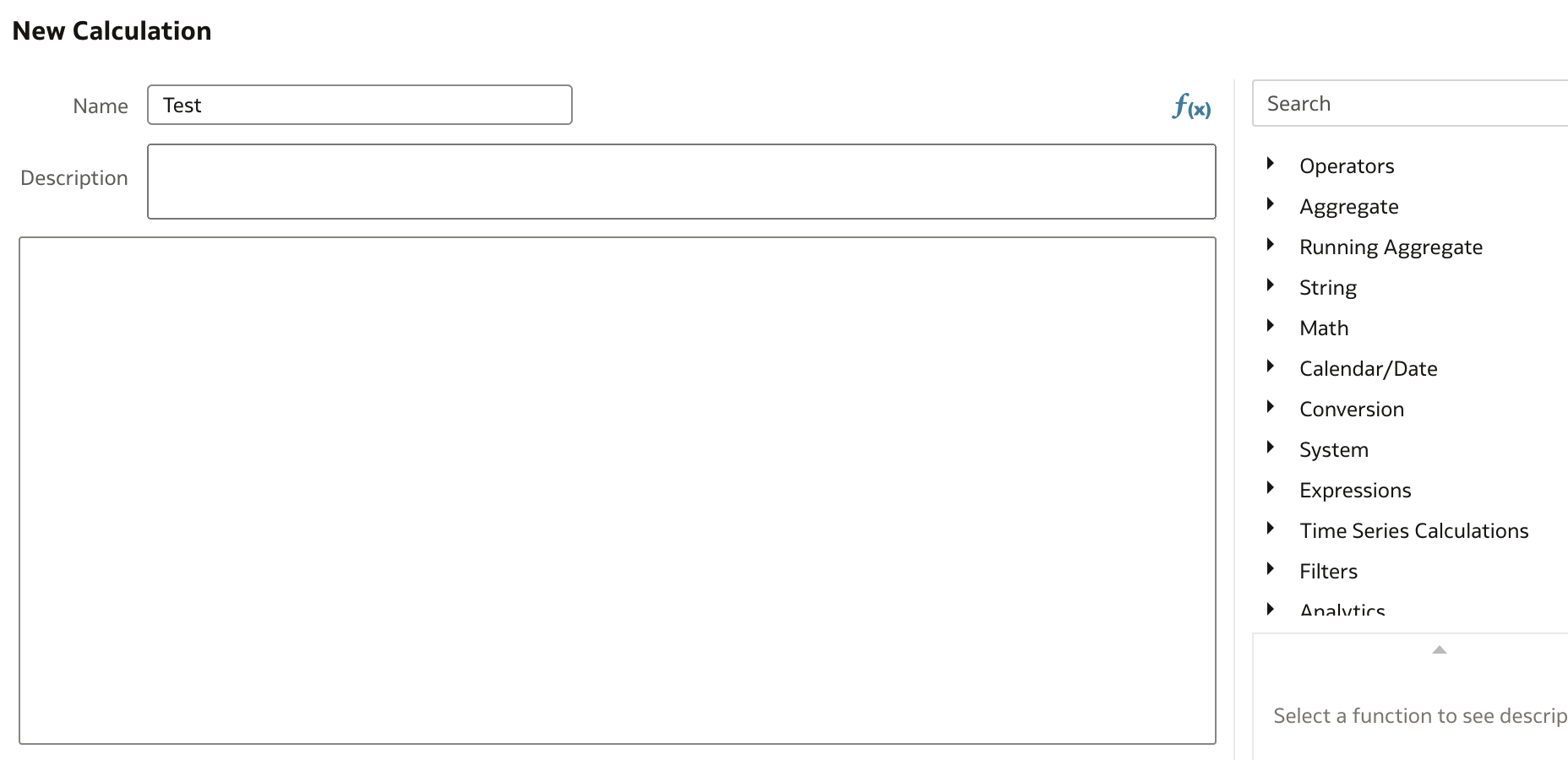
Are there any workarounds to enable copy/paste within the canvas or data model editor?
Thanks in advance for any guidance!