Categories
- All Categories
- Oracle Analytics and AI Learning Hub
- 54 Oracle Analytics and AI Sharing Center
- 26 Oracle Analytics and AI Lounge
- 314 Oracle Analytics and AI News
- 58 Oracle Analytics and AI Videos
- 16.4K Oracle Analytics and AI Forums
- 6.7K Oracle Analytics and AI Labs
- Oracle Analytics and AI User Groups
- 120 Oracle Analytics and AI Trainings
- 24 Oracle Analytics and AI Challenge
- Find Partners
- For Partners
Fusion AI Data Platform – AI Assistant Enabled Workbooks

Oracle Fusion Analytics (Fusion Analytics), a part of the Oracle Fusion AI Data Platform, is a family of prebuilt, cloud-native analytics applications for Oracle Fusion Cloud Applications that provide ready-to-use insights to help improve decision-making. It’s extensible and customizable, allowing customers to ingest data and expand the base semantic model with additional content.
In addition to the pre-built content FAIDP offers in each pillar, we have an ongoing effort to provide more reusable artifacts for FAIDP which is described in this blog.
AI Assistant is the Generative AI feature with OAC to enable business users to get into conversational analytics using the AI capabilities. Now this feature is available on default on all the OAC instances with FAIDP.
In this post we are sharing some AI Assistant enabled workbooks.
NOTE: If you experience any issues importing this workbook or running it, it may be likely that your environment is on a version of FAIDP and/or OAC that is lower than the version used for developing this workbook. Update/upgrade timings are dependent on the data center your instance is in. We recommend waiting until your instance is upgraded to the latest version before importing and using this workbook.
Functional Areas
Workforce Core
Subject Areas
HCM – Workforce Core
Business Use Case
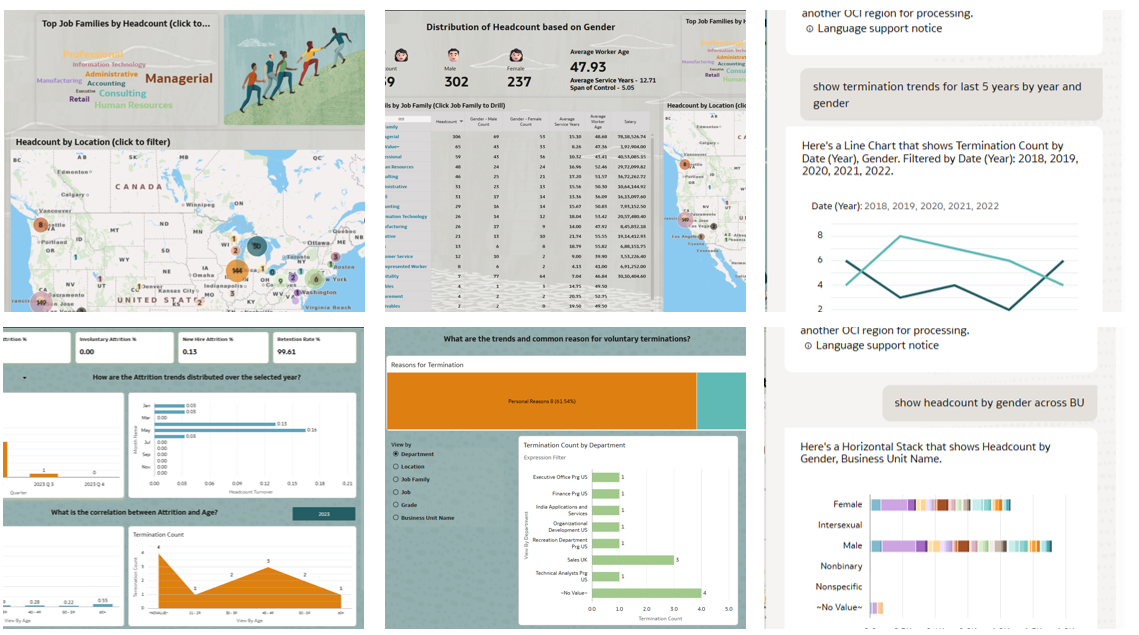
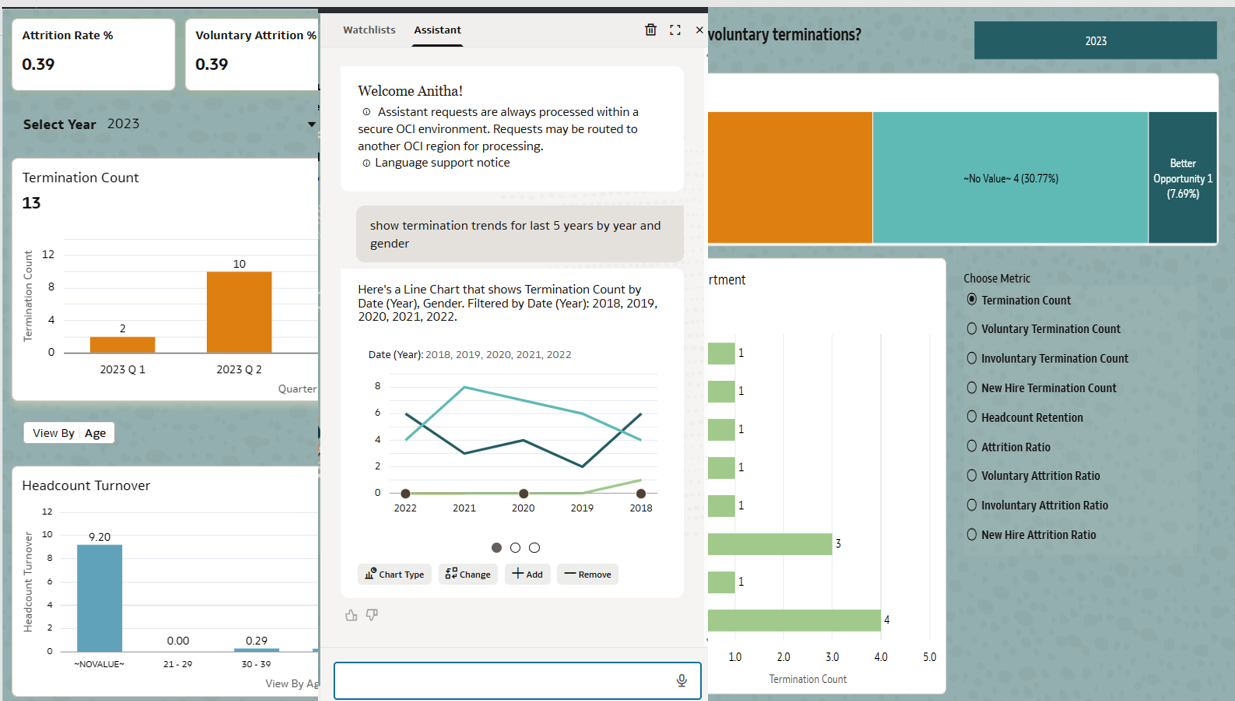
AI Asst Attrition DVA : Use this to get deeper insights on attrition trends via conversations analytics
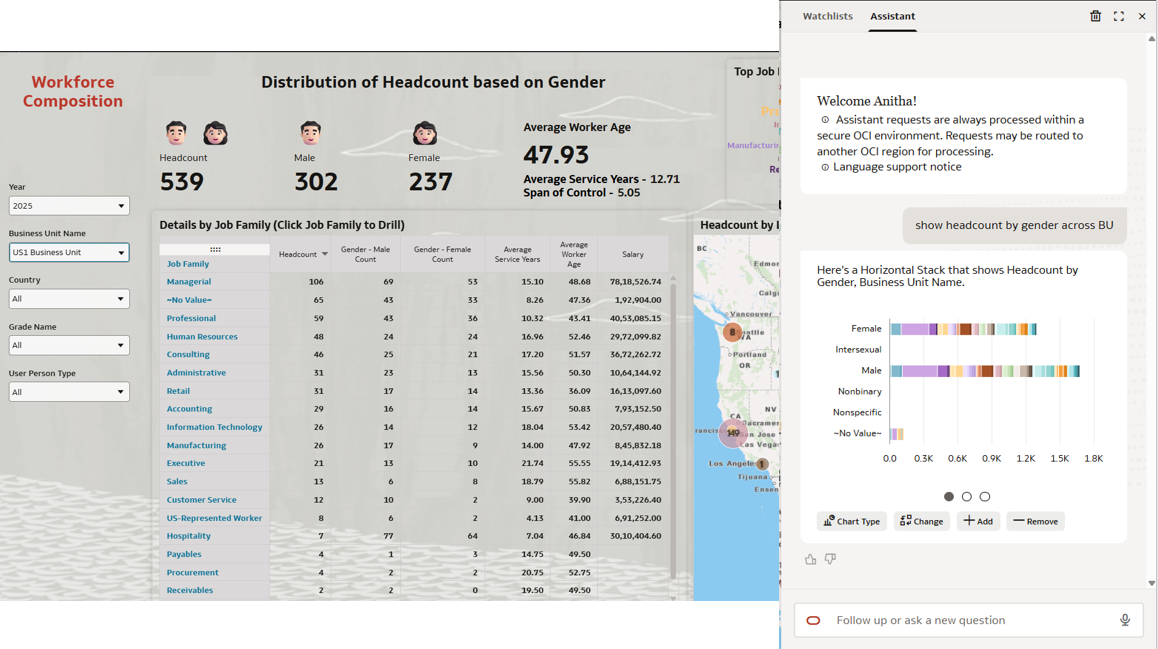
AI Asst Workforce Composition DVA: Use this to get deeper insights on workforce composition via conversations analytics
Pre-Requisites:
The AI Asst uses the Local Subject Area (LSA) and not the subject area. Ensure the LSAs are indexed and run regularly for seamless experience. Here are the guideline to index LSA.
Right Click the LSA and Navigate to “Inspect” -> Search to create index.
- Enabled for each data model over which you need to use AI Asst
- Index Rules
- attributes - both name and value
- metrics – only name
- date – only name
- Schedule indexing (daily timing it after your data refresh)
- Synonyms
- Up to 20 per column
- No ambiguity
- Keep Org practice / industry terms
Make sure you don’t create workbooks using the LSA but use it exclusively for AI Asst answers.
Attachments
General Guidelines and Best PracticesHere some guidelines and recommendations to adapt these workbooks to your environment. Additionally, review the information provided on the workbook Help page (if any) to ensure the workbook renders data after you select the appropriate options and filters.
- Download the workbook from the above attachment section and import the workbooks to your instance. Note: These workbooks don’t have passwords, in general. Password, if any will be explicitly called out.
- Ensure you download only the workbooks relevant to the pillar and functional areas activated for your FAIDP instance.
- All the workbooks will have a Help page containing required information and guidance on how to use the workbook. Be sure to follow these instructions before using the workbooks on your instance.
- Note, workbooks cover only generic use case / business scenario. Review the workbook content, make any changes as needed, and set the appropriate filters – especially those related to time dimensions and other dimensions based on the pillar / functional area.
- While making modifications, follow the best practices and generic / pillar specific authoring tips. Here are the pillar specific authoring tips link. Ensure to use the latest FAIDP documentation links for latest information on authoring tips and guidelines
- Fusion CX Analytics Authoring Tips
- Fusion ERP Analytics Authoring Tips
- Fusion HCM Analytics Authoring Tips
- Fusion SCM Analytics Authoring Tips - It is highly recommended that you perform basic sanity checks and data validity before rolling out workbooks to business users and analysts.
Comments
-
These AI Assistant–enabled workbooks make exploring attrition and workforce insights much easier and more interactive.
Thanks for sharing the details, @Anitha Ramarao-Oracle!
1 -
@Anitha Ramarao-Oracle - Do you know when is Phoenix datacenter expected to be upgraded to the new FAIDP?
0 -
It is great to see this in action. Makes like a little bit easier :-)
0


