HI All,
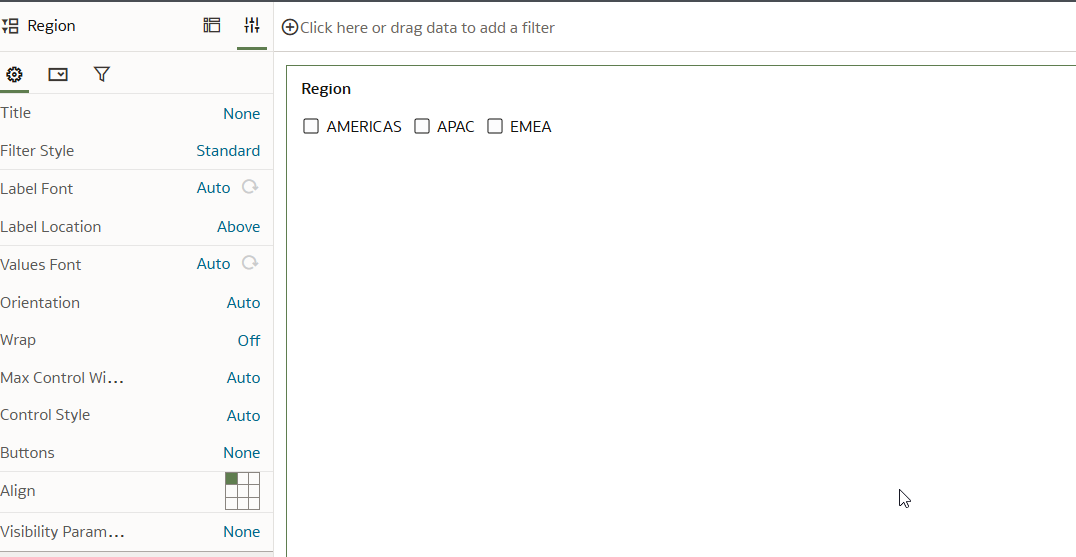
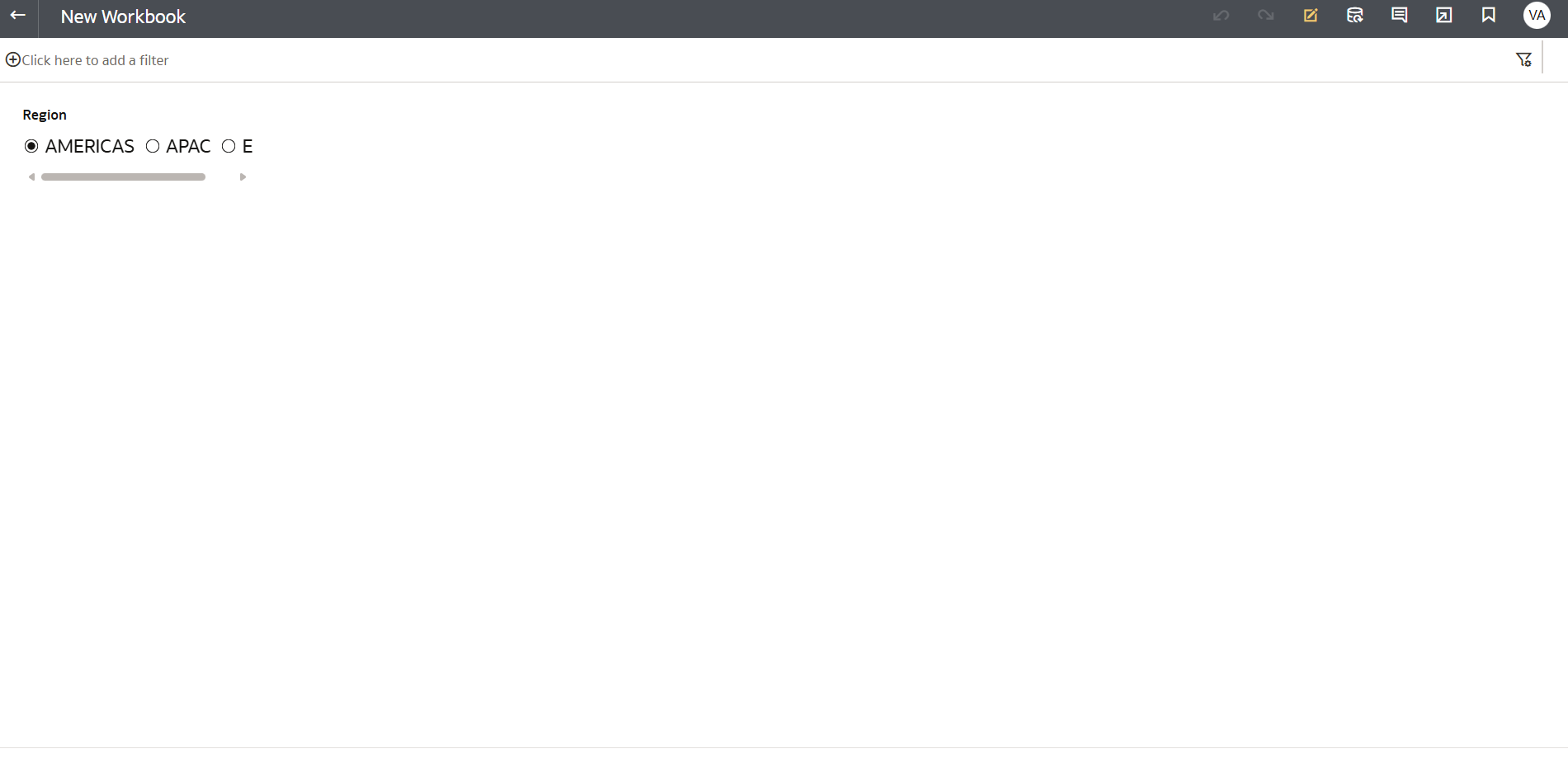
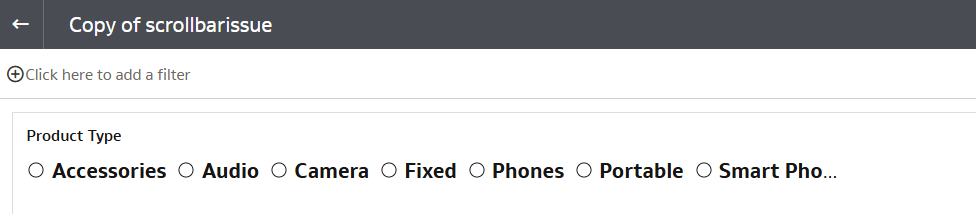
is there any solution to resolve the issue of wrapping. why is scroller is getting generated when there is enough space. This kills the functionality
This is why other BI tools are leading, this should have been simple
Please help over here
Hi
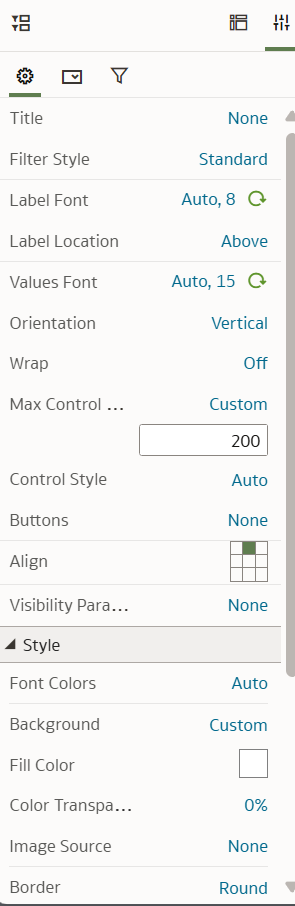
Can you check if the filter properties pane has settings such as Max Control Width that can be adjusted? Also check canvas properties Layout and see if you can change from Auto fit to freeform to see if this makes a difference. In my testing the scrollbar did not show but we may have to check your viz properties in specific.
Other comments welcomed.
thanks
Gayathri
It did not help , I tried selecting both Fill and Custom value from that Max Control Width option. Can you please increase Value Font size to 16 and try. It starts appearing when Font size in greater than 13 and font is Bold.
I still dont see scrollbar
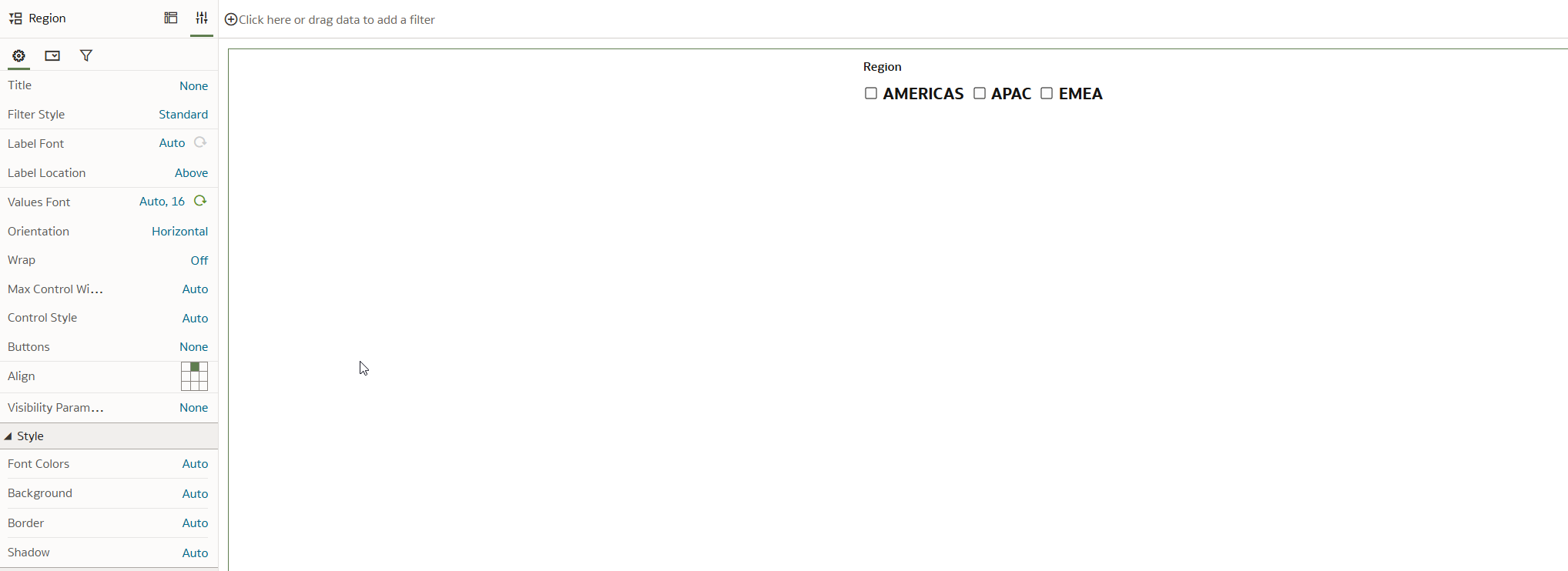
It appears when you go to user preview/view it does not appear like this even for me when I am in Author mode
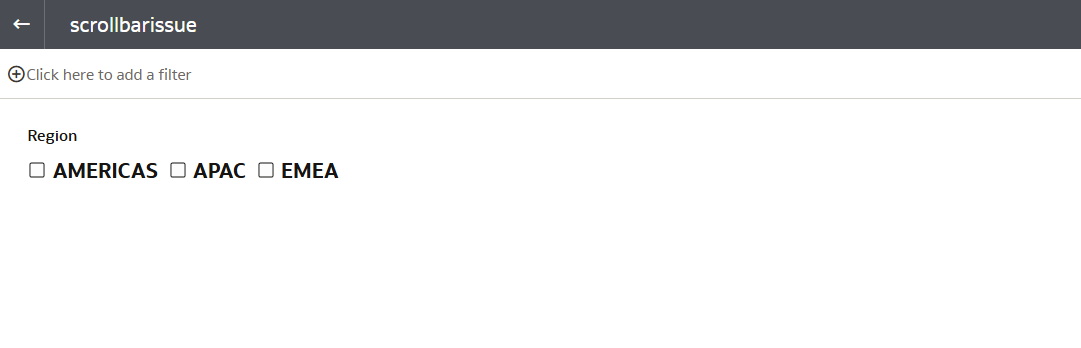
Author Mode View
User Preview/view
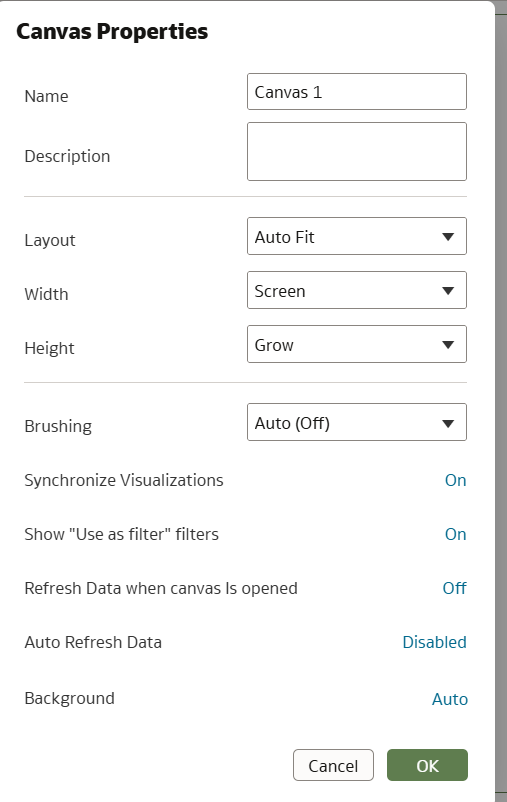
Hmm still works for me. What is your canvas layout property set to.
Hi,
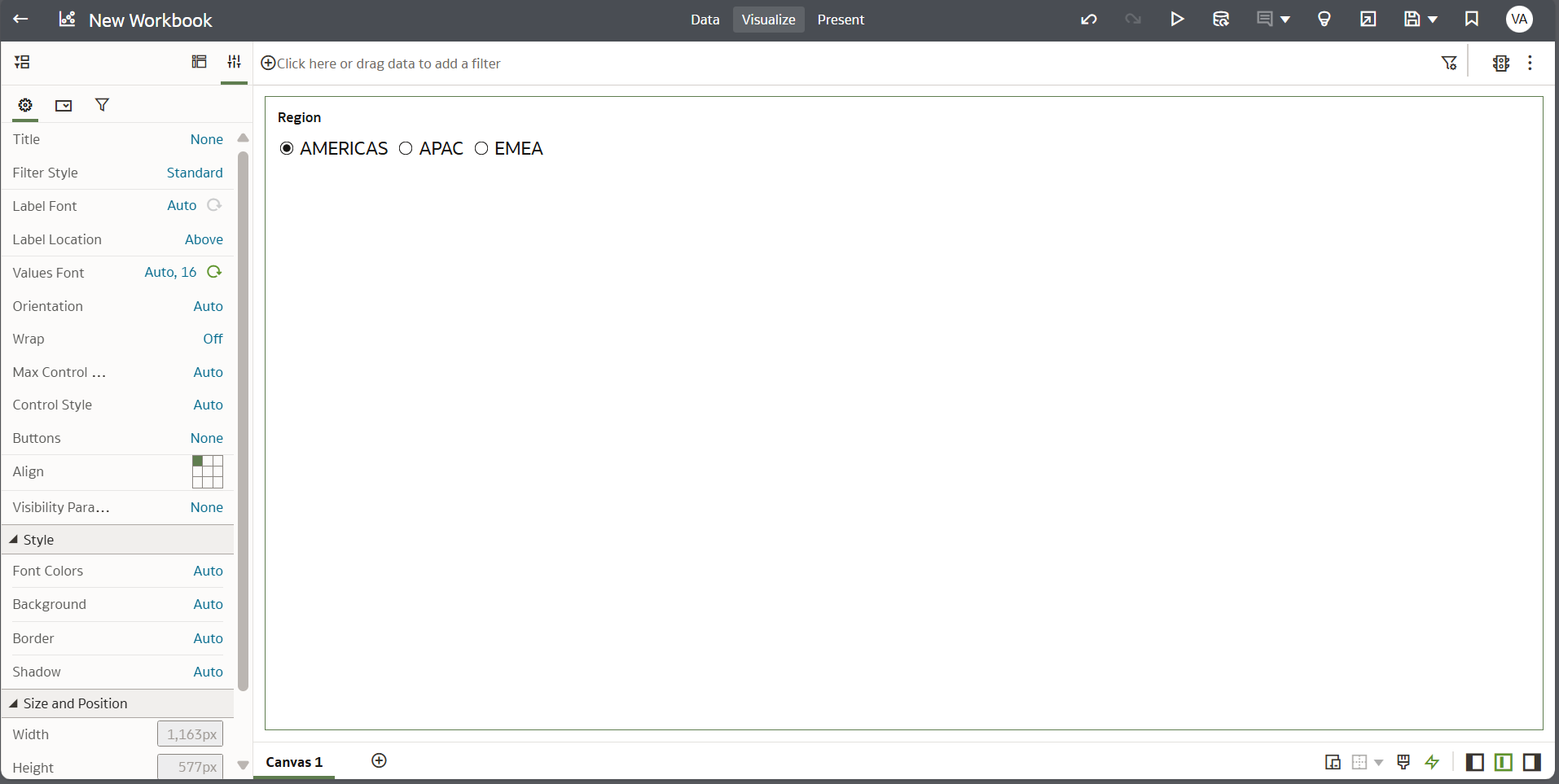
PFA , it is very weird that a simple thing like this is taking eternal time to resolve which it a first instance , it should have been a simple implementation.
I am testing on May 2025 update of OAC. Could you check About and verify the version.
Tried using a filter column with more values and it still worked for me.
@Avinash Krishnaram-Oracle anything else to check in properties?
Hi @Avinash Krishnaram-Oracle
Could you please review the thread and provide a solution for the issue of text wrapping and the appearance of a scrollbar when using parameter values as dashboard filters in the form of radio buttons? When the font size is greater than 12 and there are multiple values, the text wraps and a scrollbar appears. I have tested this in a new workbook where this dashboard filter is the only data visualization object
What OAC update are you on? The scroll / wrap issues were fixed with the May25 update.
Explore how to build agents using code in AI Data Platform. We'll create an agent that examines and analyzes the contents of a Github repository and reports its findings. The session demonstrates how to use different developer tools to create agents including the AIDP extension for VS Code and Codex. Using these tools we…
What is wrong with this code
Am I missing something or is there no way to search through previous posts to make sure I don't duplicate a question? All I see on the filter options are tags or status… a general search for a word or phrase would be helpful.
We were under the impression that when exporting a visualization in DV to CSV format hidden columns would be include from the grammar panel. This is not happening. See below for a screenshot showing 3 hidden columns that do not appear when exporting the pivot table to CSV. This seems to have worked a month or so back but…
Migrated RPD from obiee12c to OAS 2024. post migration when we try to access dashboards on OAS we are getting below error: State: HY000. Code: 10058. [NQODBC] [SQL_STATE: HY000] [nQSError: 10058] A general error has occurred. (HY000) State: HY000. Code: 43275. [nQSError: 43275] Message returned from OBIS…
There is no option for legend title in many visualization types.