HI All,
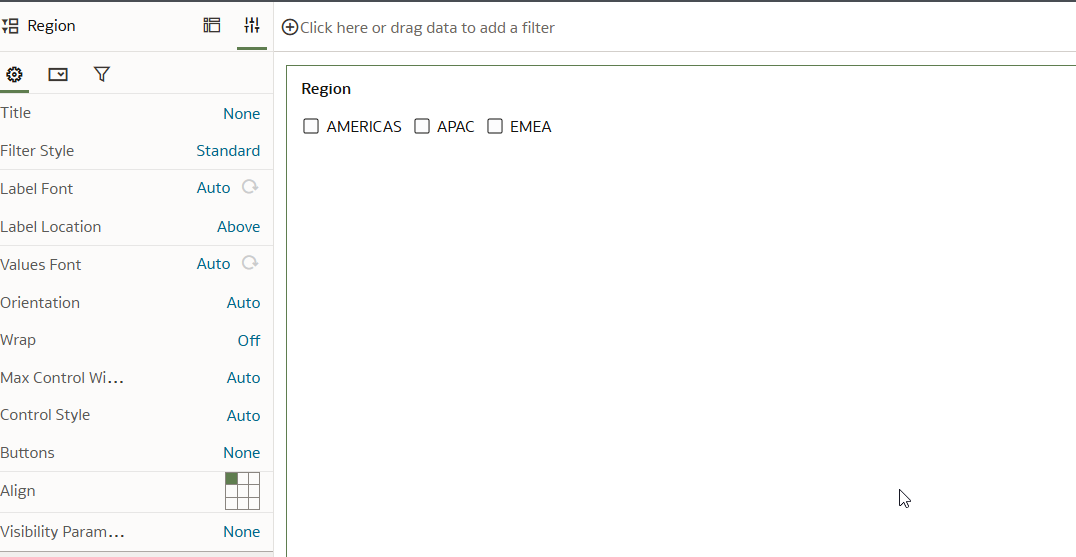
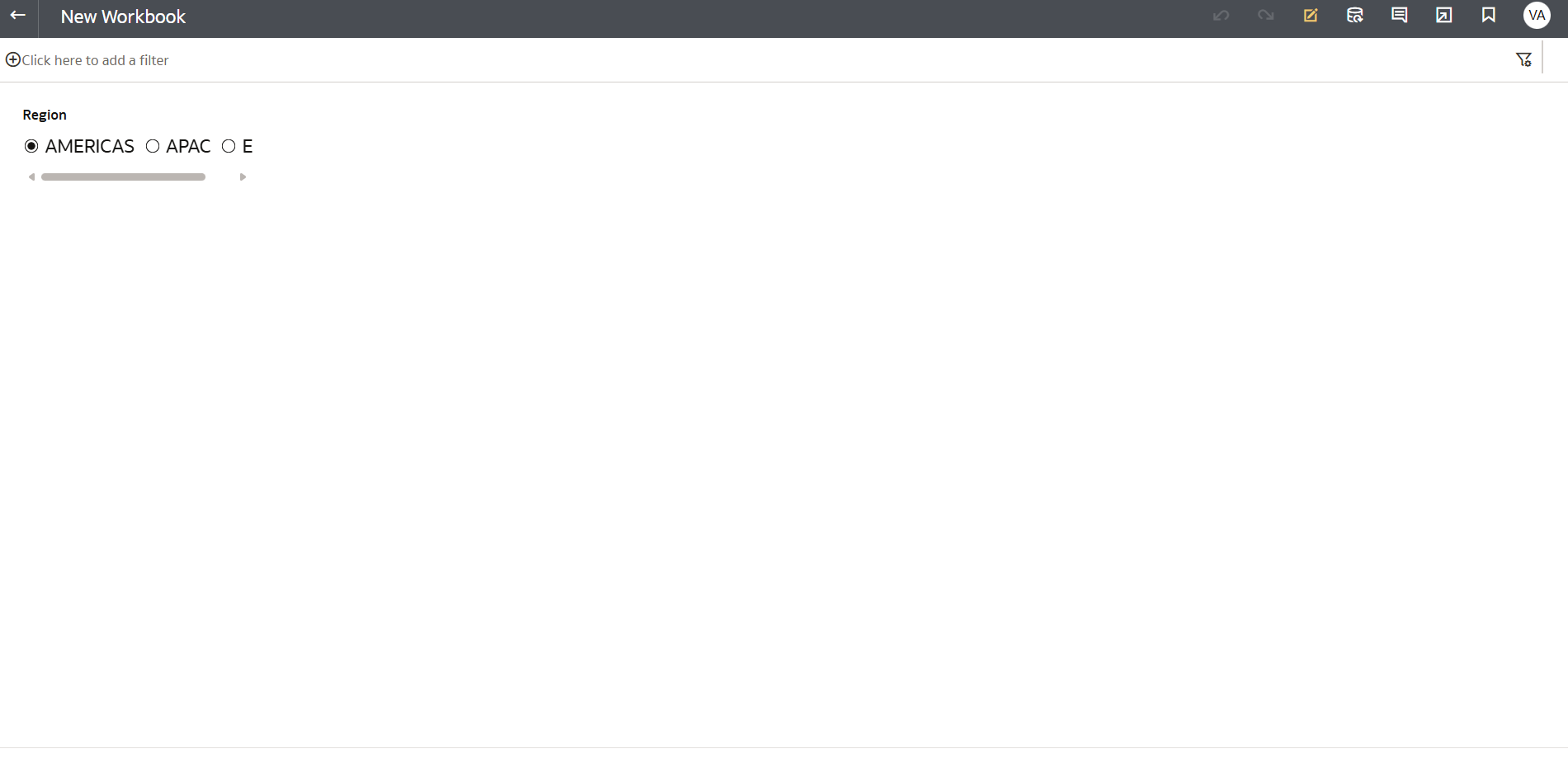
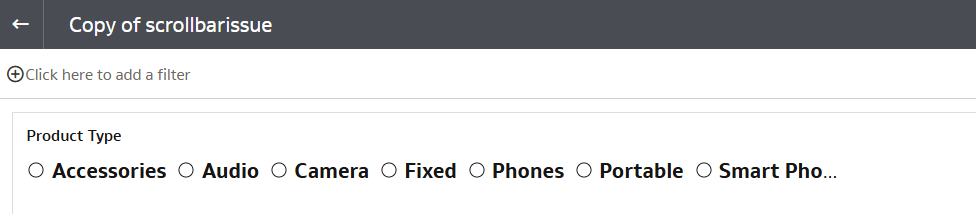
is there any solution to resolve the issue of wrapping. why is scroller is getting generated when there is enough space. This kills the functionality
This is why other BI tools are leading, this should have been simple
Please help over here
Hi
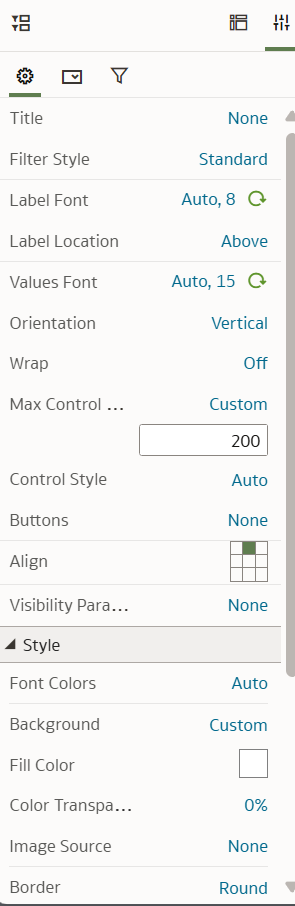
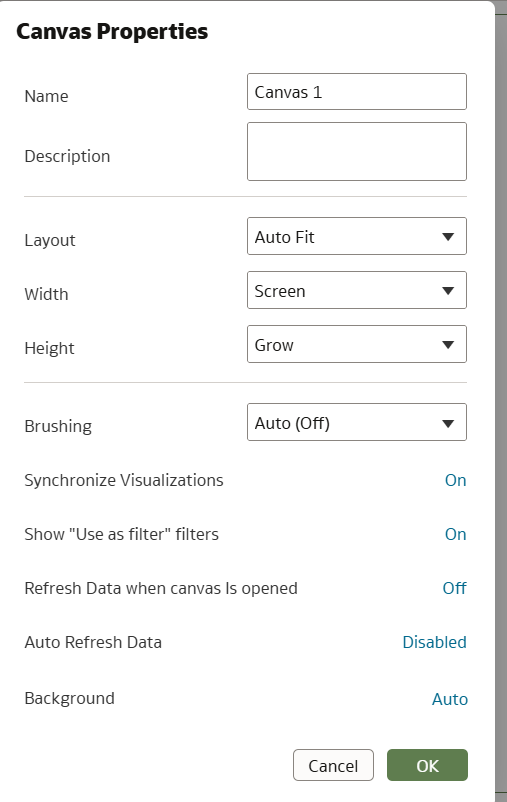
Can you check if the filter properties pane has settings such as Max Control Width that can be adjusted? Also check canvas properties Layout and see if you can change from Auto fit to freeform to see if this makes a difference. In my testing the scrollbar did not show but we may have to check your viz properties in specific.
Other comments welcomed.
thanks
Gayathri
It did not help , I tried selecting both Fill and Custom value from that Max Control Width option. Can you please increase Value Font size to 16 and try. It starts appearing when Font size in greater than 13 and font is Bold.
I still dont see scrollbar
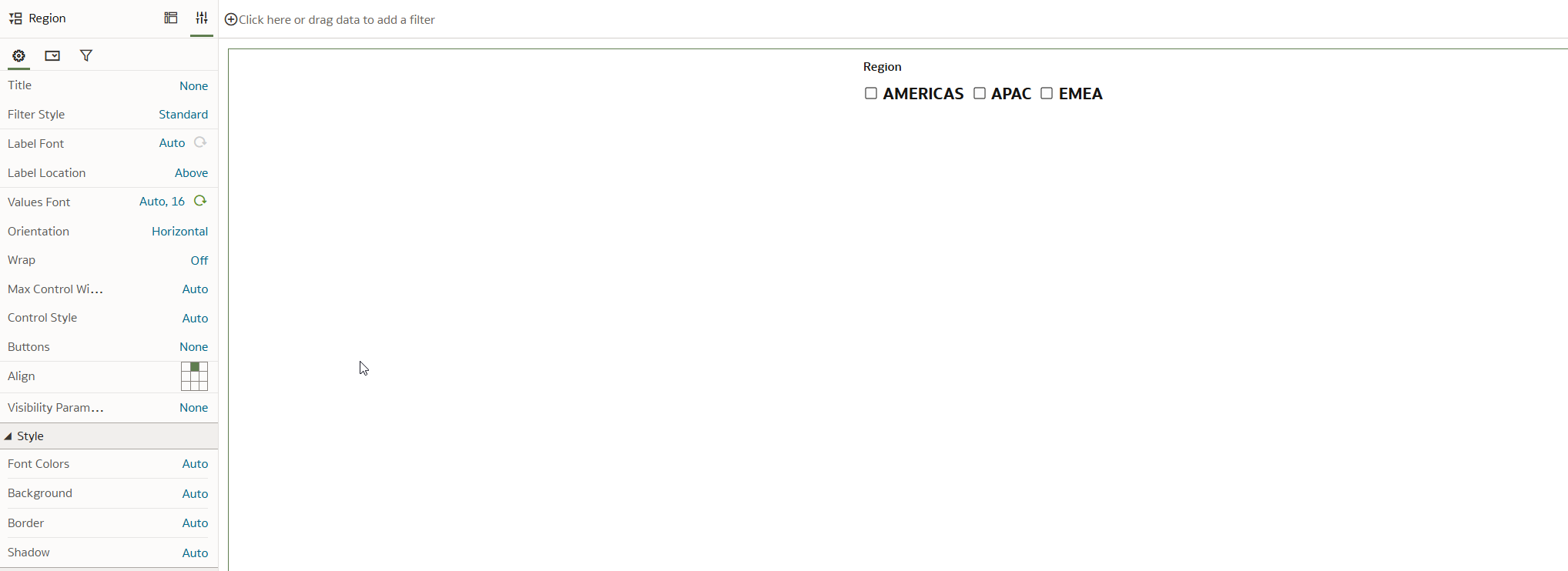
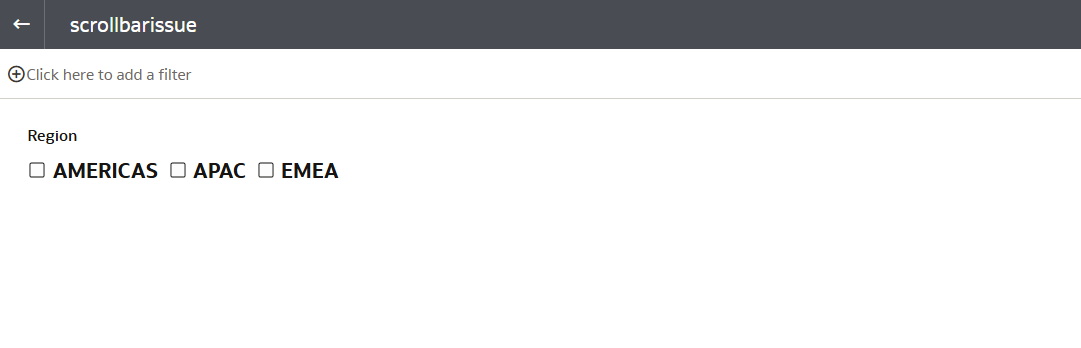
It appears when you go to user preview/view it does not appear like this even for me when I am in Author mode
Author Mode View
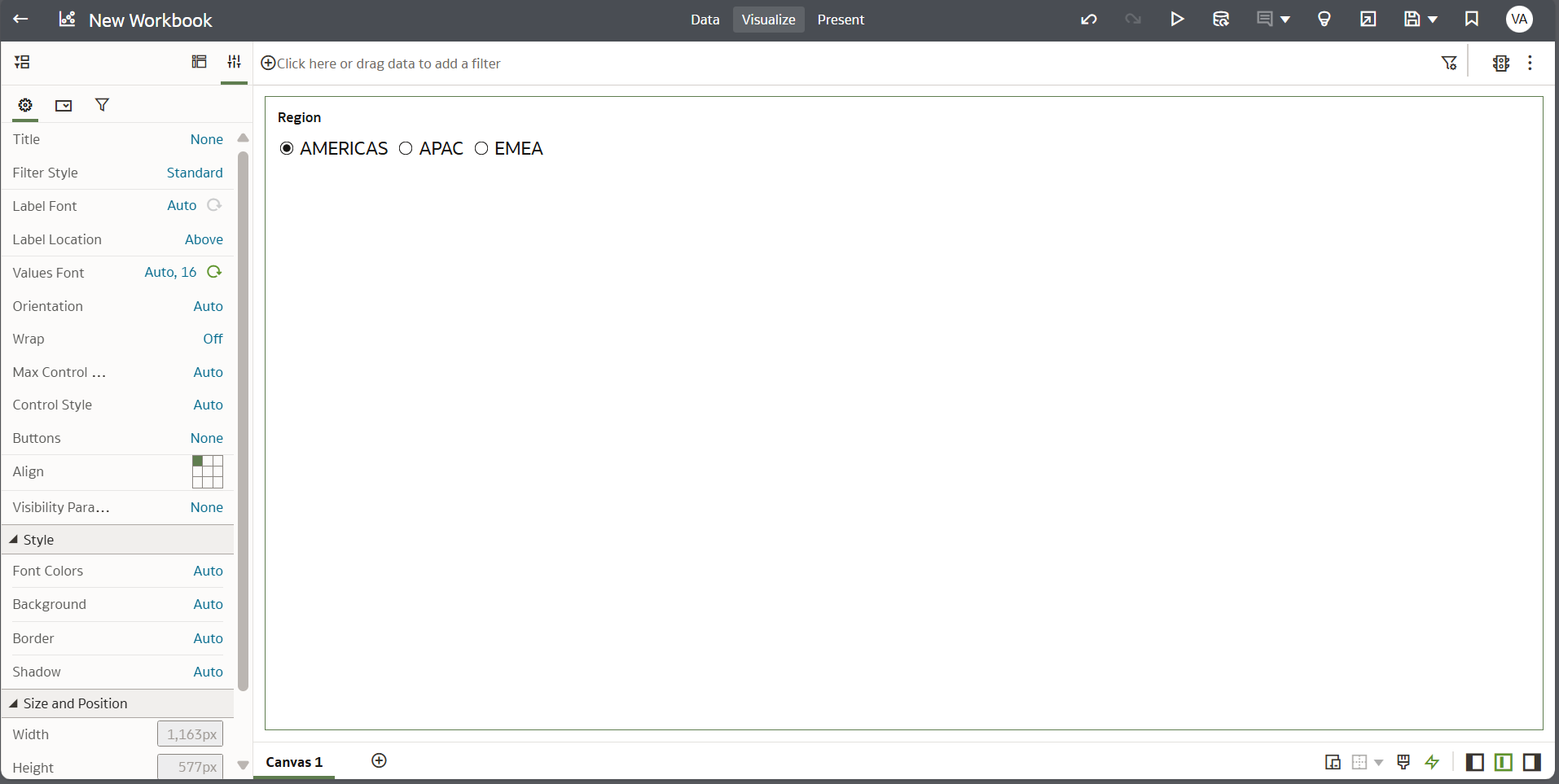
User Preview/view
Hmm still works for me. What is your canvas layout property set to.
Hi,
PFA , it is very weird that a simple thing like this is taking eternal time to resolve which it a first instance , it should have been a simple implementation.
I am testing on May 2025 update of OAC. Could you check About and verify the version.
Tried using a filter column with more values and it still worked for me.
@Avinash Krishnaram-Oracle anything else to check in properties?
Hi @Avinash Krishnaram-Oracle
Could you please review the thread and provide a solution for the issue of text wrapping and the appearance of a scrollbar when using parameter values as dashboard filters in the form of radio buttons? When the font size is greater than 12 and there are multiple values, the text wraps and a scrollbar appears. I have tested this in a new workbook where this dashboard filter is the only data visualization object
What OAC update are you on? The scroll / wrap issues were fixed with the May25 update.
Description: The Oracle Fusion Data Intelligence (FDI) Product Roadmap Update provides an overview of the latest developments and future plans for FDI. Oracle Product Management experts will share upcoming capabilities, key enhancements, and product direction, helping attendees understand what is changing and how these…
I'm trying to index a Local Subject Area so I can use it in my AI Agent, however, I keep receiving the generic error below. Request status(500) : error = {"prefix":"DSS","code":50000,"message":"There was an unexpected error while processing this request. Please try again."}
it is observed that in OAC while using case statements the output is not expected.For example if we have a case statment like case when table1.column1=table2.column1 then 'yes' else 'No' end as Attribute1 Now if i use this attribute with a fact-amount column attribute 1|| Amount on a report then we dont get the aggregation…
Once I select that value from the list box Region I created, I want to filter the table by my selection. See the images
Hi, While using OAS or OAC latest version can we generate a report to view complete defition of semantic model/subject area. It helps to document and troubleshoot. thanks