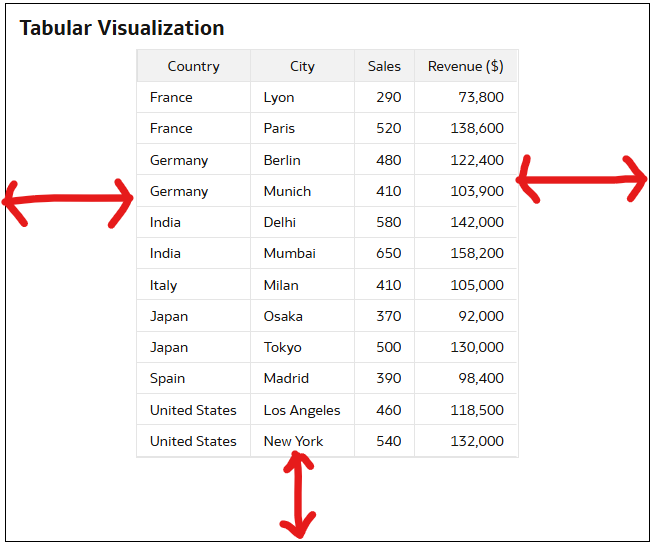
Hello….As shown in the below Tabular visualization. Can anyone pls tell how to remove Padding from the 3 sides of the Table ?.We want to remove padding for different widget sizes and also different screen sizes.
Your assumption is that there is a padding setting outside the table, while the existing setting is the width of the columns inside the table visualization.
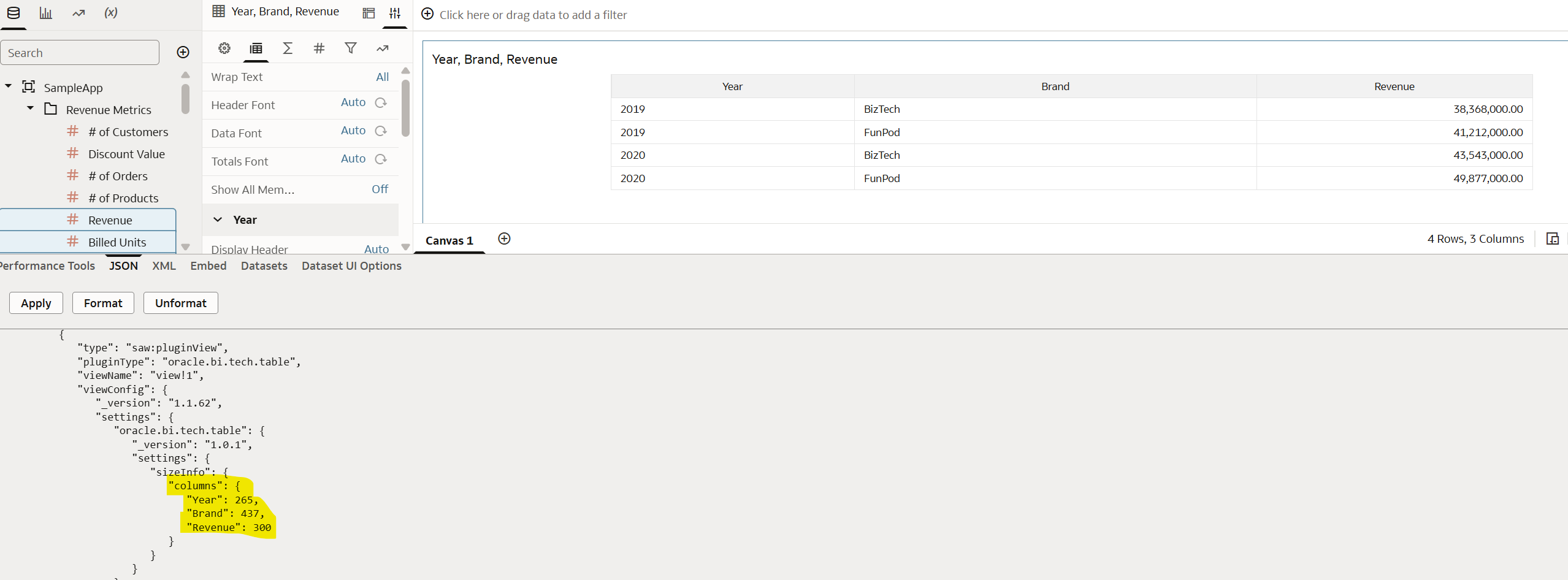
If you change the width of the columns you see that the values are saved as a property of the view itself in the workbook. The challenge is that if you use 2 different screens, because the setting is the width of the columns and not the spacing outside it, one time there will still be lot of empty space, another time the table will be too wide and you will have an horizontal scroll.
That's what you can do, not more, not less…
It's typically one of those cases when you need to tell your customer that the requirement "doesn't work" (explaining the basics of why, without too many details), and it's better to focus on the real features and functionality of the product instead of messing around with hardcoded sizing of each column, that will break as soon as somebody has a different screen resolution or resize the window.
@Hasan Sd, as per my understanding, Oracle automatically applies responsive padding to ensure readability across screen sizes, this is not exposed as a property in DV.
@RVohra ,yes the padding is responsive, however our client's requirement is to remove them or keep it very less like 5 or 10 px. Any option to do this ?
Does Oracle Analytics Server 2026 include AI features such as a built-in chatbot or AI Assistant? If not, are there any plans or indications that these AI capabilities will be introduced in a future OAS release?
Here is my calculation CAST(COUNT(SAAR_ID) AS VARCHAR(50)) || ' SAARs pending as of: ' || CAST(CURRENT_TIMESTAMP(5) AS VARCHAR(50))
In OAC when I am creating a dataset, How can I pass a Filter from the "Dashboard filters to the SQL? I attached a image like it was don in BIP Publisher
How can you put a total number of records in your oracle OAC table footer
we have two seperate environments in air gap… 1- oas 2024 2- oas 2026 developers in both env, required extensions like push button, racing bar, guage…. where to download.