Your Oracle Analytics competition environment is ready, and you can start building your data visualizations today.
Follow the steps below to access your challenge instance and begin creating your submission:
Get started: Be sure to have registered here and received the confirmation email.
- Access the Oracle Analytics instance.
- Open an Oracle dataset or import your own dataset.
- Create your data visualization.
- Save and export your workbook.
- Submit your workbook to the Visualization Gallery.
Quick Reminder:
The challenge ends March 2nd at 12 am PST. Each participant may submit up to 3 visualizations.
Submit your work to the Visualization Gallery:
When your visualization is complete, upload it to the Visualization Gallery. As part of your submission, you will be asked to answer the following questions. Please copy and paste the below questions to your submission:
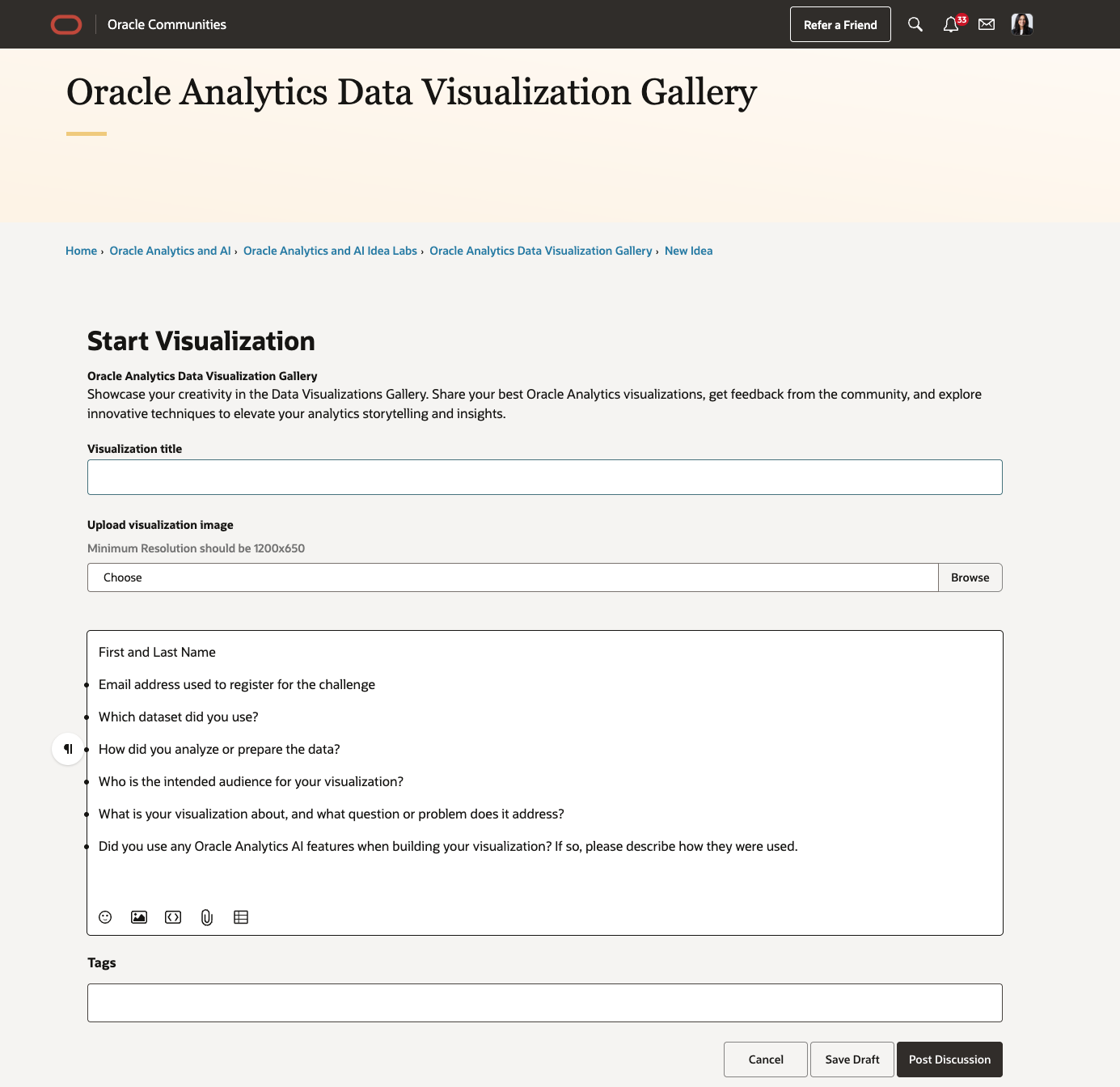
1. Which dataset did you use?
2. How did you analyze or prepare the data?
3. Who is the intended audience for your visualization?
4. What is your visualization about, and what question or problem does it address?
5. Did you use any Oracle Analytics AI features when building your visualization (ex. AI Assistant)? If so, please describe how they were used
Make sure you attach your viz image and dva file. Click post discussion when complete!
For an example submission, please click here.
These questions help our judges understand your approach, storytelling, and use of analytics and AI when reviewing submissions.
Helpful Resources:
Questions or need support:
Post your questions in our dedicated support forum.
Access your Oracle Analytics environment now and start building your visualization!
We can’t wait to see what you create ✨