Categories
- All Categories
- Oracle Analytics and AI Learning Hub
- 54 Oracle Analytics and AI Sharing Center
- 26 Oracle Analytics and AI Lounge
- 312 Oracle Analytics and AI News
- 57 Oracle Analytics and AI Videos
- 16.4K Oracle Analytics and AI Forums
- 6.7K Oracle Analytics and AI Labs
- Oracle Analytics and AI User Groups
- 117 Oracle Analytics and AI Trainings
- 24 Oracle Analytics and AI Challenge
- Find Partners
- For Partners
OAS : Roles and permissions (Console)
Hello,
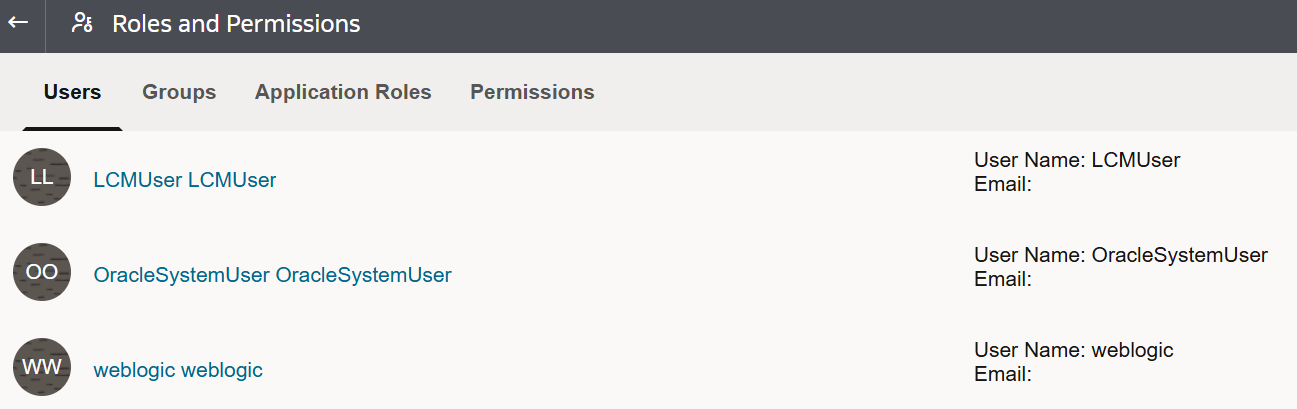
I was using the "Roles and permissions" option in OAC to configure security.
Now I'm working with OAS and i don't see the option in the console.
Is this behavior normal and so do we have to use the "Enterprise Manager" to manage the application roles ?
Regards.
Jean-Pierre

Answers
-
Hi,
Welcome to the Oracle Analytics and AI community and forum.
Are you really on OAS 2025 as you tagged? Because you have "Roles and Permissions" in OAS 2025…
Or maybe it's an environment where you imported a BAR from a older version and you are missing some permissions to see the page?
0 -
Hi Gianni,
Indeed we have imported a BAR file from OBIEE 12.2.1.4.
What can we do to have access to all options, do we need to have the OAS "BI Admin" application role ?
How can we configure a user with that role ?
Regards
Jean-Pierre
0 -
The easiest fix is by using the provided script to add permissions sets to your admin application role. It is documented in
And you can also look at that covers the same as yours. Look at the "Solution" part of the page, the "for example" mostly. It use the script linked above and give you an example of what it should look like for the admin application role.
This should fix your issues (it is also one of the post-migration task in the doc, maybe worth also checking your other default application roles as they will also be missing or missing permissions, for those you use the same script and can reference for an example of what they should be like).
Overall, I always prefer to never restore the security model from a previous versions BAR when importing. You will always lose any new permissions added in the product, without an option to merge the new permissions with yours. I usually suggest to manage the security "by code", via WLST commands. This allow to merge new defaults with the custom security model required, and also allow auditing of who changed what and when if you version your scripts. But this is a different topic :D
0