Categories
- All Categories
- Oracle Analytics and AI Learning Hub
- 54 Oracle Analytics and AI Sharing Center
- 26 Oracle Analytics and AI Lounge
- 314 Oracle Analytics and AI News
- 58 Oracle Analytics and AI Videos
- 16.4K Oracle Analytics and AI Forums
- 6.7K Oracle Analytics and AI Labs
- Oracle Analytics and AI User Groups
- 118 Oracle Analytics and AI Trainings
- 24 Oracle Analytics and AI Challenge
- Find Partners
- For Partners
OAS 2023 (7.0) Dataflow Errors with NQSError: 46240 - Windows 2019
Answers
-
hello @SteveF-Oracle ,
i have installed the OAS 7.6 and applied patch ,now the version 13.9.4.2.16 every thing is working fine in oas 7.6 but same machine learning dataflow show same error of python process.0 -
also with oracle analytics desktop tool version above 7.1 it show same python process error in machine learning data flow , i have install dvml library too for oracle analytics desktop tool,
0 -
@muneezaniaz
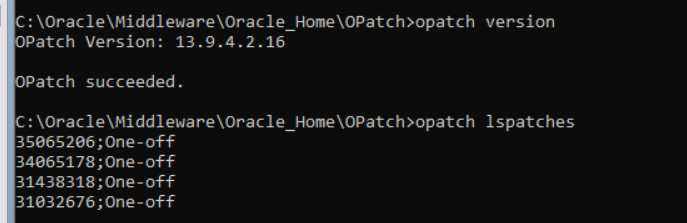
Please paste the output of the following command:opatch lspatchesPlease check the
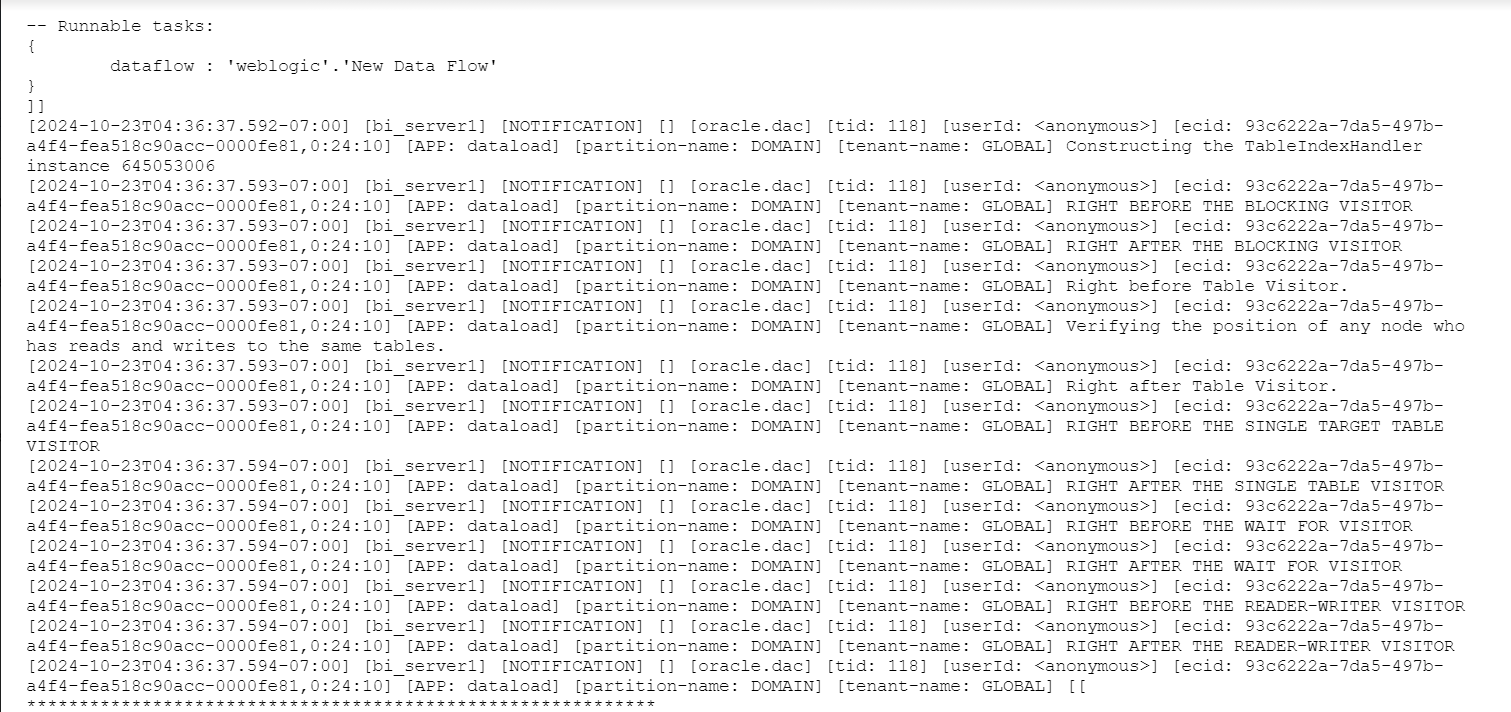
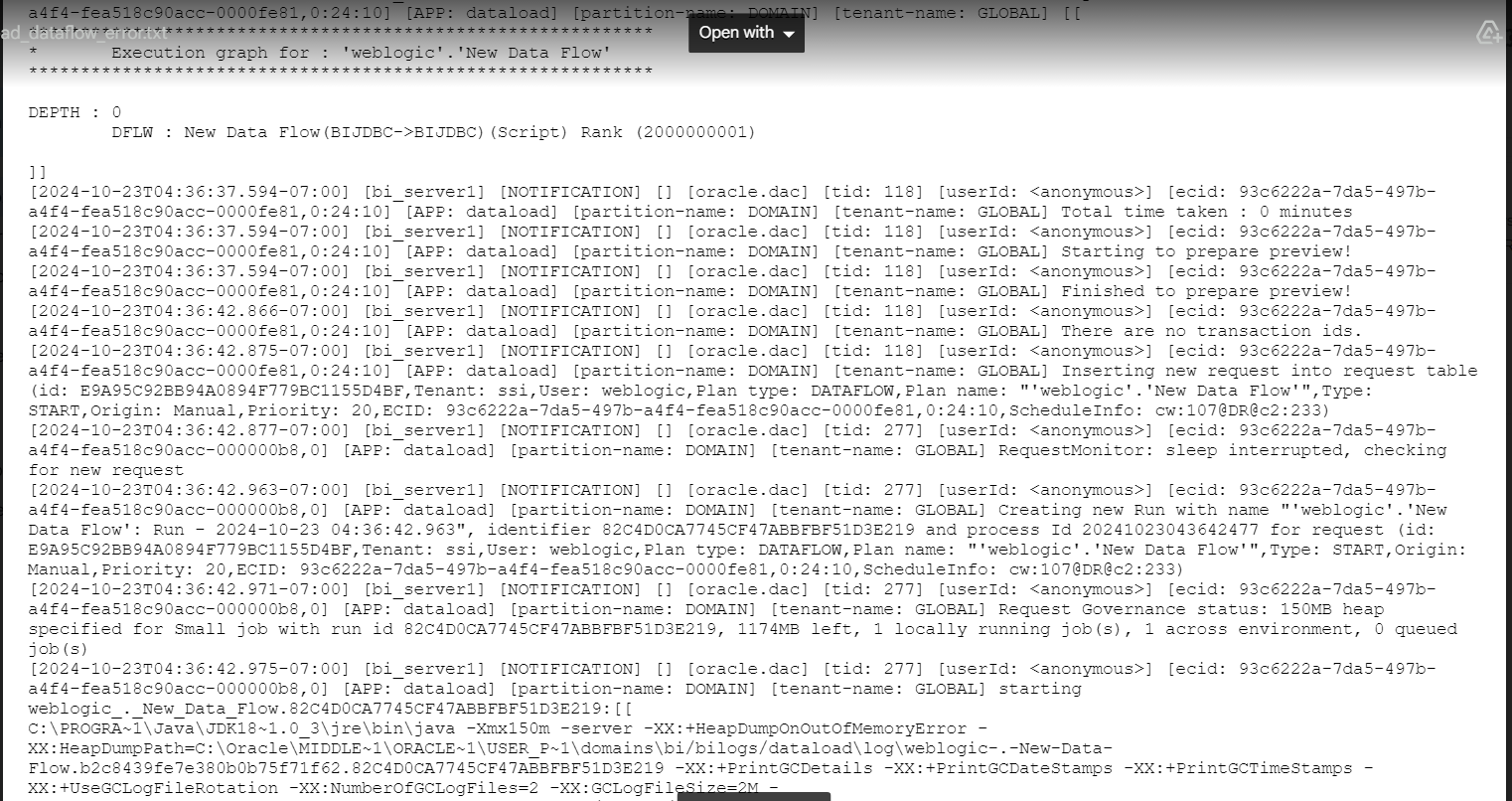
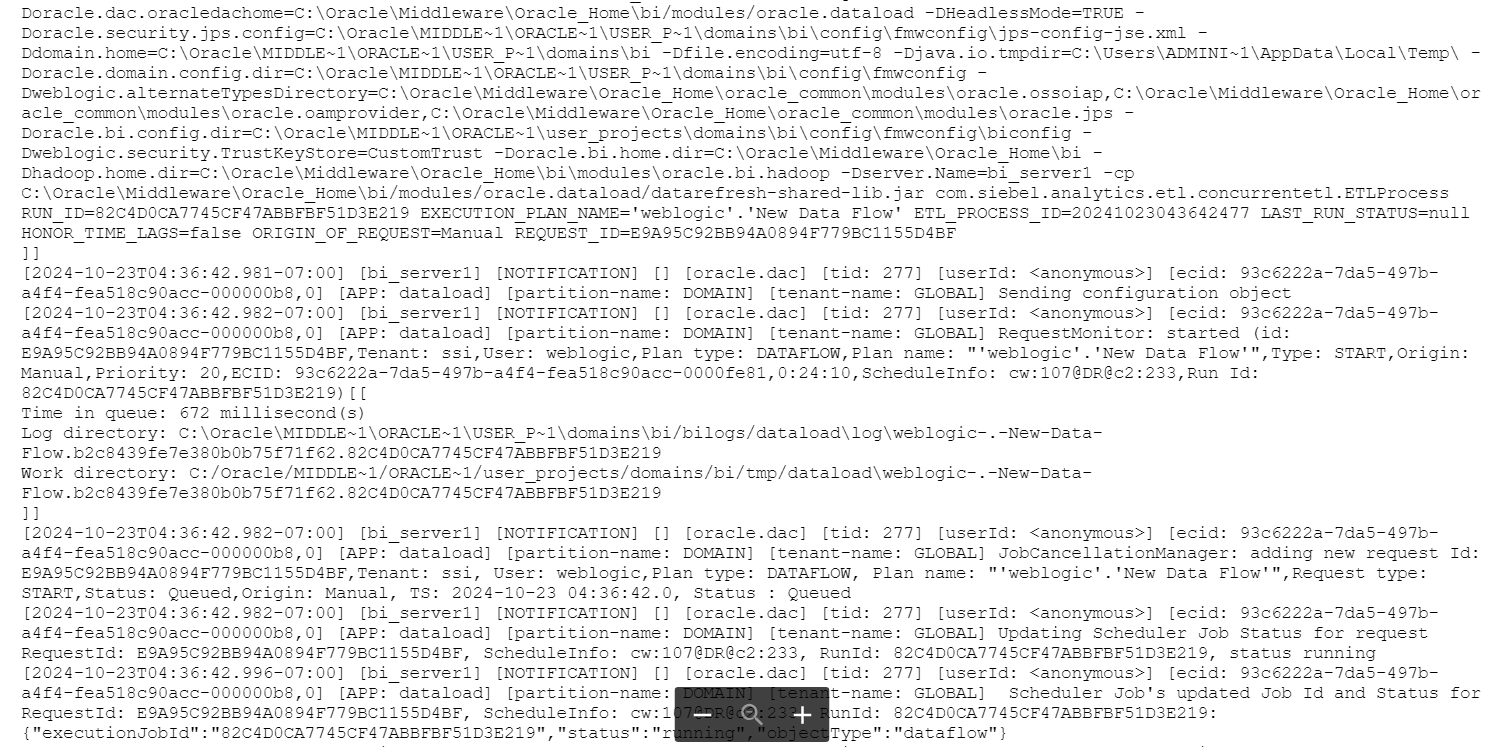
[DOMAIN_HOME]/servers/bi_server1/logs/dataload.logfor any error related to:LogisticRegression.py
If you are able to download patches, then that means you are able to login to My Oracle Support with a valid customer identifier and log a service request so the log, video/screenshots can be reviewed.0 -
0
-
You have not applied any patches, you have the base installation
withoutthe October 2024 CPU/Bundle patch applied.
Are you using a public blog or data to test this?
I can see if I can reproduce it.0 -
previous patch version was 13.9.4.2.1 after applying patch , it become 13.9.4.2.16
i applied this patchC:\Users\Administrator\Downloads\p36823847_76000_MSWIN-x8664\OAS_SPB_7.6.0.0.240710\tools\opatch\generic
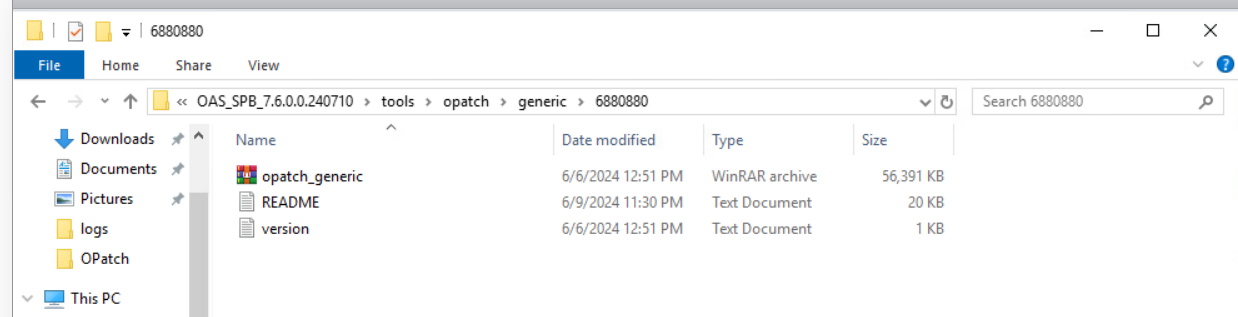
am i applied the wrong patch or patch haven't applied ?
0