Categories
- All Categories
- Oracle Analytics Learning Hub
- 31 Oracle Analytics Sharing Center
- 22 Oracle Analytics Lounge
- 254 Oracle Analytics News
- 45 Oracle Analytics Videos
- 16.1K Oracle Analytics Forums
- 6.3K Oracle Analytics Idea Labs
- Oracle Analytics User Groups
- 94 Oracle Analytics Trainings
- 16 Oracle Analytics and AI Challenge
- Find Partners
- For Partners
Enhancement Request: Enable OAC Classic Dashboards in Mobile Web Browsers
Oracle Analytics provides two types of dashboards:
- Classic Dashboards
- OAC Dashboards (modern dashboards with inbuilt mobile-responsive features)
Currently, OAC dashboards are optimized for mobile rendering, but classic dashboards do not have an option to enable mobile responsiveness. Users accessing classic dashboards on mobile browsers face usability challenges, such as needing to switch to desktop mode and manually zoom in/out.

Answers
-
Hi @User_N065E,
Welcome to the Oracle Analytics Community!
Please take a look into the following post which might be useful for better understanding.
Add "Mobile Enabled" flag on the Dashboard Properties — Oracle
Hope this help.
Thank you.
2 -
Hi @User_N065E,
Please raise it as an Idea rather than question as this is not a current capability.
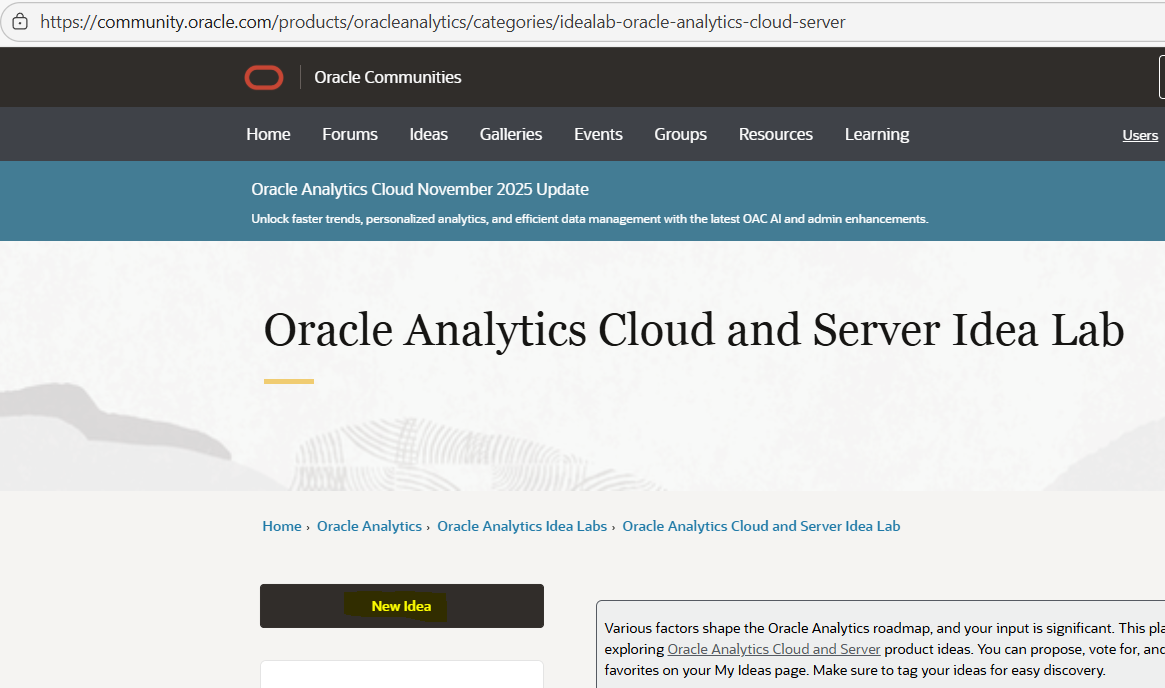
Please find below the Idea lab link & the screenshot.
Oracle Analytics Cloud and Server Idea Lab — Oracle
Thank you.
1 -
Hi @User_N065E,
Classic dashboards use older frameworks and styles and some of which are not supported anymore or not being enhanced for mobile or UX improvements. Responsive mobile design support exists only in the modern OAC dashboard/workbook interface, not Classic. Please follow - What’s New for Oracle Analytics Cloud
This was documented in one of the earlier releases….
Dashboard Styles (Fuse, Skyros, SkyrosCloud, blafp, and FusionFX)
In Classic, dashboard styles Fuse, Skyros, SkyrosCloud, blafp, and FusionFX aren't supported. You can migrate dashboards to the modern Redwood or Alta styles. By default, dashboards use Redwood.
Hope it helps!
1