Who we are:
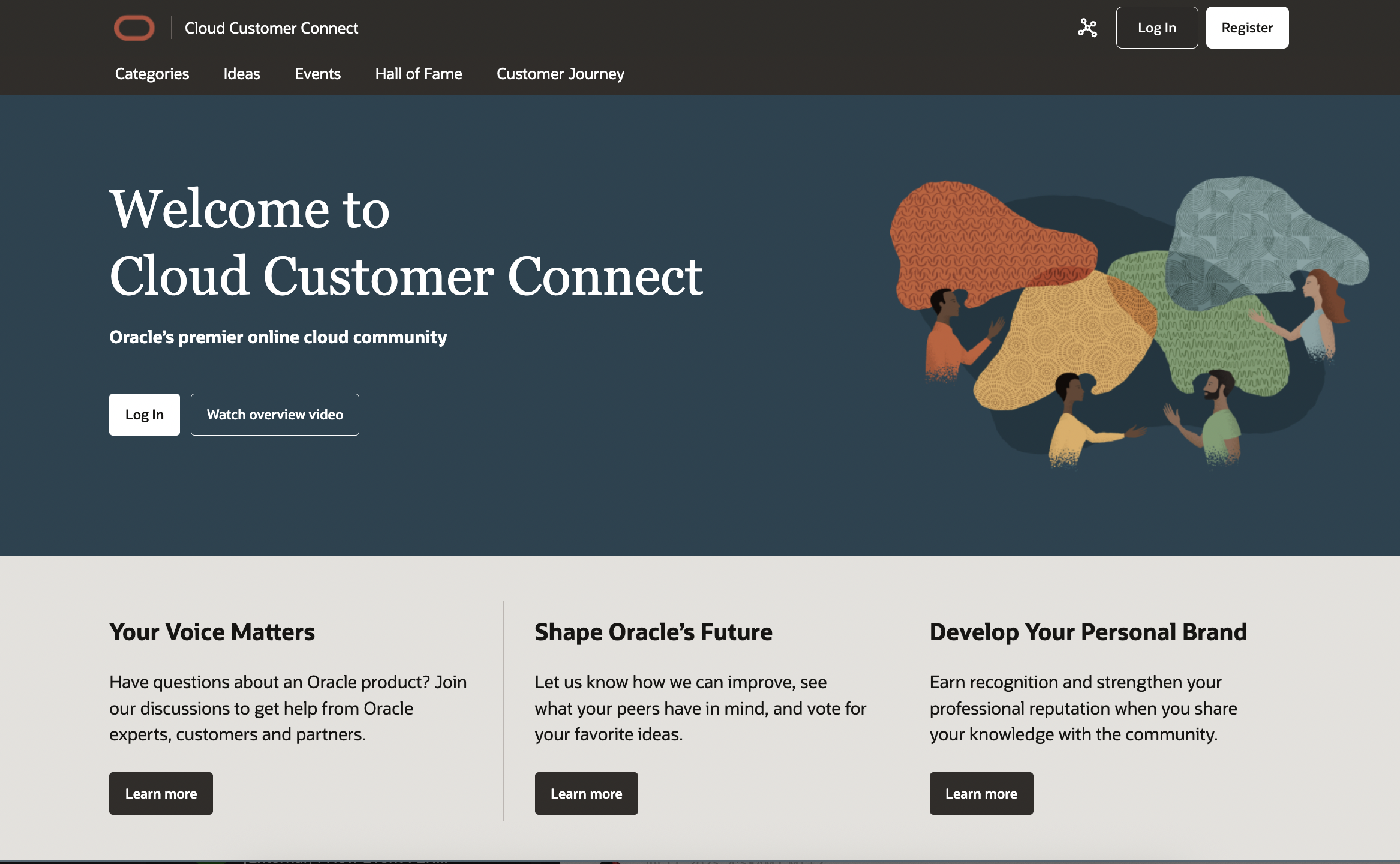
Think of Cloud Customer Connect as an online town square with global reach - complete with
product resources, announcements, webinars, and interactive Idea Labs where member contributions
directly influence Oracle's product roadmap. This dynamic community provides an interactive
environment where Oracle's customers, partners and internal product specialists gather to
support, collaborate, network, and learn. Check in to discuss real-time product usage or get
trusted help for your application/technology issues and concerns. You can also view upcoming
Oracle events; tune in to webcasts and replays, check out the latest posts, comments, and new
ideas for your chosen categories; and keep track of other member's online activity including
responses, posts, queries and "likes."
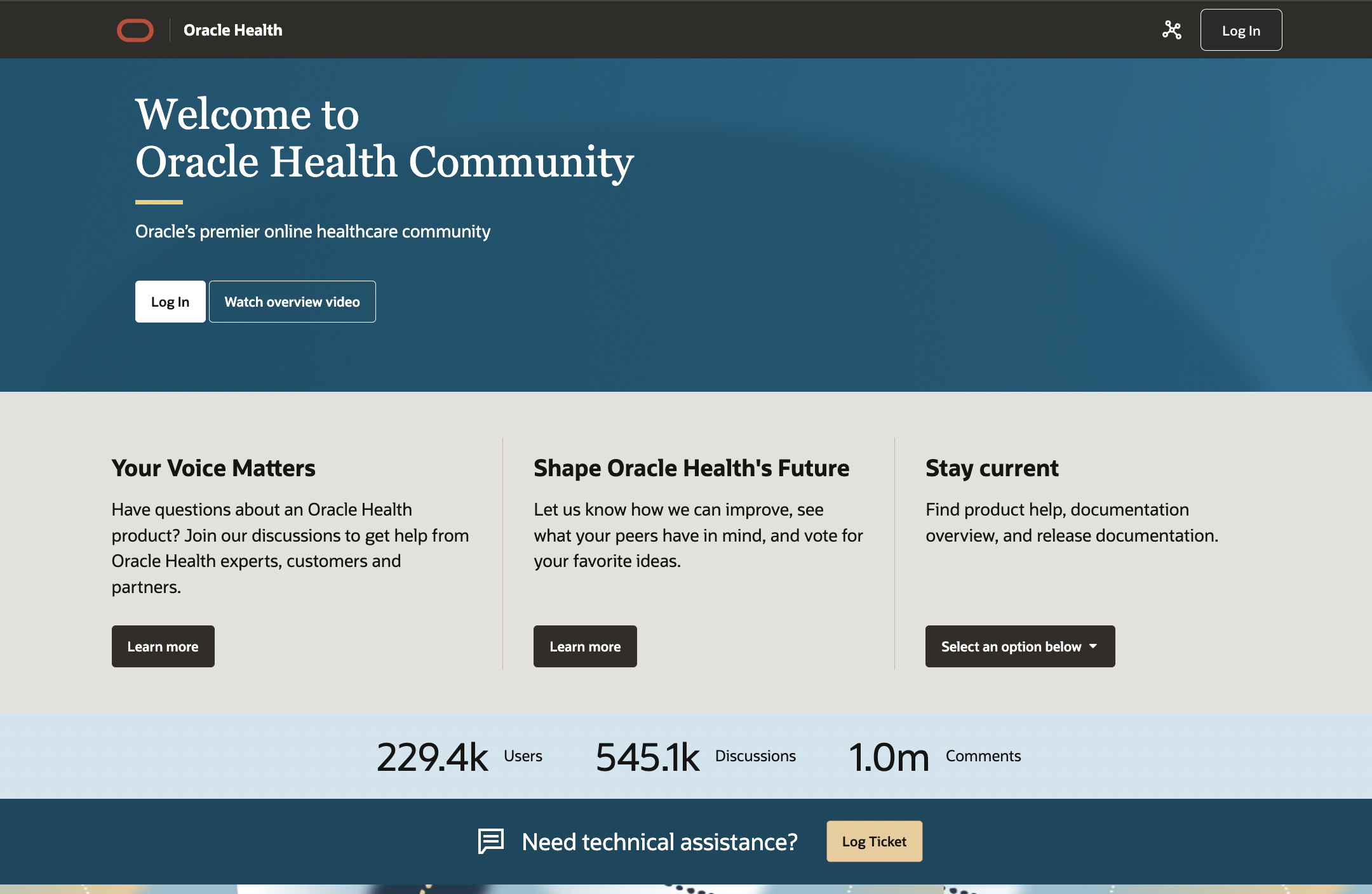
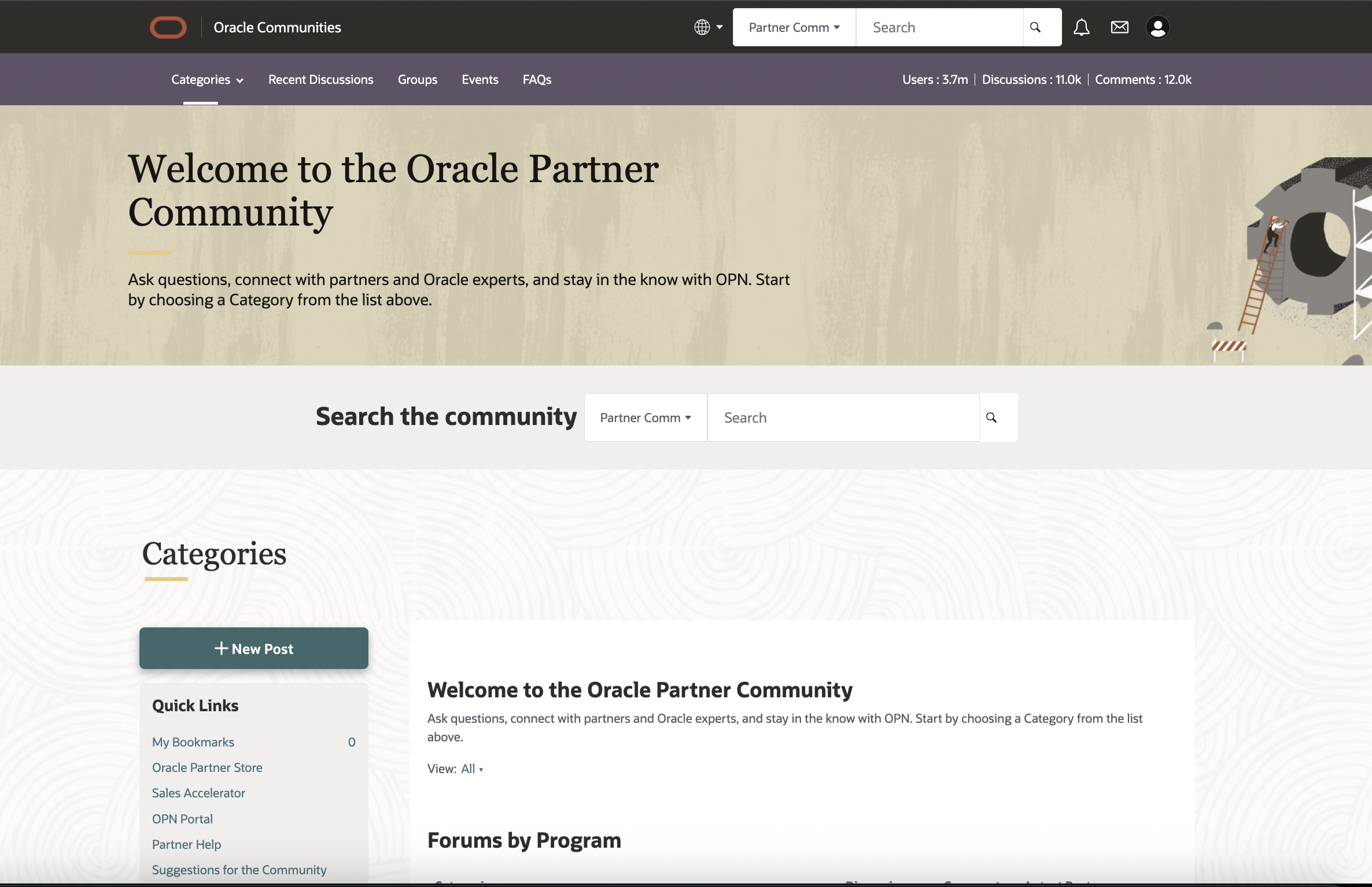
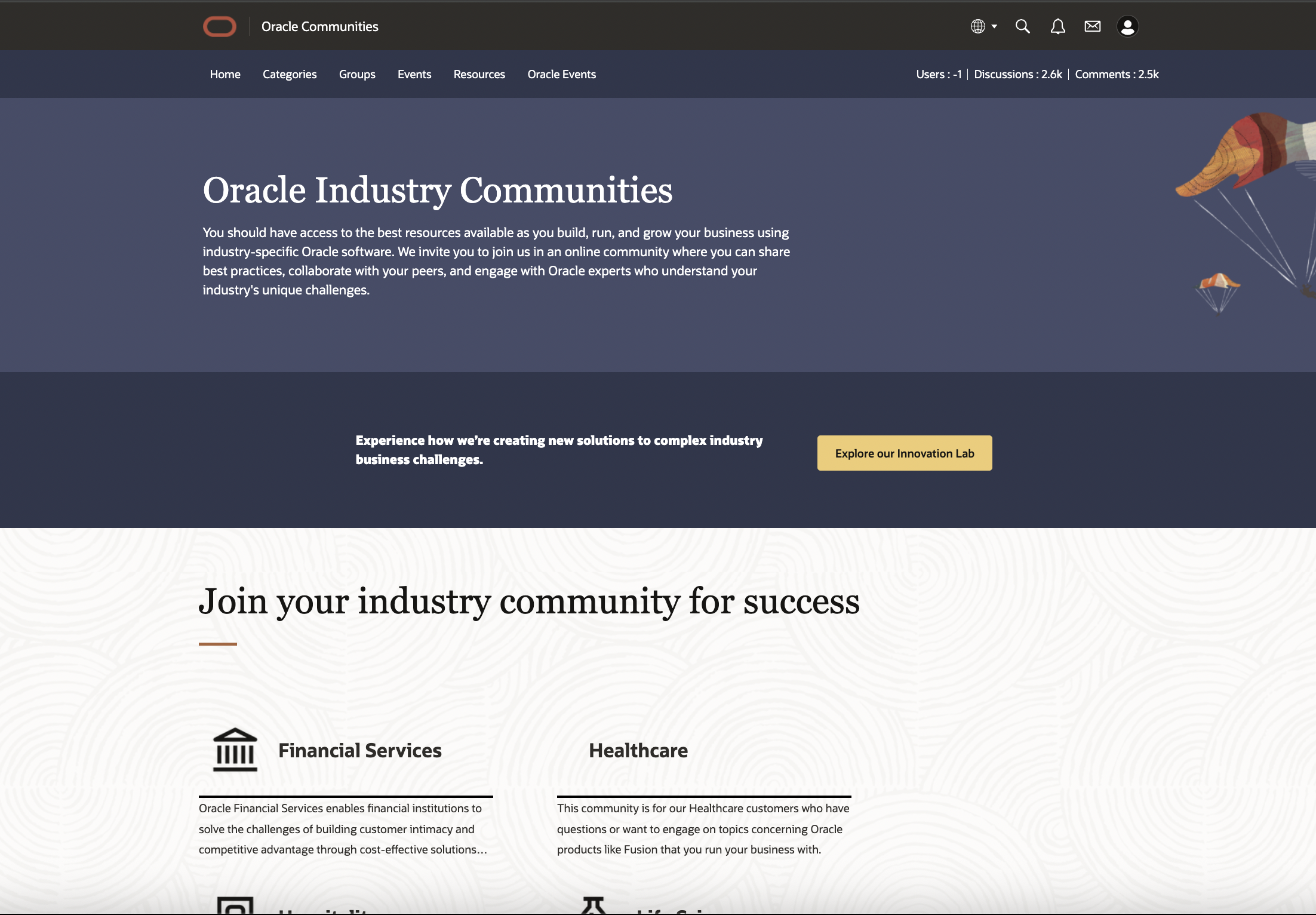
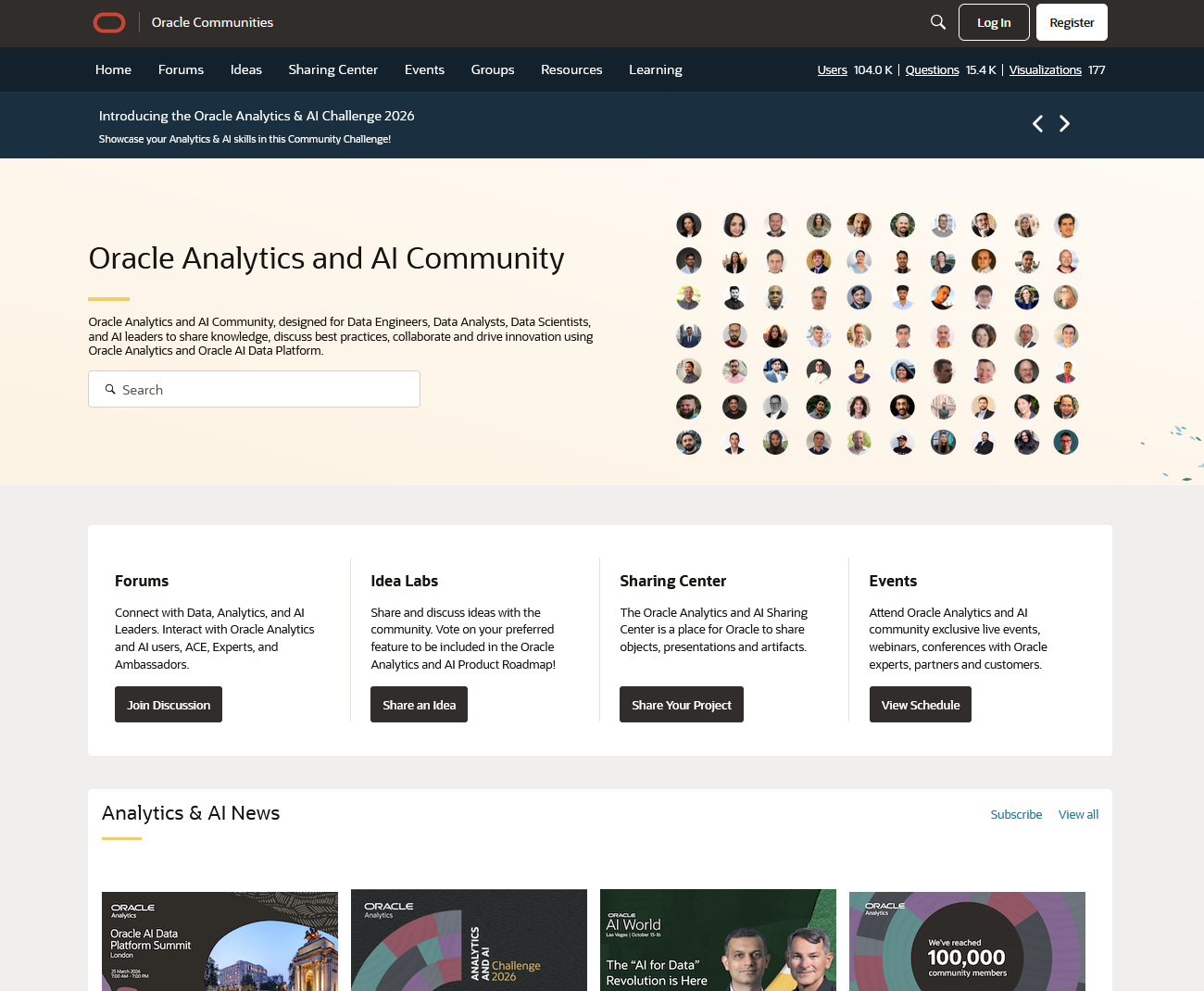
Products and services discussed in this Community:
- Applications: Customer Experience, Enterprise Resource Planning, Human
Capital Management, Supply Chain and Manufacturing
- Applications Platform: Oracle Education, Redwood, On-Premises, Cloud
Platform, Artificial Intelligence, Oracle Cloud Success Services
- Infrastructure: Analytics and BI, Containers and Functions, Core
Infrastructure, Integration, Database Services, Developer Services, Distributed Cloud,
Management, Middleware, Security
- Reporting & Analytics: Solutions for Applications (OTBI), Shared Learning,
Oracle Analytics
Ready to Join?
Becoming a community member is easy! Simply go to Cloud Customer Connect, click on the
Register
button at the top of the page to get started.
All Oracle Cloud Applications customers and approved partners are eligible to join Cloud
Customer Connect. As an Applications Member, you can access all Applications resources including
Forum Categories, Idea Labs, and Events.
On-Premises Applications customers are eligible to join Cloud Customer Connect too. As an
On-Premise member, you can access the Migrate to Cloud forums to get information and learn best
practices that help with your Cloud Journey.
Application members and On-Premises members can also access all Infrastructure resources.
The Infrastructure community is available to anyone - you do not need to be an Oracle
customer to join. As an Infrastructure member, you can access all Oracle Cloud
Infrastructure resources on the community.
Notes:
- Even if you have an Oracle Account and can log in, you are not a fully registered Cloud
Customer Connect member until you complete the registration process.
- During Step 1 of the registration process, be sure to specify ALL your Interests
so that your community membership will be set up properly.
- Praesent lorem massa, cursus in eros non, scelerisque congue metus.