Best Of
Re: Managing Multiple Routings on WO
Not sure if you can do this natively, but maybe with AVT Tech or Delfoi planner SuiteApp.

Re: How to enable custom roles to view messages/emails in a saved search
Hi @Chan Man
In the custom role, what is set in the Employee Restrictions field?
In your saved search, go to the Results subtab and enable the Run Unrestricted checkbox. Then, have the user with the custom role run the search.
If this works, it means the user or role is restricted from viewing the underlying records.

Portlet Type: Custom Search Portlet vs. List Portlet

NetSuite dashboards offer several portlet types to help users organize operational data and analytics. Two of the most commonly compared options are the Custom Search Portlet and the List Portlet. While both can display Saved Search results, they serve slightly different purposes and are optimized for different dashboard experiences.
Understanding when to use each portlet type can help administrators create cleaner, faster, and more effective dashboards.
At a high level:
- List Portlets are optimized for lightweight operational lists and quick navigation.
- Custom Search Portlets are optimized for advanced Saved Search-driven reporting and analytical visibility.
This means administrators can often use either portlet type depending on the business requirement.
Key Differences
Feature | List Portlet | Custom Search Portlet |
|---|---|---|
Primary Purpose | Quick record access | Advanced reporting |
Supports Saved Searches | Yes | Yes |
Best For | Operational work queues | Analytics and summaries |
Supports Standard Record Lists | Yes | No |
Supports Summary/Formulas | Limited | Yes |
User Experience | Lightweight and navigation-focused | Reporting-focused |
Home Dashboard Limit | 2 | 6 |
When to Use Each Portlet
Use List Portlet When... | Use Custom Search Portlet When... |
|---|---|
Users need quick access to records | Users need advanced reporting |
The Saved Search returns a simple list | The Saved Search includes summaries or formulas |
The goal is operational visibility | The goal is analytical visibility |
Users frequently click into records | Users primarily review metrics or trends |
Dashboard simplicity is important | More customization is required |
You want lightweight work queues | You need grouped or summarized data |
Examples of List Portlet use cases:
- Open Sales Orders
- Pending Approvals
- My Cases
- Inventory Shortages
Examples of Custom Search Portlet use cases:
- Sales by Region Summary
- Open Cases by Priority
- Revenue Trend Analysis
- Inventory Aging Reports
Both portlets are valuable dashboard tools, but choosing the right one improves usability and dashboard performance.
Use List Portlets for operational work and quick navigation and use Custom Search Portlets for advanced reporting and analytics.
A balanced dashboard typically includes both.
—-
Stay tuned for our next article, where we’ll explore more about NetSuite Dashboard Portlets!
We encourage you to share your own tips, ask questions, and engage with fellow community members. Your experiences can help others on their journey to becoming NetSuite analytics experts!

Re: Real Time bank feed option for HSBC?
Un @User_HRRTJ
The bank feeds suiteapp runs nightly. you can always update the feed by clicking 'update imported data'
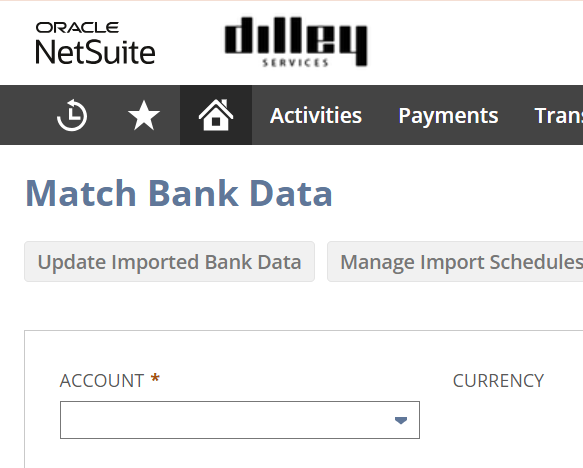
So I'm a little unclear on what you mean by 'real time like other erp's'?

Re: AMEX Corporate Card Integration
Hi @Amy C.,
You might want to check this discussion NetSuite Admin Tip | American Express Integration for Expense Reporting.
I hope this helps.

Re: CSV Import Sales Orderss not showing in Related Records tab for Customer
Since it’s showing correctly in a standard account but not in your case, this does point to the custom Customer form / sublist setup rather than the CSV import itself.
Given that:
- Transactions appear in the Dashboard view
- But not in the Form view (Related Records / Transactions subtab)
- And filters don’t seem to change the result
It’s very likely that the custom sublist has either, A hidden filter or sourcing condition, or is based on a custom sublist definition (not the native Transactions subtab)
A few things to check:
- Compare with the standard Customer form (switch forms and verify)
- Review the Transactions subtab configuration on the custom form
- Check if the sublist is a custom sublist tied to a saved search or filtered view
Since the records exist and are visible elsewhere, the issue is almost certainly UI/filtering on the form, not the import.
Hope this helps point you in the right direction 👍

Re: Vendor Billing Address doesn't default on PO
Hello @User_PM4A7,
Have you checked the comments above? Just to add:
Since the standard PO form works but the custom form does not, this looks like a custom form issue rather than a vendor or workflow issue.
One more thing to check is whether the billaddress or billaddresslist field is set to Inline Text, Disabled, or Read Only on the custom PO form. Even if the field is visible, that can stop NetSuite from defaulting the vendor billing address.
You may also want to confirm that there are no client scripts attached to the form that could be affecting sourcing.
Let us know if you still need further assistance.
Re: Skipping Approvals for Memorized Transactions
Hey @Mike F Blend,
Natively, it appears that we can identify 'Journals created from Memorized Transactions' only via Analytics Workbooks. Saved Search doesn't appear to have access to that information, so we can't use it in Workflows.
Perhaps there is a workaround, other than a customization, to stamp 'Memorized' on JEs created from Memorized Templates.

Re: Bank Feed - pulls nothing on last day of the month
Hi Robert Suggs
Could you try reconnecting your bank account to the Bank Feeds financial institution profile configuration page?
If the issue still remains after reconnecting and trying the steps mentioned in SuiteAnswers #96321, contact NetSuite Support so that they can raise a ticket with the financial aggregator in charge of the integration between the bank and NetSuite.
Thanks

SuiteMaster Challenges May 2026
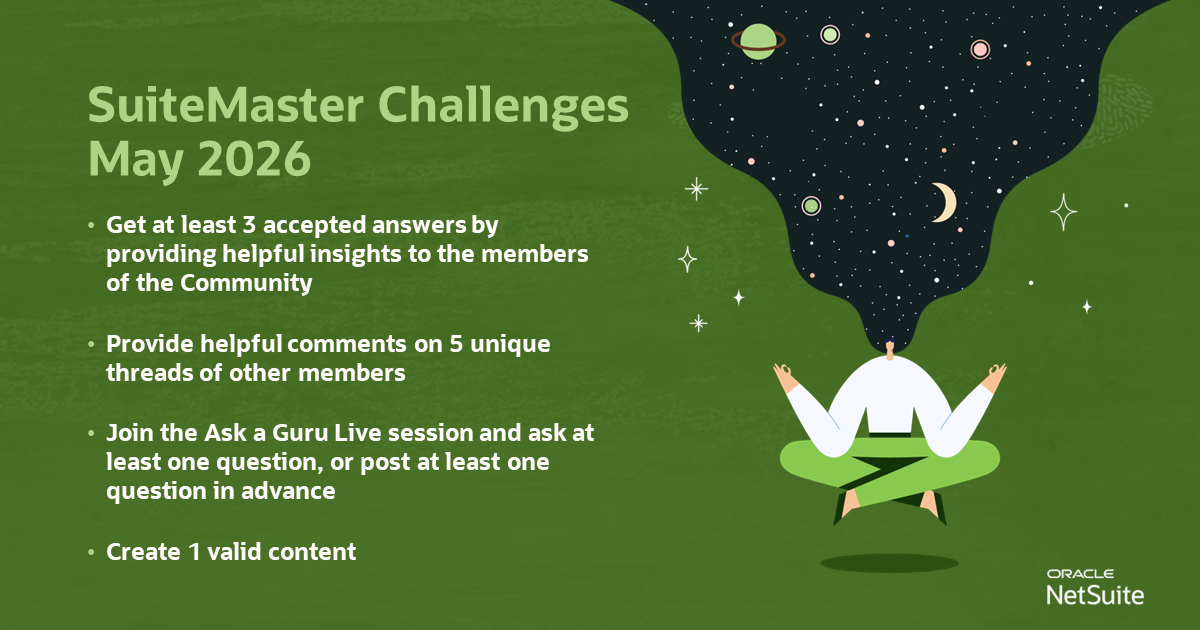
📢 Get ready to take on exciting new challenges and become the next SuiteMaster of the Month!
Conquer this month's challenges to earn fantastic rewards! 🤩
Unlock your potential and join us now!
Get at least 3 accepted answers by providing helpful insights to the members of the Community
Provide helpful comments on 5 unique threads of other members
Join the Ask a Guru Live session and ask at least one question, or post at least one question in advance
Create 1 valid content