Best Of
Re: Workflow to make Line Level Cost Center (Department) Mandatory
Hello @Martha Hakes,
Good day.
Workflows can only access the Item sublist. Since the Department(Line) column is in the Lines sublist, Workflows cannot access this field.
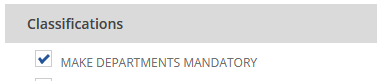
You can make the Department column in the Journal Entry record to be mandatory by enabling the Make Departments Mandatory checkbox in Accounting Preferences.
Kindly follow the steps below:
- Navigate to Setup > Accounting > Accounting Preferences
- Under Classifications, check the Make Departments Mandatory checkbox
- Click Save
Let me know if you have questions. ?

Re: Saved search "sum" is doubling or tripling amounts
Hi @User_6YI1X
Good day! Maybe try to remove some fields on the result which could trigger some repetitions. Try removing the fields 'Item:Description' and 'Item:Vendor Code, then replace the 'Vendor:Name' by 'Mainline Name'. Then check again.
If still have multiple then try to leave just the Document Number, Mainline Name, Item, Amount then check if there will be a problem. Then if no problem, slowly add some results fields and check until all is complete.
Hope this can help. Thanks!
Best regards,
Emil
 Emil T.
Re: Sales Invoice Pending for Approval not showing in Reminders
Hi @Kedalene
Good day! If you are not familiar with the workflows, maybe you are familiar with saved searches? You can create a saved search and tick it as reminder so that you can pull it in the reminders portlet.

Hope it can help. Thanks!
Best regards,
Emil
Emil T.
Re: Accept Customer Payment Zero Bank amount
Hi Kedalene,
Yup. It will be displayed under the related records or history tab of the invoice. It will be under Payments portion. Thanks!
Best regards,
Emil
Emil T.
Re: Accept Customer Payment Zero Bank amount
Hi Kedalene,
I see. With regards to prepayments or prepaid expenses, there are options that we can use if we can have some examples on your concern. And yup, better post another one so that others can easily identify the concern and give feedback. Thank you!
Best regards,
Emil
Emil T.
Re: Can you deactivate a tax nexus?
Hello @User_PVAQ9
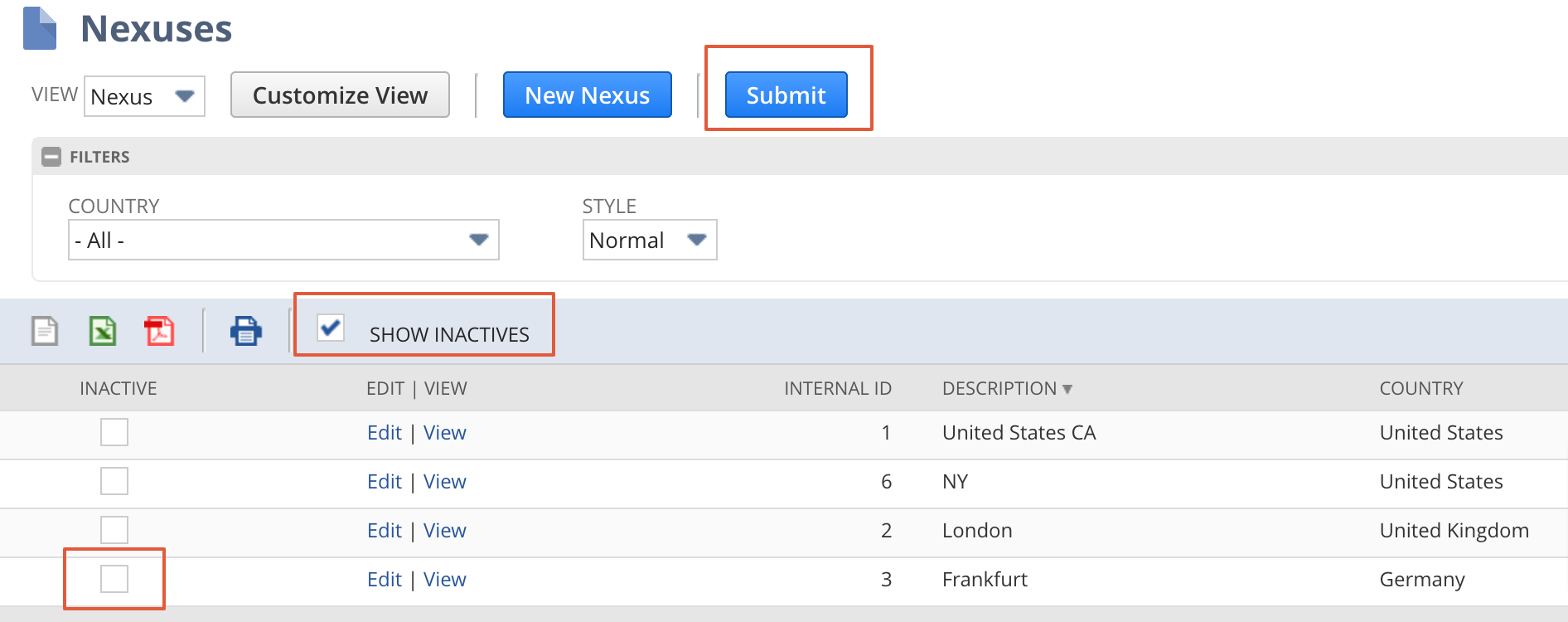
To inactive the nexus, go to Setup - Accounting - Nexus
Click on show inactives check box and select the nexus which you want to inactive and submit.

Re: System Slow since move to OCI
JUST INFORMATION - No action from anyone here. Thanks.
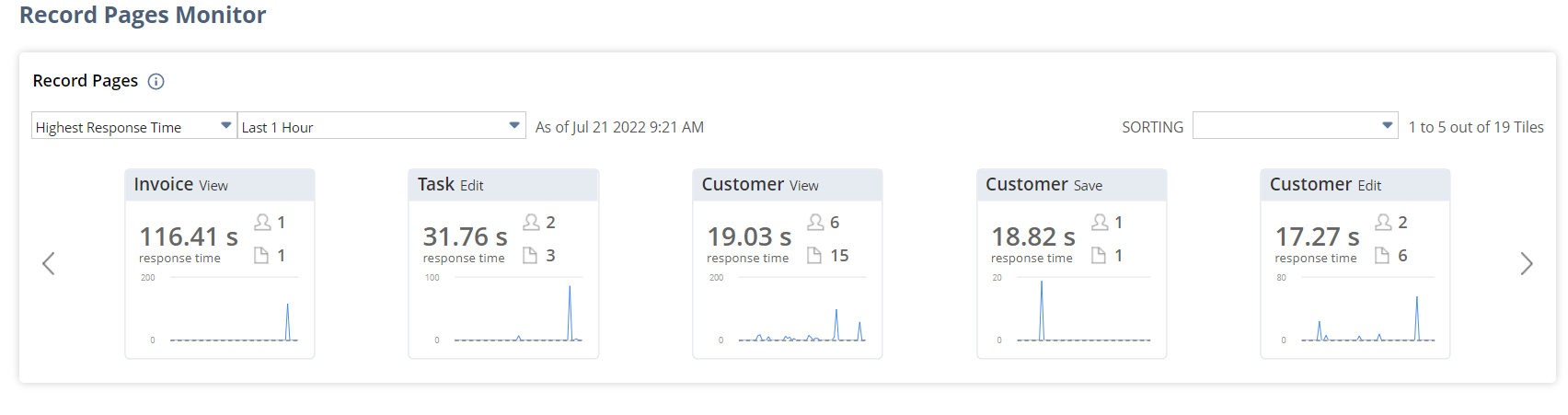
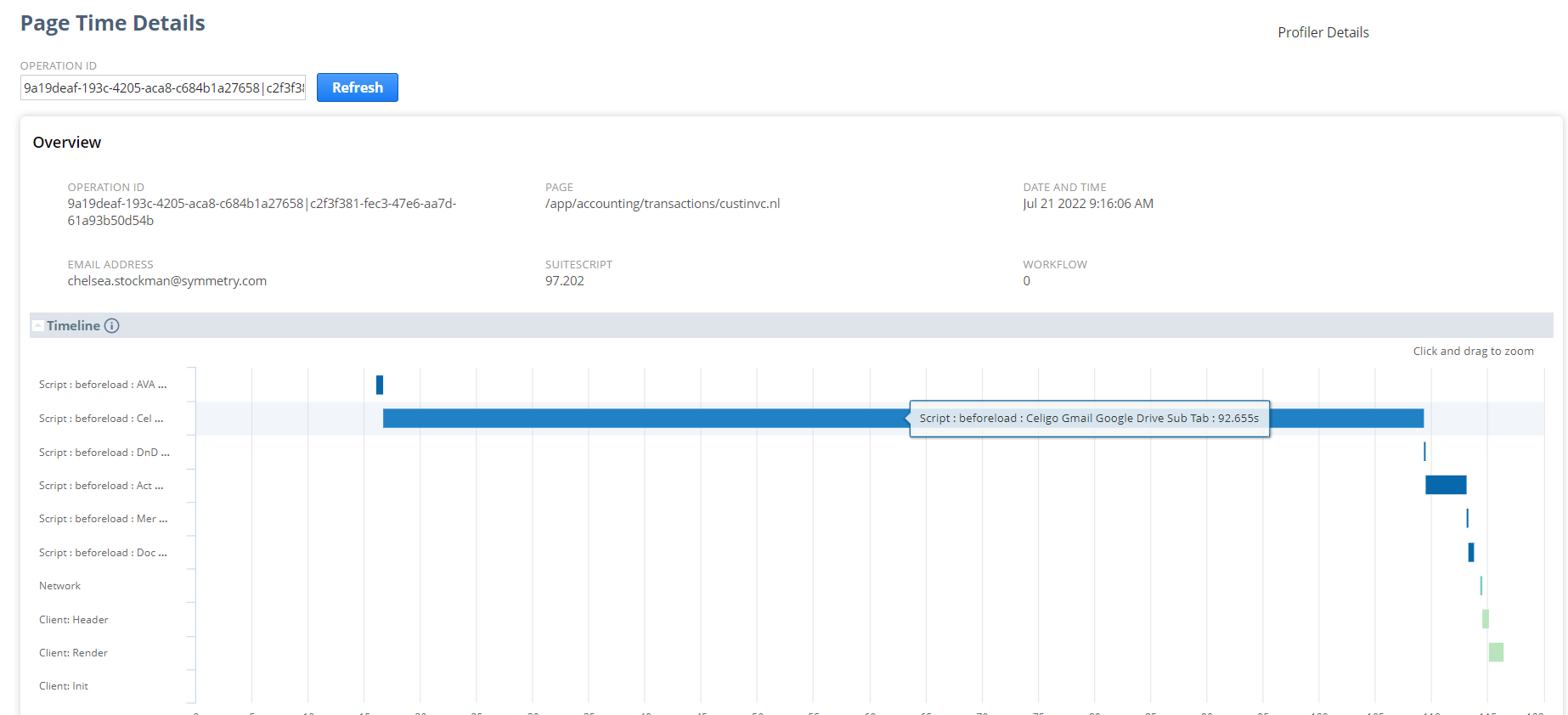
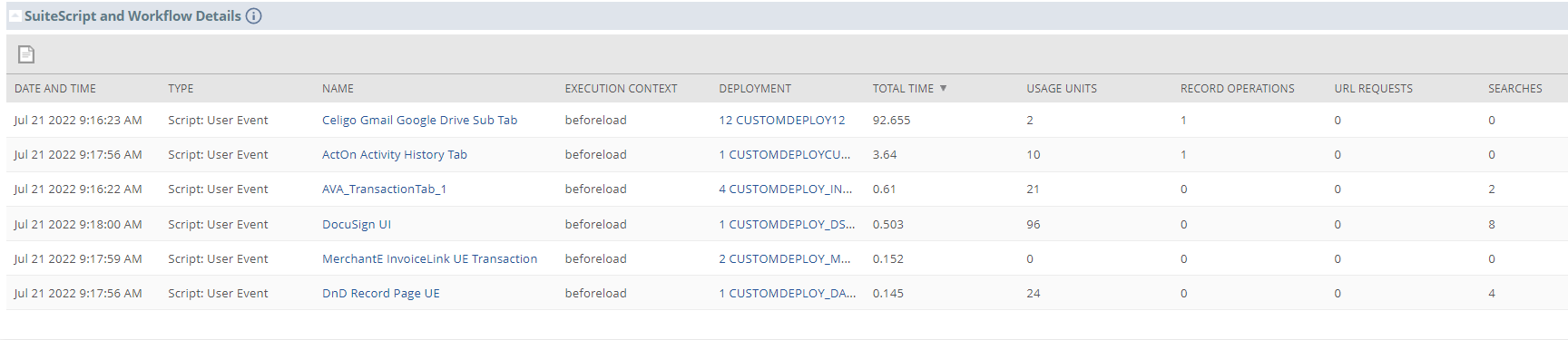
I am still experiencing Latency today related to 3rd party scripts and have updated my existing NetSuite case with today's examples.
 CDuf
CDuf
Re: Export/Download Currency Exchange Rate History
Hello @User_UFOSV,
Currently, the ability to export the data in the Currency Exchange Rate page is a system limitation filed under enhancement 158715 Lists > Accounting > Currency Exchange Rates/Currencies. Ability to export exchange rates and historical exchange rates.
There are two options in generating the data:
Option 1:
Via Currency page:
1.) Navigate to Lists>Accounting>Currencies
2.) On the page, click the Currency Exchange Rate History
3.) In Exchange Rate History page
You can copy the data on this page and paste into an Excel spreadsheet
On the spreadsheet, you can add filters, sort the data, or do any data manipulation to be able to show the desired report
Note: You will need to copy per page on an Excel spreadsheet
Option 2:
You can create a Saved Search
1. Navigate to Lists>Accounting>Currency Exchange Rates>New
2. On the upper left side of the screen right above the page title click on Search
3. Click Create Saved Search
4. On the Criteria tab add the following fields:
• Base Currency = Select a Base Currency for example: USD
• Transaction Currency = Select a Currency for example: GBP
• Effective Date is within (for example 6/01/2022 to 6/30/22)

5. On the Results tab add the following fields:
• Base Currency
• Transaction Currency
• Exchange Rate
• Effective Date
6. Hit Preview or Save and run.
7. Export the saved search.
Note that the results will show the Internal ID of the Currency and not the actual Currency Name.

Apologies for this system limitation. You can vote for this in the SuiteIdeas page.
Re: Deploy Project - Access Denied
Hey @Mikko De La Fuente-Oracle - after some experimentation, I figured out that if I changed deploy.xml to just deploy objects, the deploy succeeded.
I then realised that I don't have a 'Web Site Hosting Files' folder in my development account. When I just deploy my SuiteScripts folder, deployment succeeds.
So the 'access denied' seems to relate to the non-existent (or at least not currently visible to me) web site hosting files folder.
Thanks for you help!
 PhilMc
Re: AskAGuruLive with Jack about Customizations and Workflows (July 20, 2022)
How are you doing @User_VAYT1?
Glad that you asked that question.
Looping in an Approval Workflow is usually caused by having Exit States where the workflow restarts once it has reached any of them. See one of my answers in the following thread to fix the issue:
-Jack
