Best Of
Re: How to remove deployed scripts in the Center Menu?
Hello @Ken Davies,
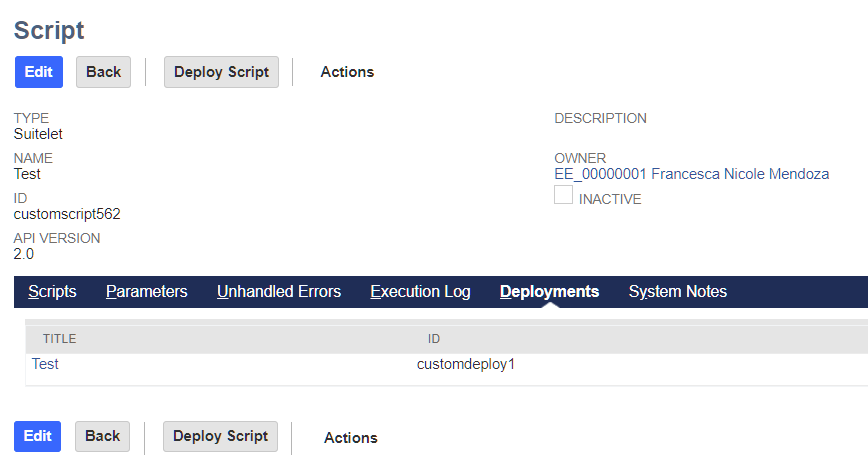
You can delete it by editing the Script Deployment Record you created.
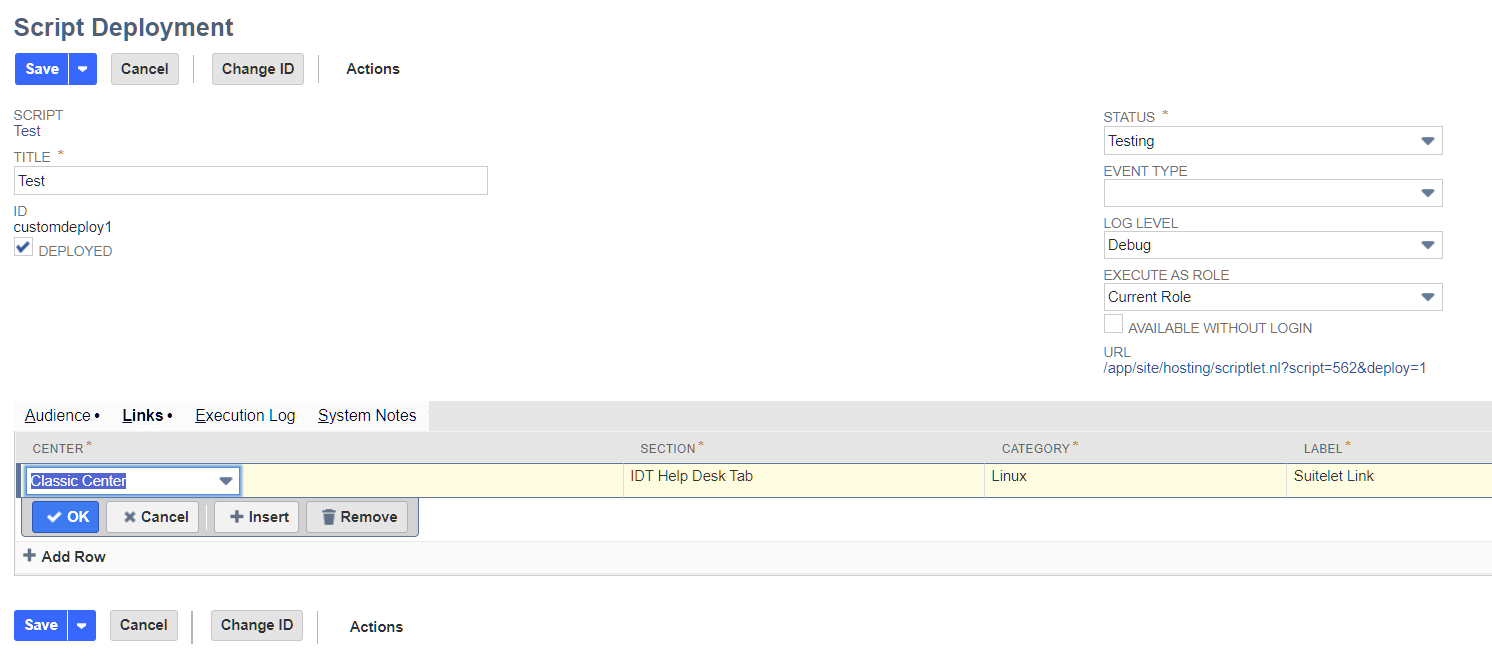
You can access the script deployment record via the script record. It can be found in the Deployments tab.
I hope this helps!
If you find this reply to your question useful, others might as well. By clicking the “Yes” button for “Did this answer the question?” below, you’ll be able to help the community members who might have a similar concern find the answer easier and you will also get closer to earning your next Answer Accepter badge.

Re: Script not Triggering - UserEventScript AfterSubmit to create new record.
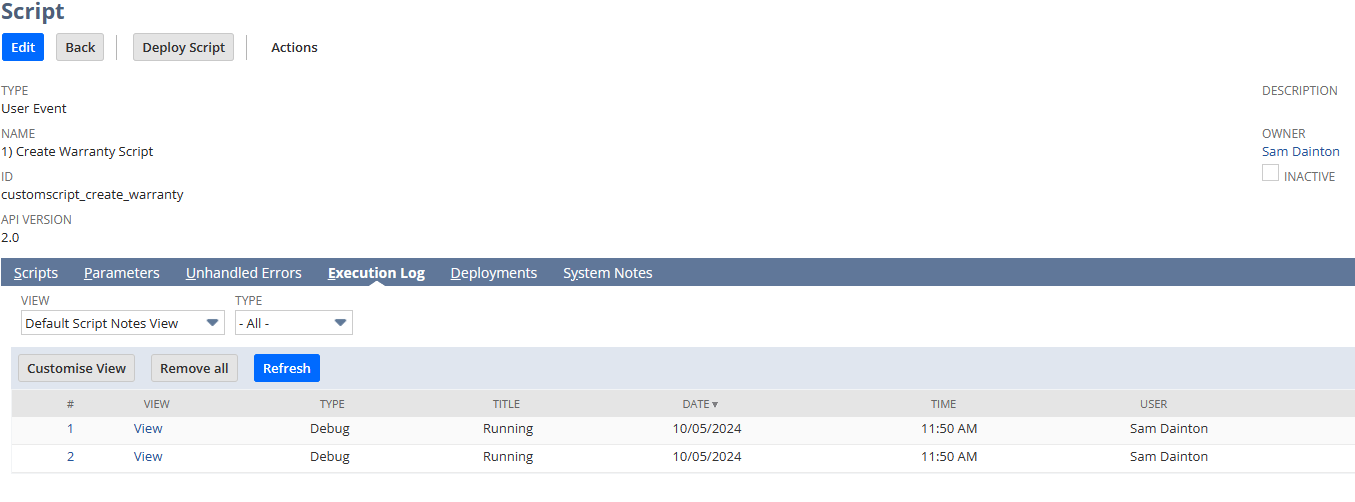
Nevermind. A simple log tells me it's running.
I was just expecting something to go wrong. Apparently nothing is wrong but nothing is being created. Will continue~
 Dext3r
Re: How to remove deployed scripts in the Center Menu?
@Nicole Mendoza-Oracle - YES! Thank you so much! I did an extensive search in Oracle Help and on the internet and could find NOTHING, but you have solved it! Bless you! 😀

Re: NSC | Other Sublist Fields Center Link Missing
Still an ongoing issue to date. Thank you for this! Glad I found it.
Dext3r
Re: My Workflow set field value is not working?
HI Jervin,
workflow started working now. dont know what happen. thank you
 Meherin
Re: In a Saved Search can I filter Purchase Orders that have a Vendor Return Authorization
Hey @Dustin S,
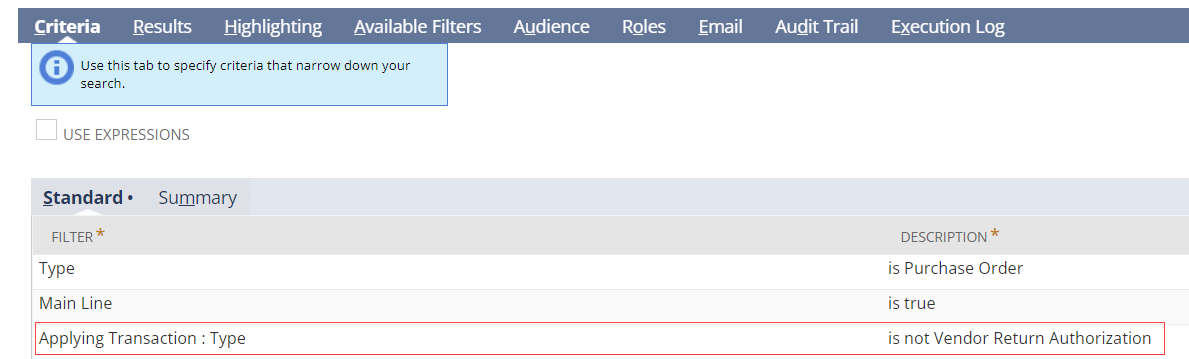
Vendor Return Authorizations are linked to Purchase Orders via the "Applying Transaction" join. If you enter this criteria, the POs with Vendor Return Authorizations will be excluded:

NSC | Other Sublist Fields Center Link Missing

There is an existing Defect/Issue that has been field for the missing Other Sublist Field, which is is a standard Netsuite Center Link. Without this center link, the customer is unable to create and edit Other Sublist Fields.
An Alternative Solution has been created for this. The Other Sublist Fields can be accessed by changing the URL Link on Transaction Body Fields page. Another solution is by saving the Enable Features page.
Change URL Link
1. Navigate to Customization > Lists, Records, & Fields > Transaction Body Fields
2. Address Bar: Change bodycustfields to othersublistfields

Note: change the xxxxxxxxx to your account
3. Press Enter
Add on the Navigational Path
1. Navigate to Setup > Company > Enable Features
2. Click Save
Log out and Log back in to NetSuite
Feel free to share us about your thoughts and tips 😊

Re: Where is the customization for this field from the Warranty and Repairs SuiteApp?
Hello Dext3r,
As per checking, we were able to verify that the Reference Serial/Lot No. field only accepts hyphens and alphanumeric characters. And "/" character in the Warranty Registration Reference Serial/Lot No. field is a current limitation.
Also, I haven't found an existing Enhancement Request about this, so feel free to submit one. You can do so by either submitting a case to NetSuite Customer Support or via SuiteIdeas.
Refer to these SuiteAnswers Articles for the steps on SuiteIdeas:
30288: Steps to Navigate to SuiteIdeas
10054: Voting for Enhancements > To enter a new idea
We apologize for the inconvenience and appreciate your understanding of this limitation.
-Lyka
