Best Of
Track Customer Deposit Balances
I implemented the solution from the following SuiteAnswer, but I’m seeing cases where the Amount Deposited is incorrect. It’s showing the full Sales Order amount even though no deposits have been applied. Do you have any idea what could be causing this issue?
https://suiteanswers.custhelp.com/app/answers/detail/a_id/94461/loc/en_US
 A_123
A_123
Re: Saved search "sum" is doubling or tripling amounts
Hello @User_6YI1X,
Hope you are well. ?
Upon further testing, we noted that the Vendor: Country on the Criteria is the one causing the issue. Joining a field having one-to-many or many-to-many relationship can lead to multiplication of results. Using joining fields on the Criteria is not usable in summarized search, or when you'll use Sum as Summary Type.
For workaround, you can remove the said Criteria filter or export the Saved Search in Excel and make summary report there. Thank you for your understanding on this one. ?♀️

Re: Sale Order doesn't general sales tax
- NetSuite calculates sales tax based on the Ship To address. If this specific order is shipping to a state, province, or country where your company does not have a registered Tax Nexus, NetSuite will default the tax to $0.
- Even if the customer is set to "Taxable", if the specific items on this Sales Order are marked as non-taxable, no tax will calculate.
- Check the individual line items have the wrong tax code applied

Re: P&L Consolidation with Subsidiary and Location-wise Breakup
Hi @User_9VVSQ,
Yes, this can be handled using standard NetSuite functionality.
You can achieve the required view by:
- Selecting the required Subsidiary in the Subsidiary Context (for consolidated view)
- Adding Location in the Footer Column filter
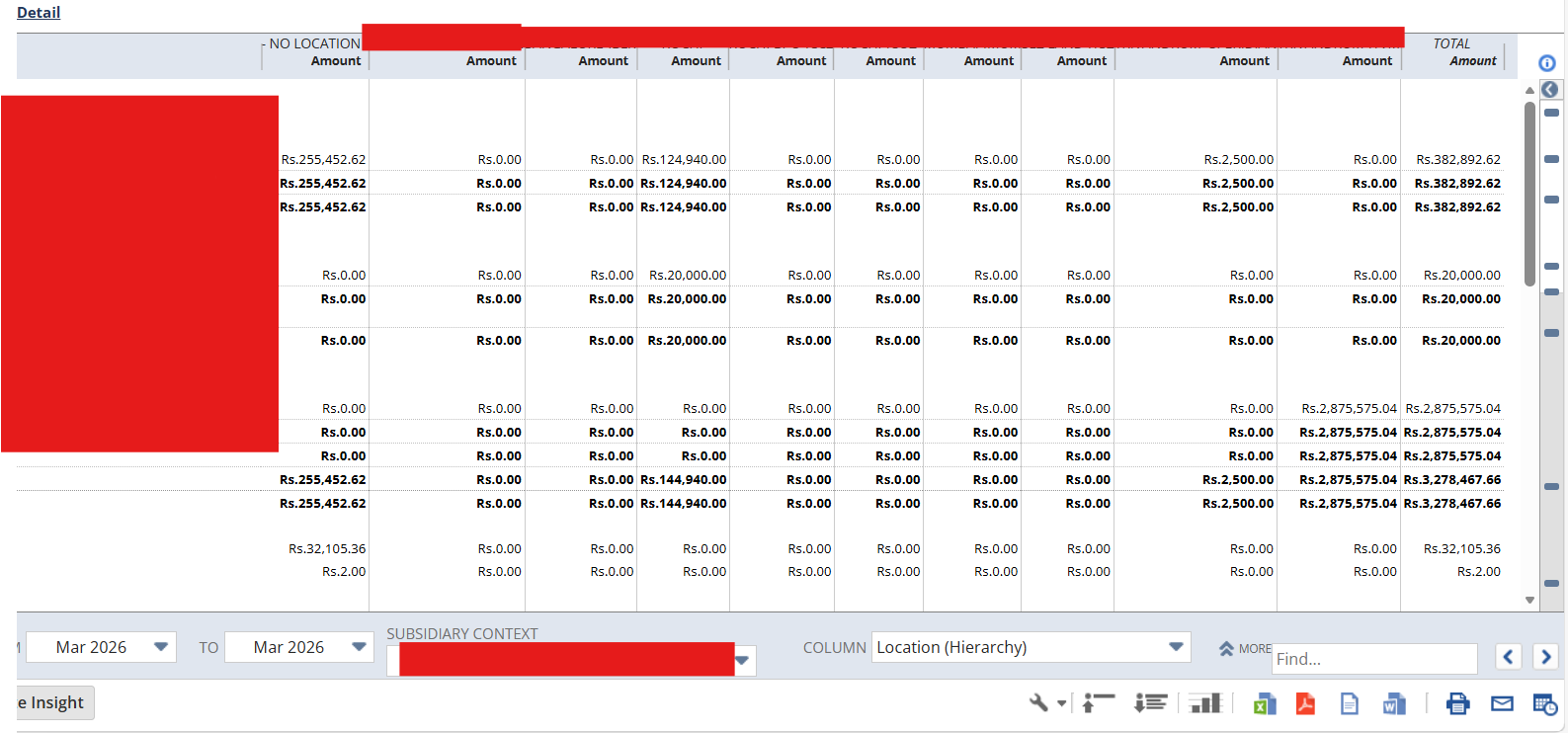
This allows you to view the P&L values both subsidiary-wise and location-wise in the same report.

Re: Unexpected behavior on findSublistLineWithValue()
I ended up figuring out that the internal id for the location value I was using has to be a string value, not a number, but only for the WFA script. In the console/client side, it could be a number and still work.
I still find it odd that it behaves differently based on execution method…

Re: SuiteScript: How to access Related Records from a Transaction
Hello @maffooclock,
Good day.
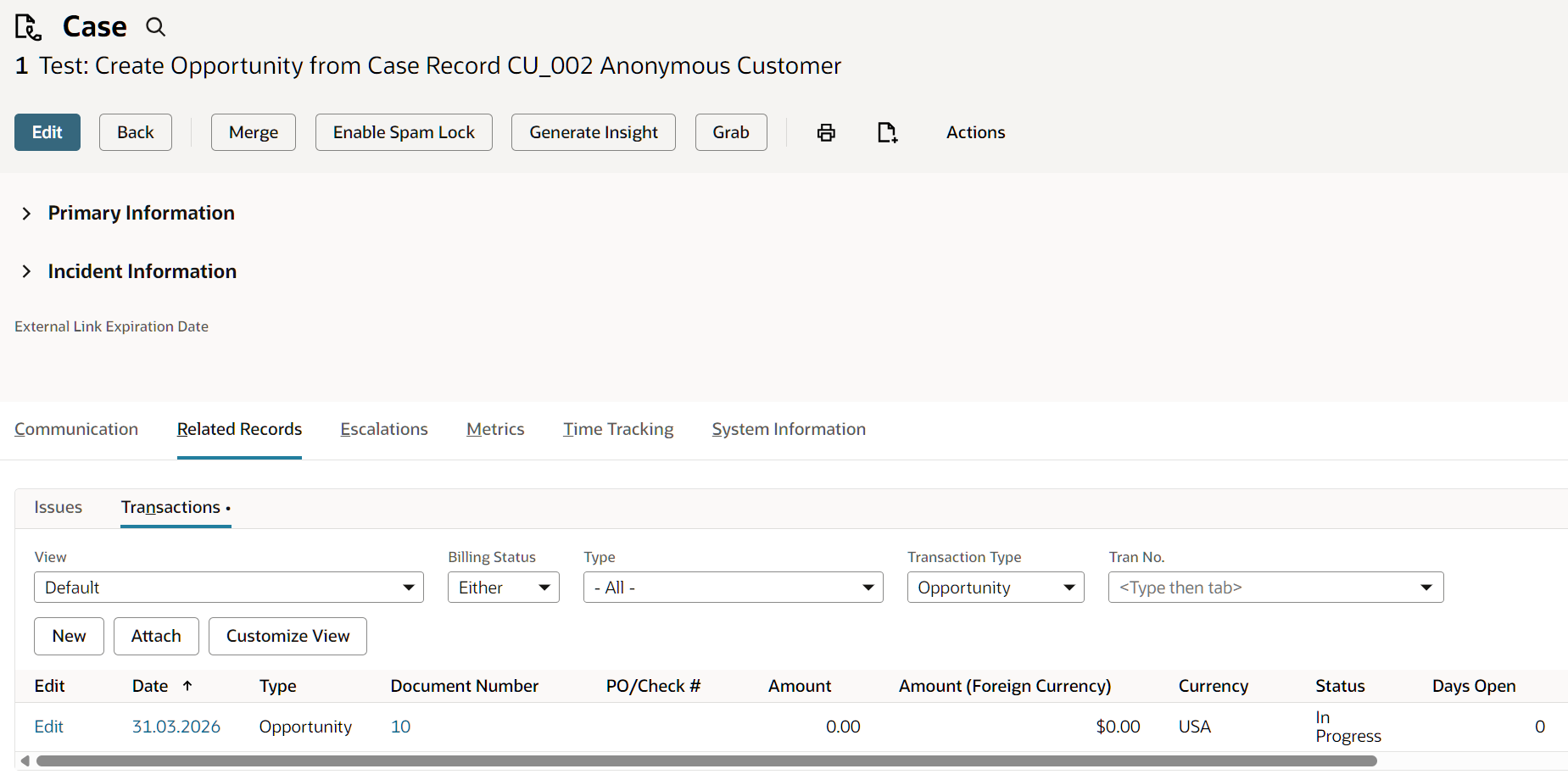
- Created From field is not available in the Opportunity Record.
- A 'cases' sublist does not exist in the Opportunity Record as of SuiteScript version 2025.2.
- You can access the Related Transactions for Opportunity records using N/search module to search for cases related to the transaction record. Here's a sample code that you can use as a reference:
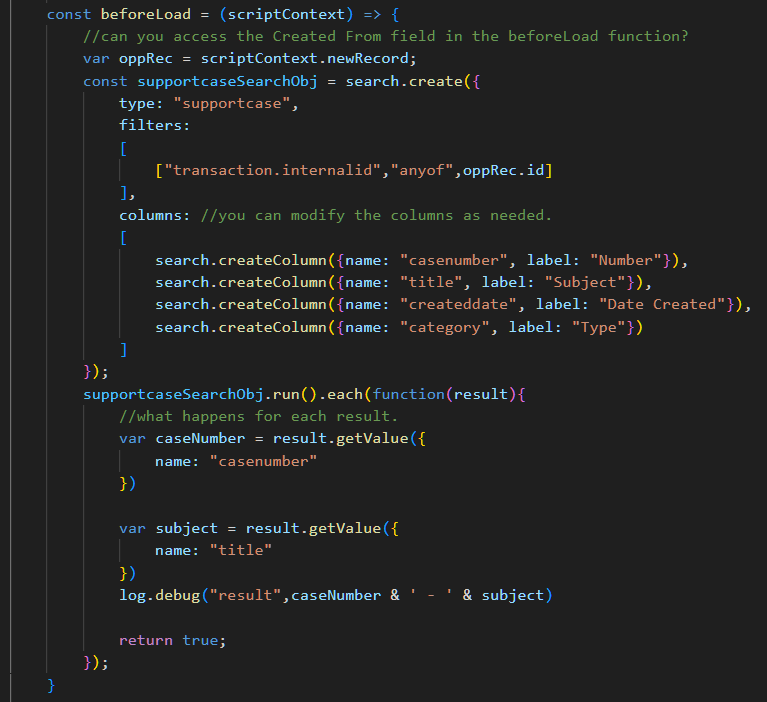

I hope this helps!

Re: A role to see everything
Hi @User_NQL2C
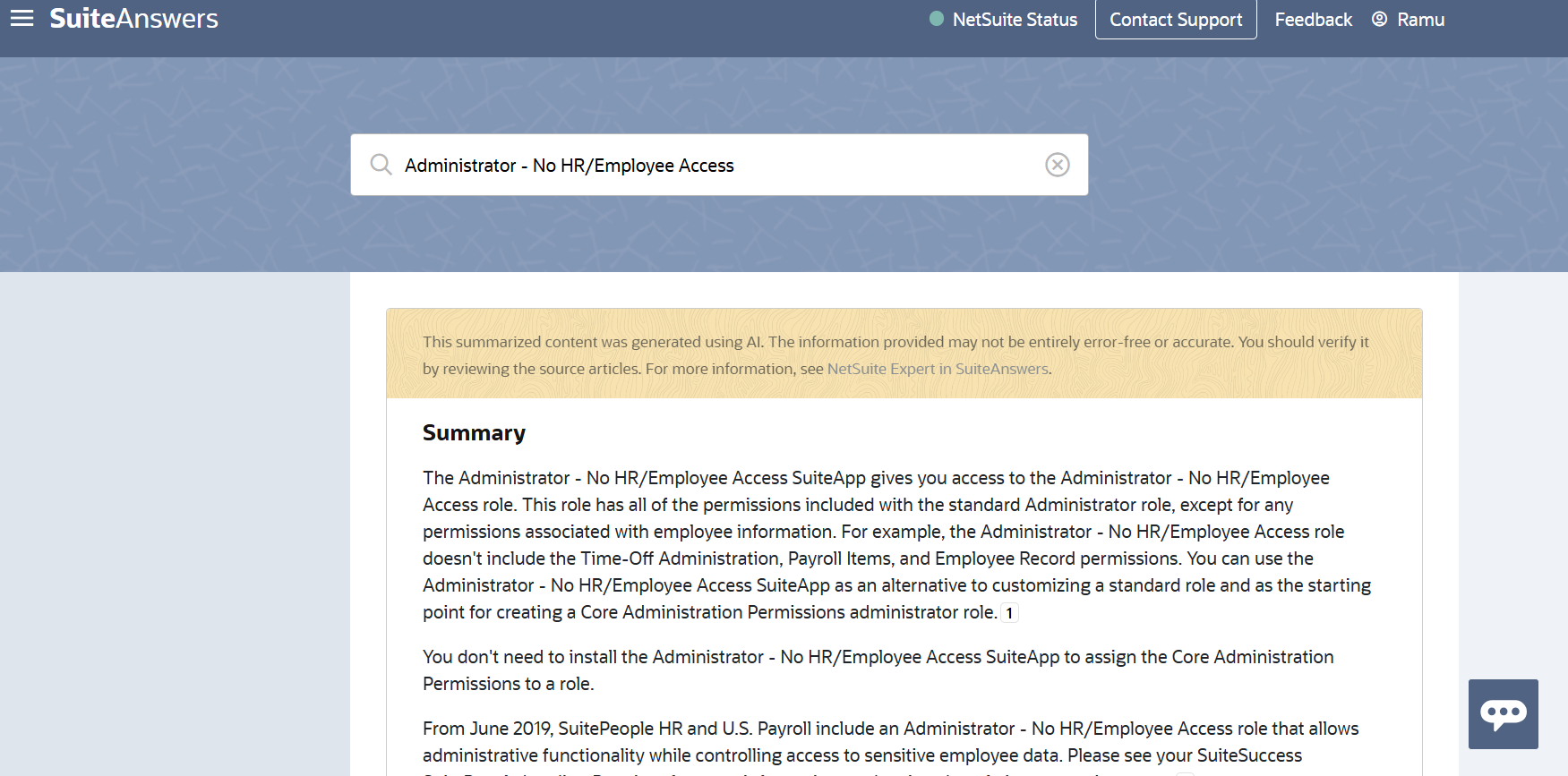
NetSuite has created a specific SuiteApp/Bundle to solve this problem. It installs a custom role that mirrors the Administrator's breadth of access but downgrades all permission levels to View. This allows your consultant to see how features, accounting preferences, and workflows are configured without the ability to change them.
- Log in to NetSuite using your Administrator role.
- Go to Customization > SuiteBundler > Search & Install Bundles
- In the Keywords box, search for Admin View or enter the Bundle ID 387772 (officially named the "Administrator - No HR/Employee Access Role" bundle)
- Click on the bundle and select Install.
- Once installed, go to the consultant's Employee record, navigate to the Access tab, and assign them this newly installed custom role.
Re: How to create a suitelet script record and script deployment definition in Visual Studio Code
I suggest you add SDF in your Visual Studio Code and import an object script to see and example. For example:
Use the below command and get an object (script) to see
suitecloud object:import -i
Re: Assembly Build Stock Warning Issue
Hi @Trixie Amora-Oracle ,
Thank you for sharing the Info. However, this is not our case.
We have investigated and found that the warning is triggered due to a workflow that automatically sets the Location field on the Assembly Build form. Because this location is populated after the form loads, NetSuite does not re-run its internal component availability check. As a result, the system temporarily assumes insufficient stock and displays the warning, even though enough components are available. So that it still proceeds and completes the build successfully.
Recommended Solutions
- Remove the location auto-population workflow
- Allow users to select the location manually
- Change location to any other available location and then change it back to the appropriate location
- Use the normal navigation route of Transactions--->manufacturing--->Build Assemblies to avoid this error pop up.

Re: Outsource Manufacturing
Hello, as checked internally, this is possibly a system limitation related to an existing enhancement: 287759 Reallocate Items Page > Special Work Order Items > Commit Column Greyed Out
In the past, we have filed defects for outsourced manufacturing cases for customers being unable to commit sub-assembly items with work order created from another location then transferred to the Top Assembly Work Order Location. Example: Defect#643096 Special Order items receiving and transferring > Not committing to Work Order/Sales Order after being received
However this was closed and confirmed as currently a system limitation related to Enhancement:287759
If this is the same scenario as the one you are describing, you can vote in the SuiteIdeas page for it to be considered in the roadmap for future releases. (SA 10054)