Best Of
Re: Intercompany Sales Order Error: Item XXX is not available in XXX subsidiary
It sounds like you are using Arms Length inventory transfers (paired sales order/purchase orders).
If it is a non inventory for purchase, or service item for purchase, these can't be used on intercompany transfers. See SuiteAnswer 60846:
Scenario
This error is normally encountered when the item used on the intercompany purchase order is a Non-Inventory Item or Service Item For Purchase.
Note that this item is only available for Purchase Orders and will NOT be available for use on Sales Orders. Thus, the error.
Solution
To avoid the error, use Service Item or Non-Inventory Item Type For Resale.
~angela

Re: I am having an issue to run a report to show the reorder quantity which include the following field
because To order field doesn't match with reorder qty. To order doesn't take in consideration the items sold during the lead time period
Re: How to get vendor saved search from Netsuite to PHP toolkit
Hi Richard,
If we pull one individual vendor master then we are getting all tax numbers, this resolves our issues.
Thanks for your interest in providing answer
Re: Message will not print on invoice?
No worries. We are all learning.
The "message" entered under the communication tab will appear as an email message when you select "To Be Emailed", and will not be printed on the invoice unless the associated advanced PDF/HTML form calls out this field. The "To be printed" box is mainly for bulk processing.
If you want the message to appear in the invoice, I suggest that you add the message as a line item.
Hope the above helps.
 MTL_MIA
Re: How to disable/hide Locked transaction forms
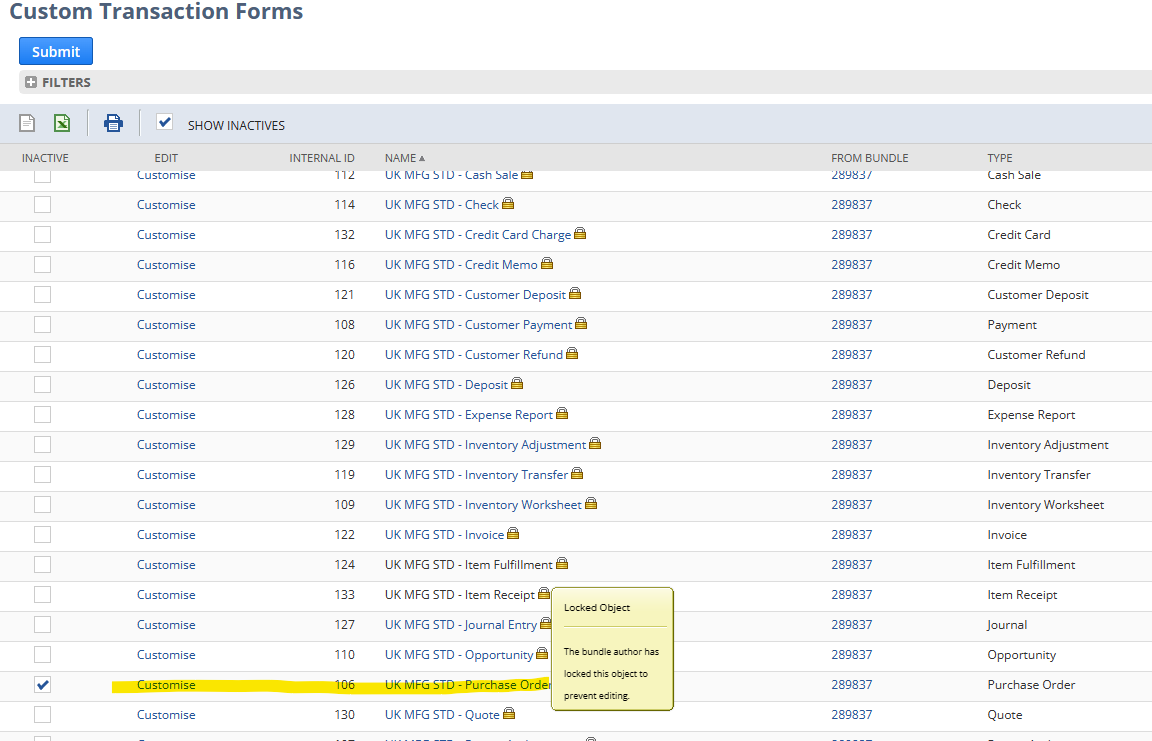
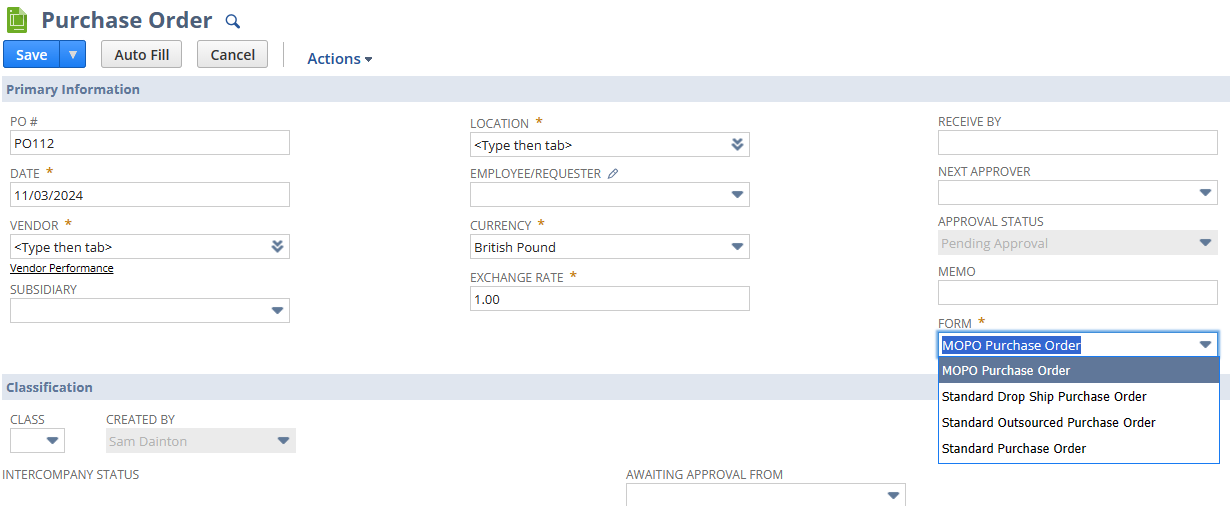
Sorry, I'm not sure what else to suggest as this still works for me the same way with locked forms.
 Dext3r
Re: How to disable/hide Locked transaction forms
What page are you looking at this from?
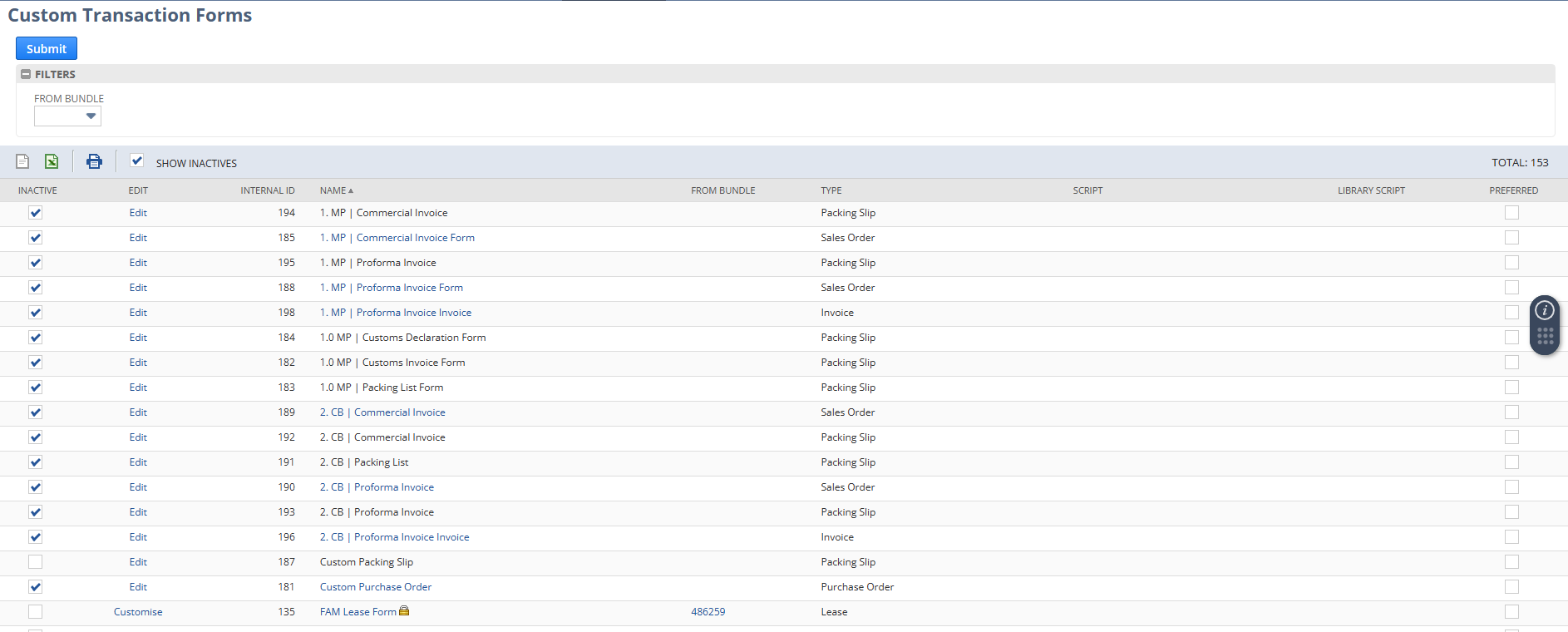
For me, a very simple way to do this is to go to Customization>Forms>Transaction Forms and simply click the inactive box. Hope that works for you.
 Dext3r
Re: Giving Customer access to Customer form
Greetings, everyone! We have a fellow member, @Meherin , who could use our assistance. Please don't hesitate to share your knowledge and best practices to help them out. Your input is highly valued and appreciated!
--
In case you know someone who is new to NetSuite, we encourage you to direct them to our newly launched "New to NetSuite" page. This page is specifically designed to offer them information and guidance and help them make the most out of their NetSuite journey. Click here for more details.

Re: Can we edit the Ownership Transfer form?
Hi @User_CXH6W,
My apologies for the late revert. Upon further checking, customizing the form of Ownership Transfers is still a limitation of NetSuite.
To our other members, feel free to share your ideas and suggestions on this. 😊
We appreciate your understanding on this current system limitation.

Re: Best way to hide old transaction in match bank data page
Thanks a lot for the solution and recommendation.
 J.Wang1
Re: Best way to hide old transaction in match bank data page
I would recommend that you take an actual bank statement from the month BEFORE you want to begin the reconciliations. Using that statement, enter your ending bank balance with the date, and clear EVERYTHING except uncleared checks for that account. This will clean up the 'historical' data and clear it out of your way to begin matching the bank data with a clean set of transactions, and you'll be ready to go.
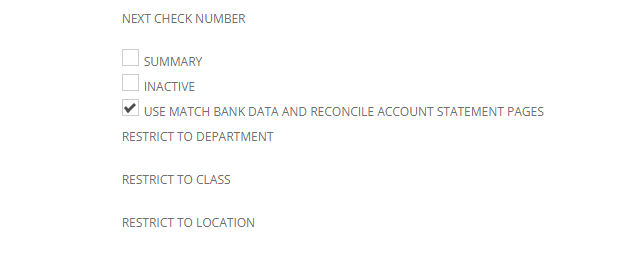
(If it were me, I would uncheck the USE MATCH BANK DATA AND RECONCILE ACCOUNT STATEMENT PAGES - then navigate to transactions, bank, reconcile bank statement. While this process is deprecated, it allows you to clear the transactions MUCH FASTER! Once it's reconciled with ending date & balance, and you can go back into the account and check the USE MATCH BANK DATA AND RECONCILE ACCOUNT STATEMENT PAGES box again. I've done this hundreds of times for go lives (clearing historical balance entries, and using the old bank reconciliation page works cleaner and with less effort than matching the transactions.)
Good Luck!
~angela