Best Of
NetSuite Admin Tip | Empower NetSuite Users
As NetSuite Admins, we're often tasked with resetting employee passwords, 2FA codes, changing security questions, and the like, to ensure team members can log into NetSuite. Encouraging our NetSuite users to take ownership of these changes teaches them to control their login activities and problem-solve on their own before reaching out for their resident Admins for help.
All from within the General Settings portlet on their dashboard, a User can make these changes on their own before they lose access. Sending the below set of friendly reminders to employees encourages them to make these changes proactively and get more familiar with the general settings portlet. These tips can also be posted on your company's intranet, internal company FAQs, or an internal Slack/Teams Channel dedicated to NS Support.
- Do you know where your NetSuite Backup Codes are?
- Ten Backup Codes are provided to you the first time you successfully log into NetSuite. These codes should be stored in a secure location and ensure you can still log into NetSuite should you lose access to your 2FA Code (like if you get a new phone!). If you're not sure where these are or don't think you've ever stored them, take the time to do so now:
- Log into NetSuite
- Scroll down to the General Settings portlet on your NS Dashboard
- Select Generate 2FA Backup Codes
- Follow the prompts to save these 10 codes in a secure location that you can access should you get logged out of NetSuite
- Ten Backup Codes are provided to you the first time you successfully log into NetSuite. These codes should be stored in a secure location and ensure you can still log into NetSuite should you lose access to your 2FA Code (like if you get a new phone!). If you're not sure where these are or don't think you've ever stored them, take the time to do so now:
- Did it take a few guesses before you used the correct NetSuite Password when you logged in last?
- Now's the time to reset your Password to something you'll remember before you lock yourself out guessing incorrectly.
- Log into NetSuite
- Scroll down to the General Settings portlet on your NS Dashboard
- Select Change Password
- Follow the prompts to set a new NetSuite password
- Now's the time to reset your Password to something you'll remember before you lock yourself out guessing incorrectly.
- Do you know the answer to your three NetSuite Security Questions?
- If the answer is no, now's the time to update your Security Questions before you get locked out of NetSuite guessing incorrectly.
- Log into NetSuite
- Scroll down to the General Settings portlet on your NS Dashboard
- Select Update Security Questions
- Note: You'll need your password to change your security questions so make sure you know it!
- Select your preferred security questions along with answers you'll remember should you ever be prompted to provide them upon logging into NetSuite
- If the answer is no, now's the time to update your Security Questions before you get locked out of NetSuite guessing incorrectly.
- Did you lose NetSuite 2FA on your phone or computer?
- If you've switched phones, computers, or authenticator apps you'll need to re-establish your NetSuite 2FA Codes.
- Log into NetSuite
- Note: You'll need your Backup Codes to login so make sure you've stored them in a secure location
- Scroll down to the General Settings portlet on your NS Dashboard
- Select Reset 2FA Settings
- Follow the prompts to reset 2FA access on your phone/computer authenticator app
- Log into NetSuite
- If you've switched phones, computers, or authenticator apps you'll need to re-establish your NetSuite 2FA Codes.
At the same time you can also remind users that they have access to SuiteAnswers and the NetSuite Support Community. Both are free, accessible resources they can use to help troubleshoot common issues.

SuiteMaster May 2025 Challenges
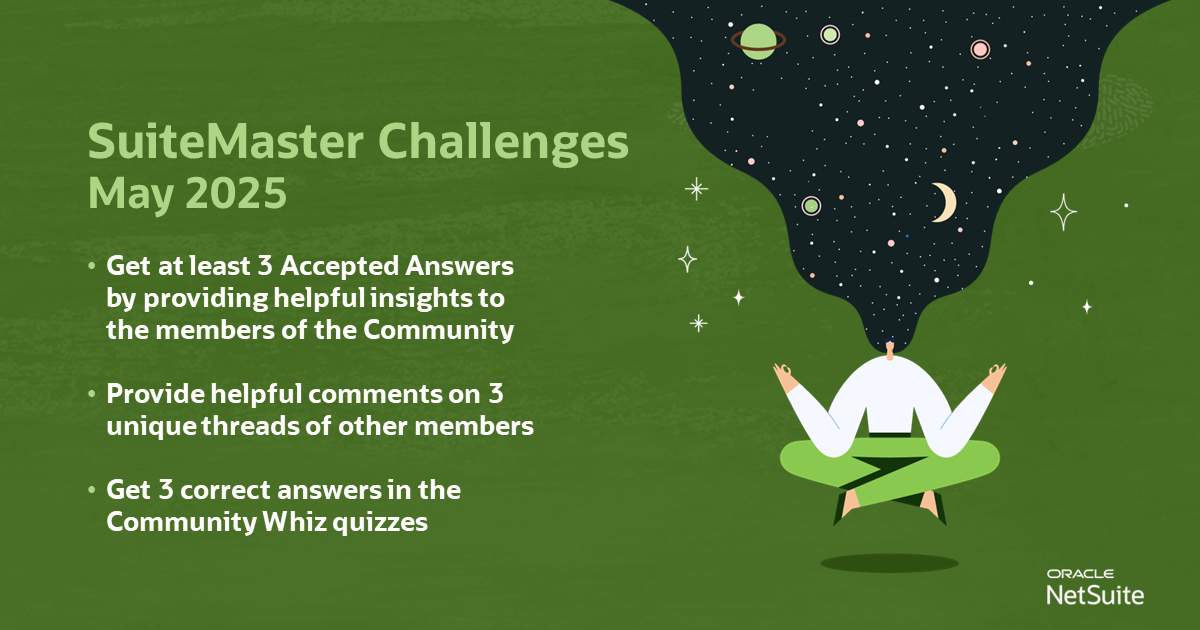
📢 Get ready to take on exciting new challenges and become the next SuiteMaster of the Month!
Conquer this month's challenges to earn fantastic rewards! 🤩
Unlock your potential and join us now!
Get at least 3 Accepted Answer by providing helpful insights to the members of the Community
Provide helpful comments on 3 unique threads of other members

Re: Microsoft Entra SSO for Webstore, "Not Intended Audience."
Hi @memerson
I've noticed that you mentioned "providing the correct audience of http://www.netsuite.com/sp/" having a slash (/) at the end of the URL instead of http://www.netsuite.com/sp which is what is shown in the screenshot in my last comment. Not entirely sure if that could have an impact to the error you are encountering.

TOP CONTRIBUTOR FOR APRIL 2024!

Please join us in extending our congratulations to @Angela Bayliss for achieving the title of Top Contributor for April 2024!
Throughout the month, Angela actively engaged in 87 discussions, provided 21 accepted answers, and garnered 10 Agrees, 10 Awesomes, 28 Insightfuls, and 28 Likes.
We truly value your enthusiastic participation in our Community, and we eagerly anticipate witnessing more of your exceptional contributions in the days ahead.
Interested in becoming our next Top Contributor? Click the link for more information.

SuiteMaster for the Month March 2024!
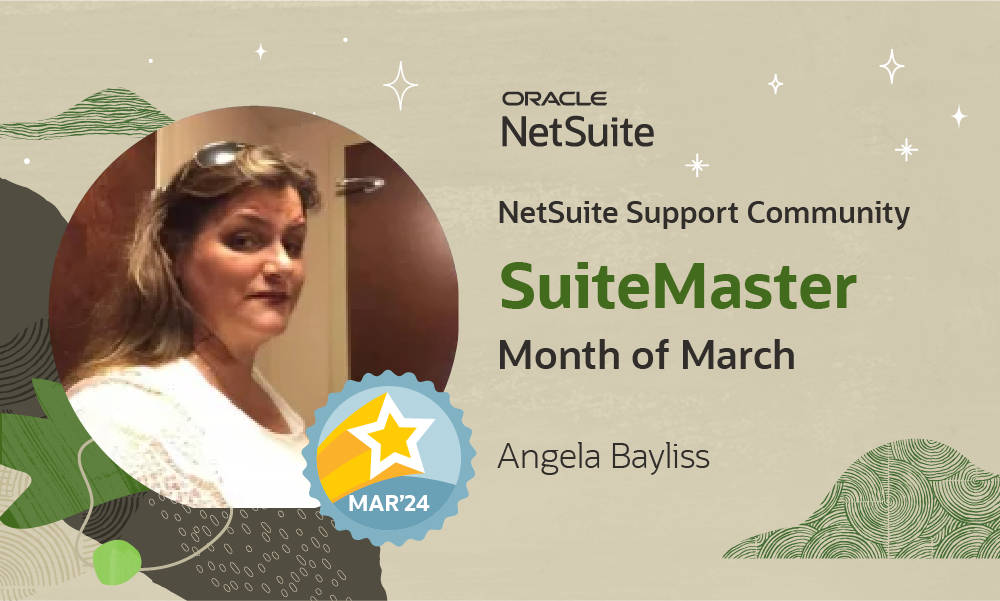
A round of applause for @Angela Bayliss, our SuiteMaster of the Month for March 2024. You have paved your way to complete the challenges and have set a new standard of greatness in the community! 🎉
Check out your new badge and special rank added to your profile!
Wanna learn more about our new SuiteMaster program? Click this link and start your new adventure to greatness. 💪

New Corner Page - New to NetSuite!
Welcome to our brand new corner, "New to NetSuite!"
New to NetSuite is designed to provide customers who are new to NetSuite with all the information you need to make the most of your NetSuite journey. We understand that learning something new can sometimes be overwhelming, but don't worry, we've got you covered! Our articles are written with you in mind and are easy to follow and understand. Whether you're looking for troubleshooting tips, step-by-step guides, or general information about NetSuite, New to NetSuite has everything you need.
So take a look around and don't hesitate to reach out to our team if you have questions or feedback. We're here to help you succeed. We will continue to update this corner with new contents every week so make sure to follow and set your notification preferences, link.
You can find the New to NetSuite in our main menu. Please see the provided GIF for a visual representation.

Re: How to resolve the NS Connector Error upon Shopify Gift card redeemed NetSuite?
Hi Richard,
Thanks for your response!
I manually entered this order into NetSuite. Is that what you meant?

Best,
Chloe.
